

Figuring out which indoor camera is best really comes down to what you need it for. If you're all-in on a smart home, the Google Nest Cam (Wired) is a natural fit. For anyone who prioritizes privacy and hates monthly fees, the Eufy Solo IndoorCam C24 with its local storage is the way to go. And if you just want a great, reliable camera without spending a lot, the Wyze Cam Pan v3 is tough to beat. Each one is a fantastic piece of tech, but they're built for different people.
Finding the Right Indoor Security Camera for Your Home
Choosing an indoor camera isn't just about picking a popular brand. It’s about deciding how you want to keep an eye on your space, how you'll protect your privacy, and how it will all connect with the other smart devices you own. A good camera gives you more than a video stream—it delivers genuine peace of mind with smart, reliable performance.
You’re not alone in looking for one. The market for these devices is growing fast, valued at USD 3.5 billion in 2024 and expected to hit USD 10.35 billion by 2033. Indoor models actually account for nearly 40% of all smart cameras sold. You can see the complete market analysis at MarketSizeandTrends.com if you're curious about the numbers.
Start With Your "Why"
Before you get lost in tech specs and resolutions, ask yourself one simple question: What is the main reason I need this camera? Are you a dog owner who wants to see what your pup is up to? A new parent who needs a reliable baby monitor? Or are you building a connected smart home where security is just one piece of the puzzle?
Knowing your primary goal from the start makes everything else easier.
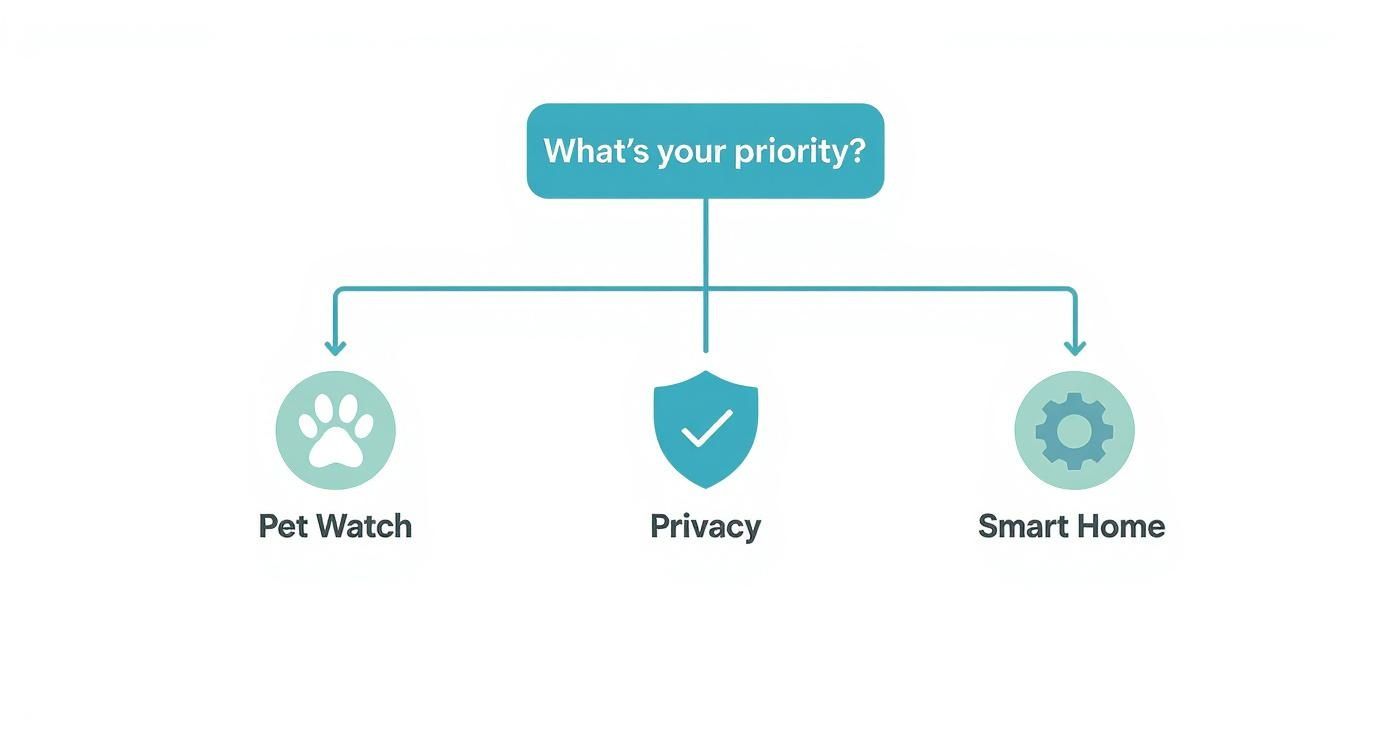
As you can see, different priorities point to completely different features. Someone focused on pet watching needs great two-way audio and maybe pan-and-tilt functions, while a privacy-conscious user will look for local storage options above all else.
Key Takeaway: There's no single "best" camera for everyone. A perfect pet cam might be a poor choice for someone who needs deep smart home integrations. Your "why" is your compass.
An indoor camera is often just one part of your home’s security. To see how it fits into a bigger picture, check out our guide on complete smart home security systems.
Our Top Indoor Security Camera Picks
To give you a head start, we've put together a quick summary of our top picks. This table highlights which camera shines in which scenario, making it easier to find the right match for your home.
| Category | Top Pick | Standout Feature | Ideal For |
|---|---|---|---|
| Best Overall | Google Nest Cam (Wired) | Superior AI & smart home integration | Users in the Google or Alexa ecosystems |
| Best for Privacy | Eufy Solo IndoorCam C24 | Subscription-free local storage (microSD) | Anyone wanting to avoid monthly fees |
| Best Budget Option | Wyze Cam Pan v3 | 360° pan-and-tilt with color night vision | Covering large rooms on a tight budget |
| Best for Pet Owners | TP-Link Tapo C210 | Responsive pan/tilt controls and crisp audio | Interacting with pets remotely |
Each of these cameras excels in its category, offering a specific blend of features, performance, and value that we found compelling during our hands-on testing.
Decoding the Features That Actually Matter
When you start shopping for an indoor security camera, it’s easy to get buried in a mountain of technical jargon and marketing hype. To make a smart choice, you need to cut through the noise and focus on the specs that genuinely affect performance. These are the core features that make the difference between a crystal-clear, useful video feed and a blurry, frustrating one.
At its heart, a good camera simply needs to see clearly. This all starts with video resolution, which is just a fancy way of saying how much detail the camera can capture. But while bigger numbers might seem better, there’s a practical trade-off to think about for indoor use.
Finding the Sweet Spot in Video Resolution
A camera's resolution directly impacts the clarity of your recordings. Higher numbers mean sharper images, making it easier to identify faces or zoom in on details across a room. The catch? They also chew up more internet bandwidth and storage.
Here’s a real-world breakdown of the common resolutions you’ll see:
- 1080p (Full HD): This has become the industry standard for good reason. It delivers excellent clarity for most indoor spaces, letting you easily see what's happening without putting a heavy strain on your Wi-Fi.
- 2K (Quad HD): A noticeable jump from 1080p, 2K resolution lets you digitally zoom in on footage with much less pixelation. It’s a great middle ground for monitoring larger rooms where you might need to see something on the far side.
- 4K (Ultra HD): Honestly, 4K is usually overkill for indoor monitoring. The massive increase in bandwidth and storage needs often doesn't justify the slightly better picture for watching over a living room or hallway. For most people, 2K provides the ideal balance of sharp detail and efficient performance.
Seeing Clearly When the Lights Go Out
A security camera is worthless if it can't see after dark. This is where night vision technology is absolutely critical. Most cameras use infrared (IR) LEDs to light up a room with a glow that’s invisible to us, creating a clean black-and-white picture.
But there’s a newer, more advanced option popping up on many of the best indoor cameras: color night vision. This tech uses incredibly sensitive sensors—and sometimes a tiny, built-in spotlight—to capture video in full color, even in very dim light. This can be a game-changer, revealing crucial details like the color of a person’s shirt that would be lost in a standard IR image.
Expert Insight: I highly recommend a camera with color night vision for critical areas like your main entryway or a room with valuables. The extra context it provides can be invaluable if you ever have a security event.
Another key spec to watch for is the camera’s field of view (FoV). Measured in degrees, it tells you how wide of an angle the lens can see. A wider FoV simply means fewer blind spots. If you plan to stick a camera in a corner, look for one with an FoV of at least 130 degrees to get that full wall-to-wall coverage.
Local vs. Cloud Storage: The Privacy Debate
How and where your camera saves its recordings is a huge decision that directly affects your privacy and your wallet. The choice boils down to two main methods, and each has its own clear pros and cons.
Local Storage (microSD Card):
- Privacy First: Your video footage never leaves your home. It’s stored on a physical card right in the camera, which dramatically lowers the risk of it being exposed in a massive cloud server breach.
- No Monthly Fees: This is a big one. You buy a microSD card once, and that's it. No recurring subscription costs to worry about.
- The Catch: While you can access recordings via the app, if a burglar steals the camera, your footage is gone with it.
Cloud Storage (Subscription Service):
- Ultimate Convenience: Your videos are automatically uploaded to remote servers, so you can access them from anywhere in the world.
- Foolproof Security: If the camera is stolen or smashed, your recordings are still safe and sound in the cloud, ready to be handed over to the police.
- Smarter Features: Subscriptions often unlock powerful AI tools like familiar face recognition or package detection that you can’t get with local storage alone.
For anyone who puts privacy above all else, local storage is the obvious choice. But if you value easy access and want the most advanced features, a cloud plan offers benefits that are hard to ignore. Thankfully, many of the best cameras now offer both, giving you the flexibility to decide what's right for you.
What AI Actually Does for Your Security Camera
Artificial intelligence isn't just a buzzword on a product box anymore; it’s the brain behind any indoor security camera worth buying today. A camera without smart AI is just a passive recorder. One with it becomes an intelligent guard that actually understands what it’s seeing and hearing.
This is the fundamental shift. Instead of a constant, useless stream of "motion detected" alerts, a smart camera gives you specific, actionable information. It's the difference between knowing something moved and knowing your daughter just got home from school.
Finally, an End to Useless Alerts
The biggest and most immediate benefit of on-camera AI is its ability to filter out noise. Older, dumber cameras would ping you for anything—the curtains rustling in a breeze, your cat hopping off the counter, or even shifting shadows from a car driving by. It doesn't take long for that flood of notifications to cause "alert fatigue," where you just start ignoring everything.
AI puts a stop to that by learning to recognize what matters. A few key features have become the gold standard:
- Person Detection: This is the absolute baseline for a smart camera. It knows the difference between a person and a passing shadow, so you only get an alert when a human enters the frame.
- Pet Detection: A lifesaver for pet owners. This feature lets you keep an eye on your furry friends without panicking that an intruder is in the house every time the dog gets on the couch.
- Vehicle Detection: While more common for outdoor cams, this can be handy if you have an indoor camera pointing out a window towards your driveway.
This kind of intelligent filtering means that when your phone buzzes, it's for a reason.
The Bottom Line: AI-powered detection isn't a premium add-on; it's what makes a security camera truly useful. It cuts down on the false alarms and gives you the context you need for real peace of mind.
This move toward smarter security is what’s driving the entire industry. The market for smart home security cameras hit USD 10.51 billion in 2024 and is expected to explode to USD 60.99 billion by 2034. It’s all fueled by people demanding more than just a simple recording device. You can dig into the numbers yourself in the full smart camera market projections at PrecedenceResearch.com.
Not All AI Is Created Equal
Here’s the catch: the term "AI" is thrown around a lot. How well these smart features actually work comes down to how each company builds and implements its algorithms. Big players like Google Nest, Arlo, and Eufy all have their own unique philosophies, leading to subtle but important differences in performance.
How the Top Brands Handle AI
| Brand | What They Do Best | How It Works | Who It's For |
|---|---|---|---|
| Google Nest | Familiar Face Recognition | Uses Google's powerful cloud AI to not just see a person, but identify who it is. | Folks already in the Google ecosystem who want the most reliable facial recognition. |
| Arlo | Specific Object Alerts | Dials in on specific alerts for people, packages, animals, and cars via cloud processing. | Anyone who needs a versatile camera that can tell the difference between multiple types of objects. |
| Eufy | On-Device AI & Privacy | All the AI processing happens right on the camera, so your footage never leaves your home. | Privacy-focused users who want smart features without paying for a monthly subscription. |
Take Google Nest, for instance. Its cloud-based system delivers incredibly accurate Familiar Face recognition, but you'll need a Nest Aware subscription to unlock it. Eufy, on the other hand, puts privacy first by doing all the AI work locally on the device itself. This means your personal video clips aren't being uploaded to a server somewhere.
Understanding these differences is key. You have to pick a camera that fits not only your security needs but also your comfort level with data privacy. Once you look past the marketing hype and see how a camera’s AI really works, you can find a device that genuinely makes your home smarter and safer.
Comparing the Best Indoor Cameras for Your Needs
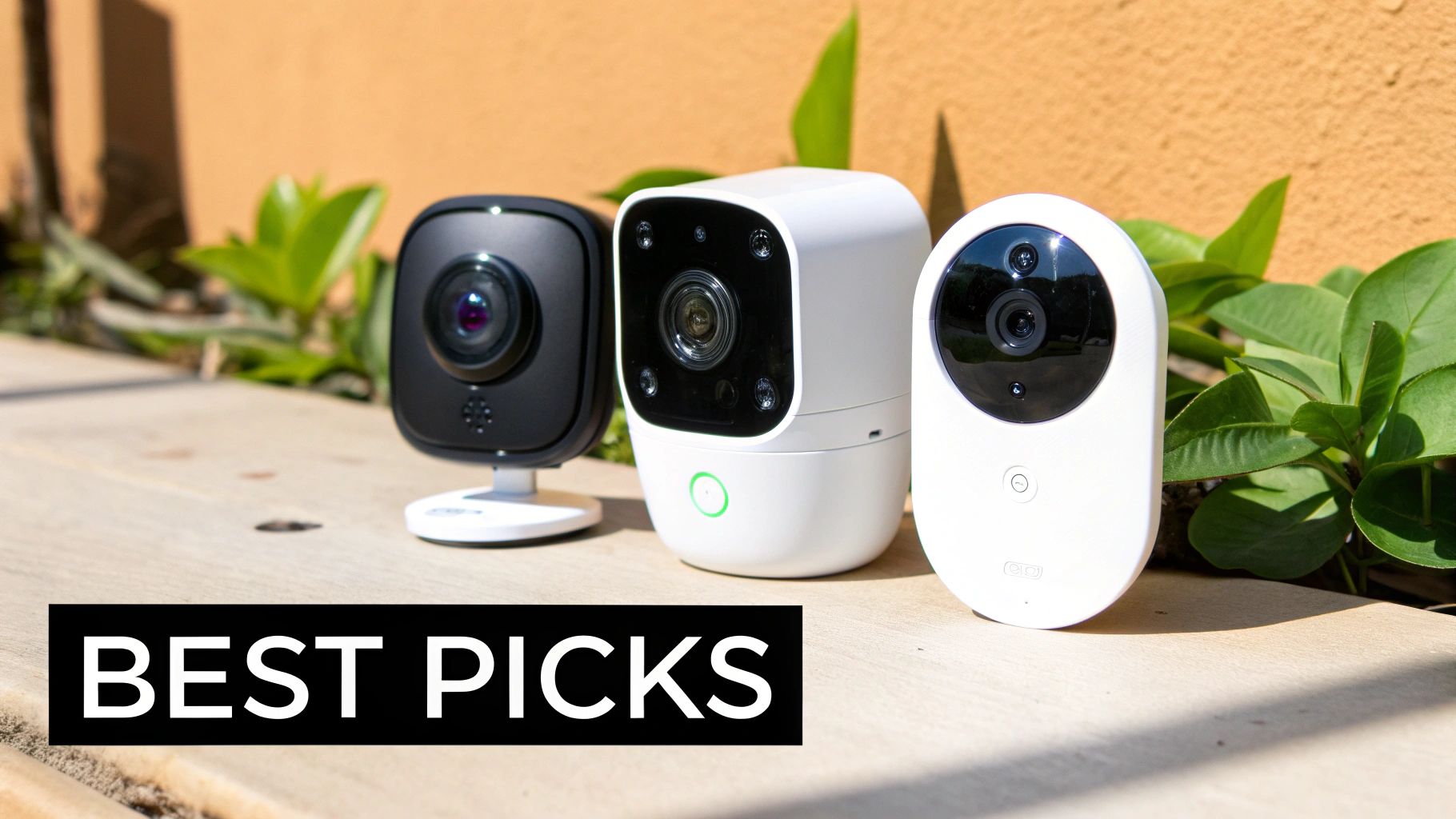
Finding the right indoor camera isn't about picking the one with the longest feature list. It’s about matching a camera’s strengths to what you actually need it for in your daily life. A fantastic baby monitor, for instance, might not be the best fit for someone wanting to keep tabs on their dog or build out a fully integrated smart home.
This guide cuts through the marketing fluff to show you how the leading cameras actually stack up in the real world. We’re digging into three common scenarios: watching over pets, locking down your privacy, and connecting seamlessly with your smart home. This way, you can find the camera that’s genuinely perfect for you.
Best for Pet Owners: The Pet Watcher Showdown
When you’re a pet owner, an indoor camera is more than just a security device—it's your connection to your furry family members when you're not home. The best cameras for this job do more than just stream video; they let you interact with your pets and understand what they're up to.
Let's look at two great options: the TP-Link Tapo C210 and the Wyze Cam Pan v3. Both give you a 360-degree view with their pan-and-tilt capabilities, but how they perform for pet-specific tasks is where they really start to differ.
The Tapo C210 is a dream for real-time interaction. Its pan-and-tilt controls are incredibly smooth and responsive, which is a lifesaver when you're trying to follow a playful kitten zipping from room to room. The two-way audio is also remarkably clear, so your voice comes through without that robotic distortion that can spook a nervous animal.
On the other hand, the Wyze Cam Pan v3 is a feature-packed powerhouse. It boasts color night vision and even weather resistance, so you could place it on a covered porch. But its killer feature for pet parents is the Pet Detection mode, which comes with a Cam Plus subscription. This clever AI specifically flags pet activity, so you know the difference between your dog hopping on the couch and an actual security event.
Situational Recommendation
- For Interactive Owners: If you love to check in and talk to your pet throughout the day, get the TP-Link Tapo C210. Its fluid controls and crisp audio make it feel like you're right there with them.
- For Hands-Off Monitoring: If you just want smart alerts about your pet's activity, the Wyze Cam Pan v3 is your best bet. The dedicated AI filters out the noise and lets you know when your furry friend is on the move.
Best for Privacy: The Fort Knox Face-Off
Placing a camera inside your home is a big deal, and it requires a huge amount of trust. For anyone focused on privacy, the main concern isn't just about what the camera sees—it's about who else might be able to see it. Here, we're pitting two cameras against each other that take user control and data security seriously.
Our contenders are the Eufy Solo IndoorCam C24 and the Google Nest Cam (Wired). They represent two completely different philosophies on privacy: local-first processing versus cloud-based intelligence that's wrapped in heavy-duty security.
The Eufy C24 is the undisputed king of local, subscription-free security. Its most important feature is that all of its AI processing—from detecting a person to hearing a specific sound—happens right on the device itself. All your footage gets saved to a microSD card, which means it never has to touch a remote server unless you decide to access it remotely. This approach dramatically cuts down the risk of your private moments being exposed in a company-wide data breach.
Key Differentiator: The Eufy C24's on-device AI means your personal data stays in your home by default. This is the single most important feature for users who want to minimize their digital footprint.
The Google Nest Cam takes a different route, leaning on its powerful cloud services. While a subscription is needed to unlock most of its best features, it comes with rock-solid security, including mandatory two-factor authentication tied directly to your Google account. Its best privacy trick is geofencing, which automatically turns the camera off the moment you walk in the door, giving you effortless privacy without a second thought.
Situational Recommendation
- For Maximum Data Control: The Eufy Solo IndoorCam C24 is the hands-down winner if you want to keep your video data off the cloud entirely. Its local-first design is perfect for anyone wary of monthly fees and how big companies handle data.
- For Convenient, Automated Privacy: The Google Nest Cam (Wired) is a better fit for those who value automated privacy within a secure ecosystem. Its Home & Away Routines offer a true set-it-and-forget-it approach.
Best for Smart Home Integration: The Ecosystem Battle
In today's connected world, an indoor camera shouldn't just be a standalone gadget. It should be a key player in your smart home, acting as a sensor that can trigger everything from turning on lights to adjusting your thermostat.
Here, we’re comparing the Google Nest Cam (Wired) with the Arlo Essential Indoor Security Camera. Both are built to work within larger smart home systems, but their approaches and performance are quite different.
The Google Nest Cam provides the deepest and most reliable integration you can get with the Google Home and Amazon Alexa ecosystems. Because Google makes both the hardware and the software, everything just works. You can ask your Nest Hub to show you a live feed, and it pops up instantly. More importantly, the camera’s ability to detect presence can kick off powerful Google Home automations, like shutting off all the lights and locking the doors when it sees everyone has left.
The Arlo Essential Indoor camera is more of a versatile collaborator, working with Alexa, Google Assistant, and even Samsung SmartThings. While its integrations are broad, they sometimes lack the depth of what Nest offers. However, Arlo has a killer feature: an automated privacy shield. It's a physical cover that slides over the lens whenever you disarm the camera, giving you an unmistakable visual cue that you are not being recorded.
Situational Recommendation
- For Google Home Power Users: If you're all-in on the Google ecosystem, the Google Nest Cam (Wired) is a no-brainer. Its native integration unlocks automations that other cameras just can't touch.
- For Multi-Platform Homes: The Arlo Essential Indoor is the stronger choice if your smart home is a mix of different platforms or if you want the absolute peace of mind that comes with a physical, automated privacy shutter.
Head-to-Head Indoor Camera Comparison
To make sense of the specs, we've broken down how our top picks perform across the most important categories. This table offers a quick, detailed analysis of their core features and capabilities.
| Camera Model | Resolution | Key AI Features | Storage Options | Privacy Controls | Smart Ecosystem |
|---|---|---|---|---|---|
| Eufy Solo IndoorCam C24 | 2K | On-device Person/Pet/Crying Detection, Activity Zones | Local microSD (up to 128GB), Cloud | On-device processing, Home/Away modes | Alexa, Google Assistant |
| Google Nest Cam (Wired) | 1080p HDR | Person/Vehicle/Animal Detection (cloud-based), Familiar Faces (subscription) | Cloud-only (3 hours free, 30/60 days with Nest Aware) | Geofencing (Home/Away Routines), 2FA, Encrypted storage | Deep integration with Google Home, Alexa |
| TP-Link Tapo C210 | 2K | Basic Motion/Person Detection, Baby Crying | Local microSD (up to 256GB), Cloud | Physical Privacy Mode (lens points up), Manual on/off | Alexa, Google Assistant |
| Wyze Cam Pan v3 | 1080p | Person/Pet/Package/Vehicle Detection (subscription) | Local microSD (up to 256GB), Cloud | Manual on/off, "Travel Mode" (offline recording) | Alexa, Google Assistant, IFTTT |
| Arlo Essential Indoor | 1080p | Person/Package/Animal/Vehicle Detection (subscription) | Cloud-only (requires Arlo Secure plan) | Automated physical privacy shield, Geofencing | Alexa, Google Assistant, SmartThings, IFTTT |
This side-by-side view highlights the trade-offs you'll make with each camera. Whether you prioritize on-device privacy, deep smart home routines, or specific AI detection, the right choice ultimately comes down to which features best align with your home and lifestyle.
Getting Your New Camera Set Up and Synced
So, you've unboxed your new indoor camera. What's next? Getting the placement right and integrating it with your other smart devices is where the real value comes in. This is how you turn a simple camera into a genuinely smart part of your home.
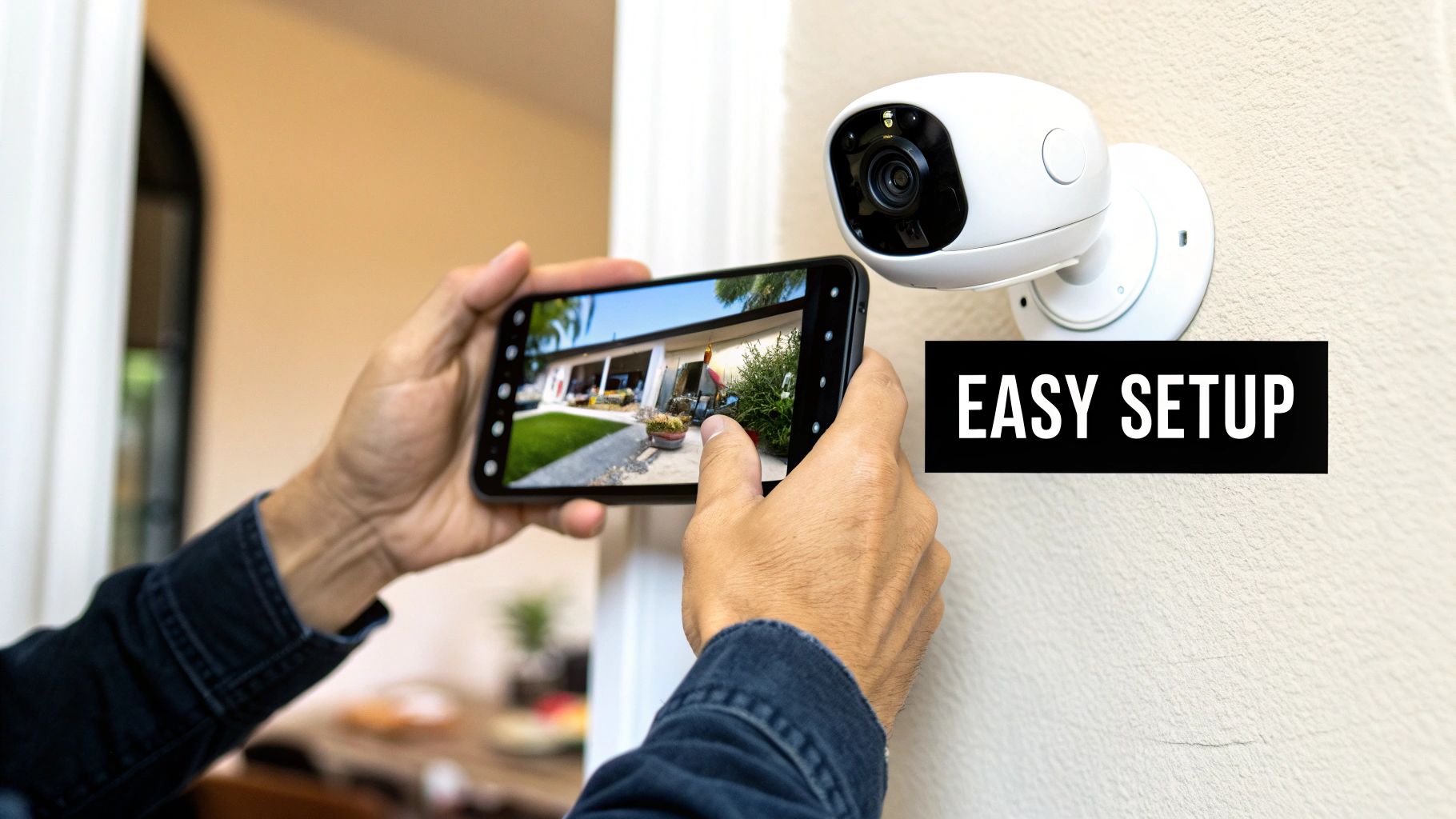
Your first big choice is between wired and wireless. A wired camera gives you an ultra-reliable connection that won't drop if the Wi-Fi gets spotty, but be prepared for a more involved installation. Wireless cameras, however, are all about flexibility—as long as you have a power outlet nearby, you can put one almost anywhere.
This plug-and-play convenience is why the wireless camera market is exploding. It was valued at a massive USD 9.8 billion in 2024 and is expected to hit USD 37.5 billion by 2034. Renters and homeowners love them because you get serious security without having to drill a single hole.
Finding the Perfect Spot for Maximum Coverage
Where you put the camera is just as critical as which model you choose. Your goal is to watch over high-traffic zones and entry points without creating blind spots or invading anyone's personal space.
Here are a few pointers from the field:
- Watch the Doors: Make sure you have a clear view of the front door, back door, and any easily accessible windows on the ground floor.
- Go for the Corners: Placing a camera high in a room's corner almost always gives you the best vantage point and the widest field of view.
- Respect Privacy: Bedrooms and bathrooms are absolute no-go zones. Security is built on trust, and recording in these areas is a huge violation of it.
If you're looking for more advanced setup tactics, our guide on wireless security camera installation goes into much greater detail. You can also check out these expert tips for home security camera installation for some professional insights.
Making Your Camera Part of Your Smart Home
This is where the fun begins. When your camera starts communicating with your other smart home gadgets through ecosystems like Amazon Alexa, Google Assistant, or Apple HomeKit, you unlock some seriously cool automation.
A camera by itself is just a set of eyes. A camera connected to your smart home becomes the trigger for making your home react and respond automatically.
Think about it. A motion alert is useful, but a motion-triggered action is a game-changer.
Here’s what that looks like in the real world:
- Smarter Lighting: Create a routine where the camera detecting motion in the foyer after dark automatically turns on the living room lights. Instant welcome home.
- Hands-Free Viewing: Just ask, "Hey Google, show me the nursery," and the video feed pops up on your smart display or TV.
- Next-Level Security: Set up an automation so that if motion is detected while you're away, your smart speaker announces the location and your smart bulbs flash red. Now that gets your attention.
When you integrate your camera this way, it stops being just a security device and becomes a core part of your home’s awareness.
Navigating Privacy in an Always-On World
https://www.youtube.com/embed/92I5JwlluK4
Putting a camera inside your home is a big deal. It requires a lot of trust—not just in the hardware, but in the company behind it. You need to be just as focused on your digital security as you are on your physical security, and that starts with choosing a camera designed to protect your data.
Your first line of defense is a strong digital lock on your account. That’s why two-factor authentication (2FA) isn't just a nice-to-have; it's an absolute must. By requiring a second code, usually sent to your phone, 2FA makes it incredibly difficult for someone to access your camera feed even if they manage to steal your password.
Core Security Features to Demand
Beyond the basics, you'll want to see a real commitment to privacy from the manufacturer. Look for cameras that offer end-to-end encryption (E2EE). This feature scrambles your video footage so that only you can view it. With E2EE, no one else—not even the company that made the camera—can access your live stream or saved clips.
When vetting a brand, keep an eye out for these critical practices:
- Firmware Updates: Good companies regularly and automatically push out firmware updates. These updates are crucial for patching security holes as soon as they're discovered.
- Transparent Policies: The company's privacy policy should be easy to find and understand. You should know exactly what data they collect and how they use it, without needing a law degree to figure it out.
You're in charge of setting a strong password and enabling 2FA, but the manufacturer is responsible for offering features like end-to-end encryption. Don't settle for anything less than both.
Taking Control with Physical and Digital Boundaries
True peace of mind comes from knowing you have complete control over when your camera is recording. This is where physical privacy controls make a huge difference. Some models, like the Arlo Essential Indoor, feature an automated physical lens shutter. When you disarm the camera, a small shield slides over the lens, giving you a clear, unmistakable sign that you’re not being watched.
Geofencing is another fantastic tool for effortless privacy. It uses your phone's location to automatically switch the camera off when you get home and turn it back on when you head out. It's a simple, set-it-and-forget-it feature that makes privacy automatic.
Ultimately, your camera is only as secure as the network it’s connected to. Bolstering your home Wi-Fi is a critical step, and you can learn how in our guide to home network security best practices. To protect yourself against broader digital threats, it's also smart to understand the essential ways to protect your online privacy.
Wrapping Up: Your Top Camera Questions Answered
Even after narrowing down the options, a few lingering questions can pop up. Let's tackle some of the most common ones to help you finalize your decision with total confidence.
Do I Absolutely Need a Subscription for My Camera?
Nope, not at all. Plenty of fantastic cameras work perfectly well right out of the box without any monthly fees, mostly by using a microSD card for local storage. This means all your recordings are stored right on the device itself.
That said, subscriptions are where the real power-user features often live. If you want things like a long cloud video history, AI-powered familiar face recognition, or interactive smart alerts, you'll likely need a paid plan. Brands like Eufy are brilliant at delivering a great subscription-free experience, whereas companies like Ring and Google Nest save their best tricks for subscribers.
How Well Can These Cameras Actually See in the Dark?
Honestly, they're incredibly good at it. Modern cameras use infrared (IR) night vision to see in total darkness. They flood the room with invisible IR light, which the camera sensor picks up to produce a surprisingly clear black-and-white video.
A few high-end models even offer color night vision. This feature uses super-sensitive sensors or a tiny built-in spotlight to record in full color when it's dim. For most homes, though, standard IR night vision is more than enough to clearly see a person's face or what the dog is up to after lights-out.
What's the Real Difference Between Motion and Person Detection?
This is a big one. Standard motion detection is pretty basic—it sends you an alert anytime anything moves. That could be your cat chasing a toy, shadows from a passing car, or even a plant swaying near a vent. You can get a lot of pointless notifications.
Person detection, on the other hand, is much smarter. It uses AI to specifically recognize the shape and movement of a human being. It's designed to ignore all that other "noise," so you only get an alert when a person walks into the frame. It's the key to cutting down on false alarms and making sure you only pay attention when it really matters.










Leave a Reply