
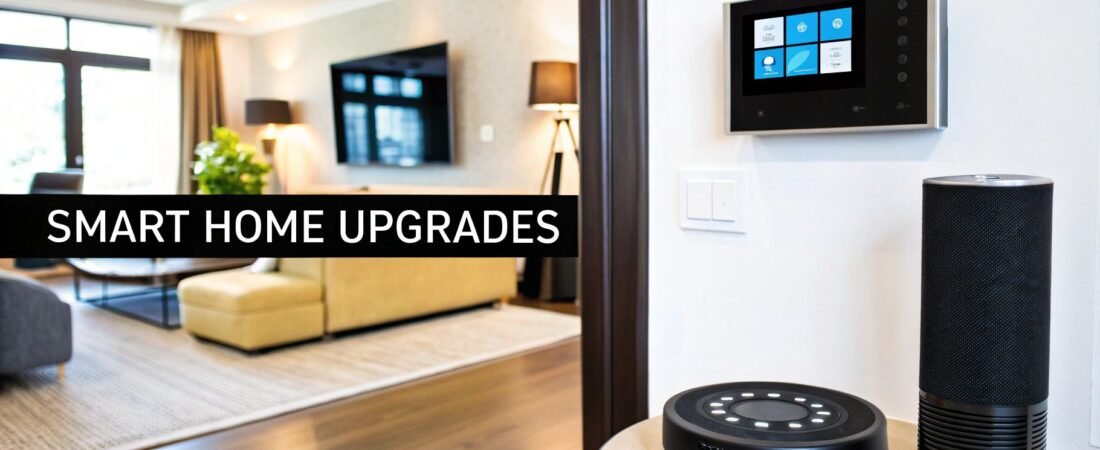
Transforming your house into a responsive, efficient, and secure smart home can seem like a complex endeavor, but it is an achievable goal that significantly enhances daily life. This guide moves beyond generic advice to present a curated collection of actionable smart ideas for home improvement, designed for immediate impact. We will explore everything from bolstering your security with intelligent cameras to slashing energy bills with automated thermostats and creating convenience you'll soon wonder how you lived without.
Whether you are a seasoned DIY enthusiast ready for your next project or a homeowner looking for straightforward, effective upgrades, this list provides clear direction. Each category breaks down practical projects, complete with specific examples, estimated costs, and required time commitments to help you plan effectively. You will discover ideas suitable for various budgets and technical skill levels, ensuring there are accessible options for everyone.
By the end of this roundup, you will have a comprehensive roadmap to building a more intelligent, secure, and convenient living space. To help you source the necessary technology, we will also reference where to find the best products and platforms, including specialized retailers like The Smartest House and major outlets such as Amazon and Best Buy, to bring these innovative concepts to life.
1. Enhance Security with Integrated Smart Surveillance and Access Control
Elevating your home’s safety is one of the most effective smart ideas for home improvement, and it goes far beyond a single video doorbell. True peace of mind comes from creating a layered, integrated security ecosystem where your devices communicate and react in unison. This involves combining smart locks, video doorbells, and a network of indoor and outdoor cameras that function as a single, intelligent system.
Imagine a scenario where your front door camera, using facial recognition, identifies a family member and automatically unlocks the smart lock. Or, when a courier drops off a package, your system triggers a specific notification, records a designated video clip, and even activates a porch light. By integrating door and window contact sensors, the system can automatically arm itself whenever you lock the door to leave, creating a comprehensive security perimeter that you can monitor and control from anywhere.
Key Implementation Strategy
The core of this system is automation. A powerful yet simple starting point is to create 'Away' and 'Home' routines within your smart home app (like Alexa, Google Home, or Apple HomeKit).
- 'Away' Routine: Triggered by your phone's GPS leaving a designated area, this routine can lock all smart locks, arm camera motion detection, and activate all contact sensors.
- 'Home' Routine: Upon your return, this routine automatically disarms sensors, deactivates interior cameras for privacy, and can even turn on entry lights.
Actionable Insight: Go beyond the standard setup. For properties with large yards or detached buildings, traditional security cameras might not be sufficient. In these cases, you can explore the effectiveness of utilizing trail cameras for enhanced home security, as they offer rugged, battery-powered surveillance for remote areas of your property.
Project Breakdown
| Category | Details |
|---|---|
| Estimated Cost | $200 – $1500+, varying with device count and optional cloud subscriptions. |
| Estimated Time | 2-6 hours for a multi-device DIY installation and software configuration. |
| Product Types | Smart locks (Schlage, August), video doorbells (Ring, Nest), security cameras (Arlo, Wyze), and contact sensors. |
2. Leverage Amazon as a One-Stop Smart Home Marketplace
When sourcing components for your next project, using a comprehensive marketplace like Amazon is one of the most efficient smart ideas for home automation. Instead of visiting multiple brand websites, Amazon consolidates the largest range of smart home ecosystems, including Alexa, Google Home, Apple HomeKit, Matter, Z-Wave, and Zigbee, into a single searchable platform. This allows you to compare products, prices, and compatibility in one place, streamlining your research and purchasing process significantly.

The platform’s true power lies in its depth. Beyond major devices from brands like Ring, Nest, and Philips Hue, you can find a vast ecosystem of third-party accessories such as specialized mounts, power adapters, and extension cables. The extensive customer reviews and Q&A sections provide real-world insights into device performance and compatibility, often answering specific questions that brand pages might overlook. This user-generated content is invaluable for verifying if a particular smart lock works with your door type or if a light switch requires a neutral wire.
Key Implementation Strategy
To maximize Amazon for your smart home planning, use the "Save for Later" and "Lists" features as a project management tool. Create a dedicated list for each smart home project, such as "Kitchen Lighting Upgrade" or "Outdoor Security."
- Comparison Shopping: Add multiple competing products (e.g., three different smart thermostats) to a list. This lets you monitor price drops and compare specs side-by-side over time.
- Accessory Bundling: When you select a primary device, browse the "Frequently bought together" section to identify essential accessories you might have missed, like a specific transformer for a video doorbell.
Actionable Insight: Look beyond the main product page. Use Amazon's robust search filters to your advantage by filtering specifically for your ecosystem (e.g., "Works with Alexa," "Matter Certified") and check the "Customer Questions & Answers" section for compatibility confirmations before you buy. This simple step can prevent major headaches and returns.
Project Breakdown
| Category | Details |
|---|---|
| Website | https://www.amazon.com/s?k=smart+home |
| User Experience | A powerful search with extensive filters and rich user-generated content (reviews, Q&A). Prime membership enhances the experience with fast, free shipping. |
| Product Types | Nearly all smart home categories: hubs, speakers, lighting, thermostats, security, locks, sensors, and a massive third-party accessory market. Includes Amazon’s own brands like Echo, Ring, Blink, and eero. |
3. Best Buy: Hands-On Help and Professional Installation
For those who prefer a more guided approach to home automation, Best Buy serves as a crucial resource. It bridges the gap between online research and hands-on experience, allowing you to see and interact with devices before purchasing. This is particularly valuable for complex smart ideas for home, such as setting up a multi-room audio system or a comprehensive smart lighting network, where understanding the physical products is key to making the right choice.

The platform's true strength lies in its ecosystem of support. Beyond just selling products, Best Buy offers its Geek Squad services for professional installation, system configuration, and even training. This service is ideal for homeowners who are not comfortable with DIY electrical work or complex network setups, ensuring that ambitious projects are implemented correctly and safely from the start. Multiple fulfillment options, including same-day in-store pickup, add a layer of convenience that online-only retailers cannot match.
Key Implementation Strategy
Leverage Best Buy's physical and service-based assets to de-risk your smart home projects. Before committing to a large purchase online, visit a store to compare the look, feel, and build quality of different smart locks, cameras, or speakers.
- In-Store Consultation: Use the knowledgeable staff to discuss compatibility between brands and get personalized recommendations for your specific home layout.
- Geek Squad for Complexity: For projects involving hardwiring, such as smart switches or integrated security systems, book a Geek Squad appointment. They can ensure everything is installed to code and functions seamlessly within your Wi-Fi network.
Actionable Insight: Always check the "Open-Box" section on the Best Buy website for your desired products. You can often find like-new smart devices at a significant discount, all of which are tested and backed by a warranty. Combining this with their price-match policy ensures you get the best possible deal.
Project Breakdown
| Category | Details |
|---|---|
| Estimated Cost | Varies widely based on product and service selection; Geek Squad installation is typically priced per device or visit. |
| Estimated Time | Same-day pickup is possible for in-stock items. Professional installation can often be scheduled within a few days. |
| Product Types | A vast selection of major brands across all smart home categories, including Google Nest, Amazon Alexa, Philips Hue, and Arlo. |
4. Integrate Smart Upgrades with Core Home Improvement Projects via The Home Depot
One of the most powerful smart ideas for home improvement is integrating technology directly into your home’s core systems, like HVAC and electrical. This is where The Home Depot excels, moving beyond simple plug-and-play gadgets to offer solutions that merge smart technology with traditional home renovation. It serves as a one-stop-shop for projects that require both a smart thermostat and the HVAC components it controls, or smart lighting that necessitates new wiring.
This approach allows you to think bigger. Instead of just adding a smart plug to a lamp, you can install smart switches and dimmers that upgrade the entire room's infrastructure. When planning a major project, you can browse compatible smart devices-like garage door openers or water heaters-alongside the lumber and tools needed to install them. This holistic strategy ensures your smart home is built on a solid, integrated foundation rather than being a collection of disparate devices.
Key Implementation Strategy
Leverage The Home Depot’s unique strength by planning integrated projects. Before starting a renovation, use their online smart home department filters to find devices compatible with your preferred ecosystem (e.g., Google Assistant or Alexa). This ensures that the smart thermostat, smoke detector, and lighting you choose will all work together seamlessly.
- Climate Control Overhaul: Pair a smart thermostat (like Nest or ecobee) with smart ceiling fans and motorized blinds, all purchased from one place, to create an automated energy-saving system.
- Electrical Upgrade: When updating an older room, replace standard outlets and switches with smart in-wall versions to add voice and app control without bulky plugs.
Actionable Insight: For projects that seem too complex for DIY, such as installing a smart thermostat or hardwired security cameras, look for the 'Professional Installation Available' badge on product pages. The Home Depot can connect you with a qualified Local Pro, bridging the gap between ambitious smart ideas for home upgrades and a safe, professional execution.
Project Breakdown
| Category | Details |
|---|---|
| Estimated Cost | Varies dramatically by project, from $50 for a smart switch to $5,000+ for a full HVAC replacement with smart controls. |
| Estimated Time | 1-4 hours for simple device swaps; a full weekend or professional assistance for projects involving electrical or HVAC work. |
| Product Types | Smart thermostats (Nest, ecobee), smart lighting and switches (Lutron, Philips Hue), smart smoke detectors (Google Nest Protect), and integrated appliances. Website: homedepot.com |
5. Build an AI-Powered Ecosystem with Google Store and Google Home
For those deeply invested in the Android and Google ecosystem, centralizing your smart home around the Google Store and Google Home app is one of the most streamlined and intelligent smart ideas for home automation. This approach combines first-party Nest hardware like cameras, thermostats, and doorbells with a powerful, unified app that controls thousands of third-party devices. The strength here is deep integration, creating a cohesive system where every device works in harmony.
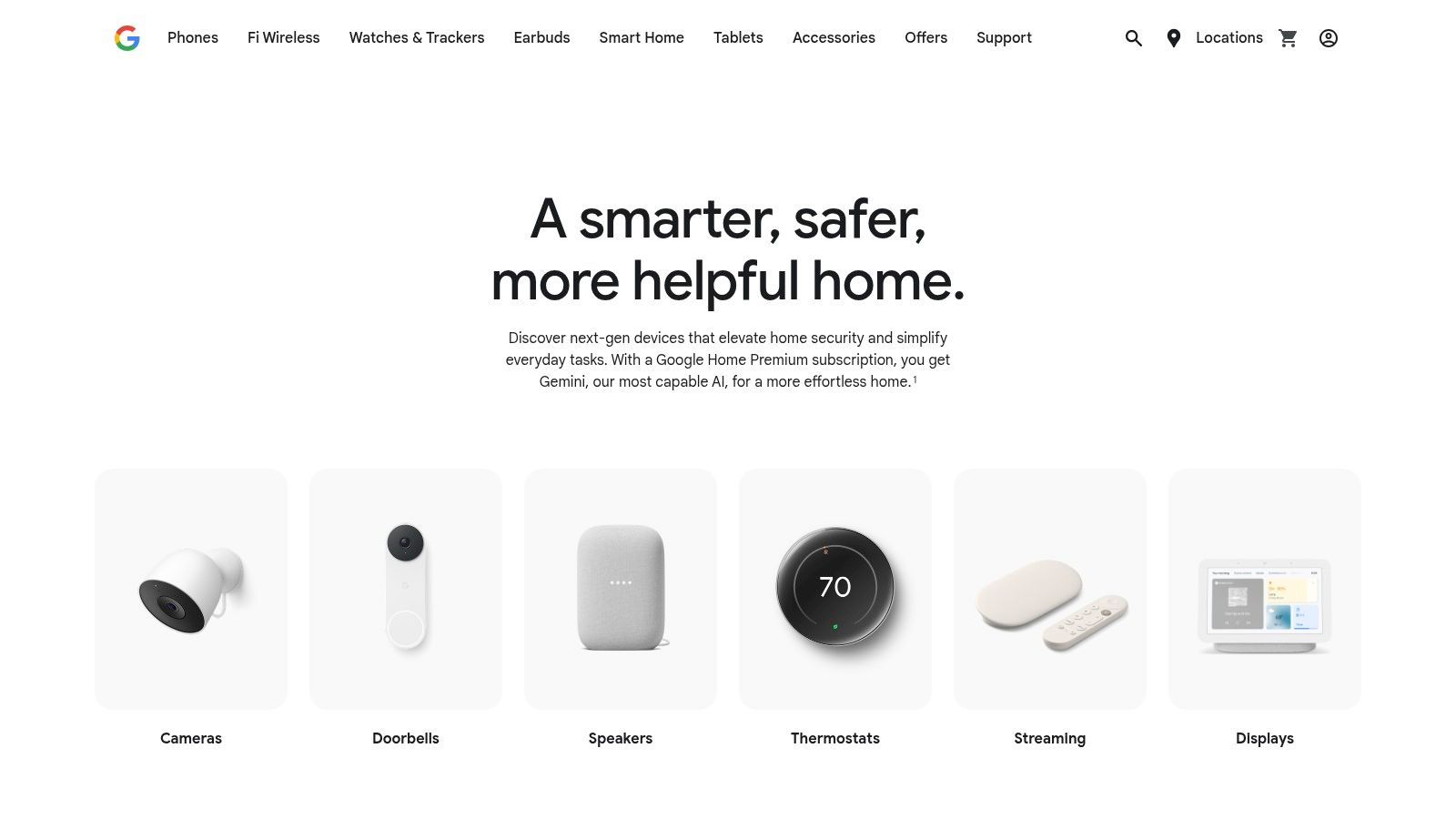
Imagine your Nest Doorbell not only showing you who is at the door but also announcing their name through your Google Nest Hub if it’s a familiar face. Or, picture your Nest Thermostat automatically entering 'Eco' mode when the Google Home app detects that everyone has left the house, saving energy without a single command. This level of native intelligence, where devices anticipate your needs, is the core advantage of building your smart home on Google's platform, managed directly through one of the industry’s leading smart home hubs.
Key Implementation Strategy
The power of the Google Home ecosystem shines brightest through its 'Automations' and 'Routines'. The visual editor makes creating complex, multi-step actions surprisingly simple.
- Arrival Routine: Use your phone’s presence sensing to trigger a sequence when you get home. The automation can disarm your Nest Secure system, adjust the Nest Thermostat to a comfortable temperature, and turn on specific smart lights.
- "Movie Night" Scene: Create a voice-activated routine. Saying "Hey Google, it's movie night" can dim your Philips Hue lights, turn on your smart TV, and set your Nest Audio speakers to a specific volume.
Actionable Insight: Leverage the "Favorites" tab in the Google Home app for daily efficiency. Pin your most-used devices and actions, like the garage door opener, thermostat controls, and primary camera feeds, to the top of the app for one-tap access. This simple organization drastically reduces time spent scrolling through a long list of devices.
Project Breakdown
| Category | Details |
|---|---|
| Estimated Cost | $100 – $1000+, depending on the number of Nest devices and partner products. A Google Home Premium (formerly Nest Aware) subscription for advanced AI features starts at $8/month. |
| Estimated Time | 1-4 hours to set up several Nest devices and configure initial automations in the Google Home app. |
| Product Types | Nest cameras, Nest Doorbells, Nest Thermostats, Nest Hubs, and thousands of Matter-compatible and "Works with Google Home" partner devices (lights, plugs, locks). |
6. Create a Cohesive Ecosystem with the Apple Store
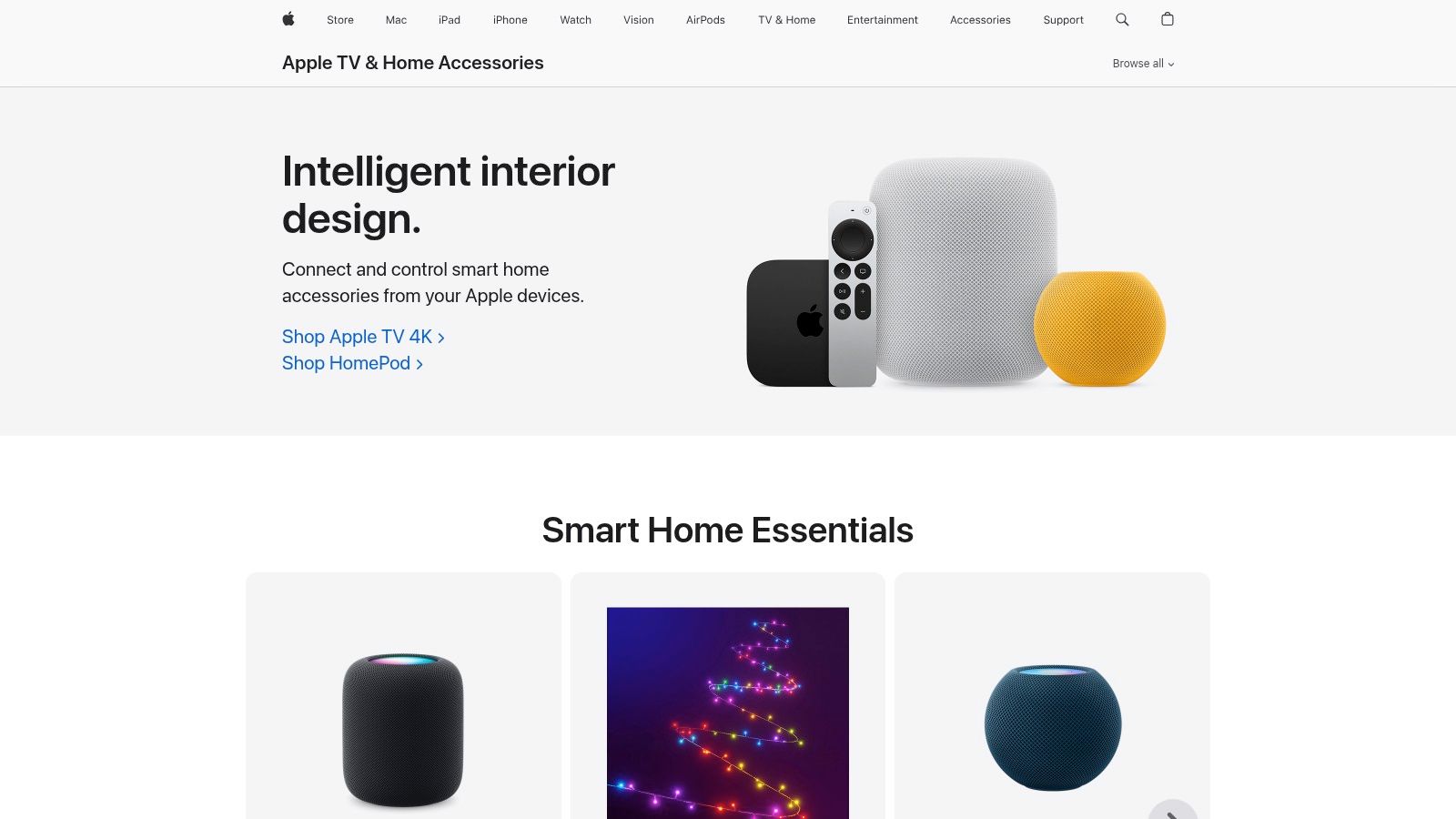
For those invested in the Apple ecosystem, one of the smartest ideas for home automation is building a system where every device works together seamlessly. The official Apple Store’s Smart Home section is the ideal starting point, acting as a curated marketplace for accessories guaranteed to work with Apple Home. This eliminates the guesswork and compatibility issues that can plague multi-brand smart homes, ensuring every light, lock, and sensor integrates flawlessly with the Home app on your iPhone, iPad, or Mac.
The platform is designed for reliability and privacy, centralizing control through Apple hub devices like the HomePod or Apple TV 4K. Imagine creating powerful scenes like 'Movie Night' that dim your HomeKit-enabled lights, lower the smart blinds, and turn on your TV with a single Siri command. This unified approach simplifies daily routines by allowing disparate devices, from thermostats to cameras, to communicate and trigger actions based on your location, time of day, or sensor input.
Key Implementation Strategy
The strength of the Apple Store lies in its curation of HomeKit and Matter-compatible devices, making automation straightforward. A key strategy is to leverage the Home app's robust automation capabilities to create sophisticated routines that go beyond simple voice commands.
- Arrival/Departure Scenes: Automate your home based on who is present. For example, have the thermostat adjust to your preferred temperature, unlock the back door, and turn on entryway lights only when the first person arrives home.
- Sensor-Based Triggers: Use a motion sensor in the hallway to activate low-level night lights after 10 PM. A contact sensor on a back door can trigger outdoor floodlights and send a notification if opened late at night.
Actionable Insight: Extend your automations to the exterior of your home for both ambiance and security. For comprehensive outdoor automation, explore how permanent Christmas lights with smart controls can be integrated with smart controls for year-round versatility, allowing you to set schedules and dynamic scenes directly from your smart home system.
Project Breakdown
| Category | Details |
|---|---|
| Estimated Cost | $30 – $500+ per accessory. A hub device (HomePod mini or Apple TV 4K) is required, starting at $99. |
| Estimated Time | 1-4 hours to set up a hub and several accessories, plus ongoing time for creating new automations. |
| Product Types | Smart lighting (Philips Hue, Nanoleaf), thermostats (ecobee), smart locks (Schlage, Aqara), cameras, and sensors all certified for Apple Home. |
7. Retrofit Your Home with Z-Wave for Ultimate DIY Control
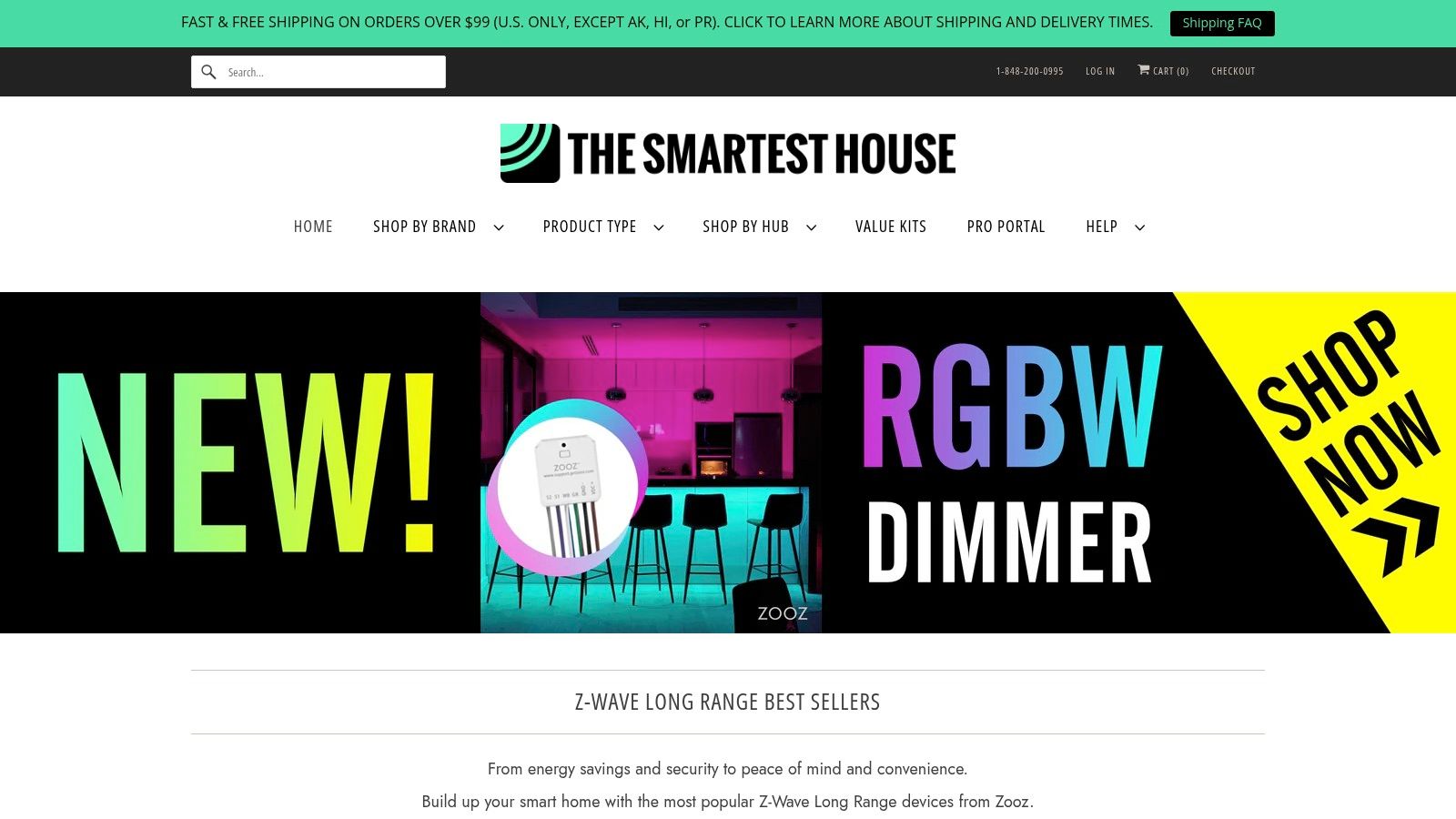
For the serious smart home enthusiast, one of the most powerful smart ideas for home automation is moving beyond Wi-Fi and building a dedicated Z-Wave network. This approach provides a robust, low-interference mesh system that doesn't rely on your home's internet router for device-to-device communication, offering superior reliability. The Smartest House is a specialized e-commerce store built for this exact purpose, providing the components needed to retrofit an entire home with Z-Wave switches, sensors, and relays.
Unlike big-box retailers that offer a limited selection, this platform is a goldmine for DIY integrators. You can find everything from in-wall smart dimmers and fan controllers to hard-to-find multi-relays for automating appliances and garage doors. Their focus on compatibility, especially with advanced hubs like Hubitat and HomeSeer, means you can confidently purchase parts for a cohesive, powerful, and locally-controlled smart home system that operates independently of the cloud.
Key Implementation Strategy
The most effective way to use The Smartest House is by utilizing its "Shop by Hub" feature. Before you buy anything, select your smart home controller (e.g., Hubitat Elevation, Home Assistant with Z-Wave JS, or HomeSeer) from their navigation menu. This filters the entire catalog to show only devices that have been tested and confirmed to work with your specific system, which dramatically reduces the guesswork and potential for compatibility headaches.
- Start with Lighting: Begin your Z-Wave journey by replacing a few key light switches or dimmers. This is a high-impact upgrade that introduces you to the installation process.
- Expand to Sensors: Add motion, door/window, and water leak sensors to build out your automation and security capabilities.
- Integrate Advanced Relays: For complex projects like smartening a fireplace, motorized blinds, or a pool pump, explore their deep catalog of multi-channel and dry contact relays.
Actionable Insight: Don't just browse products; read the compatibility notes on each product page. The Smartest House often provides specific setup instructions, known limitations, and direct links to the custom drivers required for advanced hubs. This curated information is invaluable for a smooth integration process and showcases why a specialty store is a great source for some of the best smart home devices.
Project Breakdown
| Category | Details |
|---|---|
| Estimated Cost | $150 – $2000+, depending on the number of Z-Wave devices and the central hub. |
| Estimated Time | 4-20 hours for a multi-room Z-Wave retrofit, including physical installation and hub programming. |
| Product Types | Z-Wave switches and dimmers (Zooz, Inovelli), sensors (Aeotec, Fibaro), smart relays, water valve controllers, and compatible hubs (Hubitat, HomeSeer). |
Top 7 Smart Home Providers Comparison
| Item | 🔄 Implementation Complexity | ⚡ Resource Requirements | 📊 Expected Outcomes | 💡 Ideal Use Cases | ⭐ Key Advantages |
|---|---|---|---|---|---|
| Automated Home Guide | Low→High — guided projects for beginners to advanced | Low hardware cost, moderate time and tools for DIY | Improved privacy, energy savings, safer automation (⭐⭐⭐⭐) | Learning, planning upgrades, DIY automation projects | Actionable step‑by‑step guides; privacy & energy focus |
| Amazon | Low→Medium — plug‑and‑play to integration work | Easy purchase, broad inventory, fast shipping | Quick procurement, variable product quality and compatibility (⭐⭐⭐) | One‑stop shopping, price comparison, fast delivery | Massive selection, buyer reviews, Prime shipping |
| Best Buy | Low for basics; Medium→High when using Geek Squad | In‑store support, option for paid professional installation | Reliable setup options and returns; hands‑on help (⭐⭐⭐) | Buyers who want in‑store assistance or professional install | Geek Squad installation, same‑day pickup, price match |
| The Home Depot | Medium — product + home‑improvement tasks | Installation/Local Pro available for electrical/HVAC projects | Project-ready outcomes for climate and wiring upgrades (⭐⭐⭐) | HVAC/smart thermostat installs, home‑improvement projects | In‑home installation/Local Pro, compatibility filters |
| Google Store + Google Home | Low — seamless for Google ecosystem users | Google account, Nest devices, optional subscription for advanced features | Centralized control, strong automation & Matter support (⭐⭐⭐⭐) | Users standardizing on Google/Nest ecosystem | Tight integration, easy onboarding, extensive partner support |
| Apple Store | Low — streamlined for iOS/HomeKit users | iPhone/iPad and Apple hub devices (HomePod/Apple TV) | Reliable, privacy‑forward experience with long support (⭐⭐⭐) | iOS users wanting guaranteed HomeKit/Matter compatibility | Curated HomeKit/Matter devices, privacy and device support |
| The Smartest House | High — aimed at power users and integrators | Z‑Wave parts, hub controllers (Hubitat/HomeSeer), technical skill | Deep compatibility for whole‑home Z‑Wave retrofits (⭐⭐⭐⭐) | Power users, DIY integrators, complex Z‑Wave builds | Extensive Z‑Wave catalog, hub‑based compatibility guidance |
Your Blueprint for a Smarter, More Connected Home
Embarking on the journey to a smarter home can feel overwhelming, but as we've explored, the path is paved with accessible entry points and scalable solutions. From the vast, all-encompassing ecosystems of Amazon and Google to the curated, privacy-focused approach of Apple, the right platform is the one that aligns with your specific goals, budget, and existing technology. This roundup of smart ideas for home was designed not as a rigid checklist, but as a flexible blueprint to inspire your own custom-built environment.
The true power of home automation lies in its ability to adapt to your life. Whether you start with a single smart plug to control a lamp or dive into a comprehensive security system from The Home Depot, each addition builds upon the last. The key is to begin with a clear objective: are you prioritizing energy savings, enhanced security, or sheer convenience? Your answer will guide your initial purchases and help you build a cohesive, genuinely useful system over time.
Key Takeaways for Building Your Smart Home
Remember that a successful smart home is more than just a collection of gadgets; it's an integrated system that works for you. Keep these core principles in mind as you move forward:
- Start with Your "Why": Define your primary goal first. A homeowner focused on energy efficiency will have different priorities than a tech enthusiast looking to create complex convenience automations. This clarity prevents random, disjointed purchases.
- Prioritize a Strong Foundation: A reliable Wi-Fi network is the backbone of any smart home. Before investing heavily in devices, ensure your network can handle the load with strong, consistent coverage throughout your property. This single step will prevent countless future headaches.
- Embrace Scalability: You do not need to build your entire smart home overnight. Begin with one or two high-impact devices, learn how they integrate into your routine, and expand incrementally. This approach is more manageable for both your budget and your learning curve.
Your Actionable Next Steps
Transforming these smart ideas for home from concept to reality starts with a single, deliberate step. Begin by auditing your daily routines. Identify a specific pain point or an opportunity for improvement. Is it fumbling for keys in the dark? A smart lock could be your first project. Worried about energy waste? A smart thermostat offers a tangible return on investment.
Once you have a target, revisit the resources we've discussed. If you're looking for expert-level control and Z-Wave compatibility, The Smartest House is your destination. For mainstream convenience and a wide selection, Best Buy provides an excellent starting point. The most important thing is to take that initial action.
Creating a home that is responsive, secure, and efficient is an achievable goal for everyone. By taking a thoughtful, planned approach, you can craft a living space that not only leverages cutting-edge technology but also genuinely enhances your quality of life, giving you back time, peace of mind, and control. Your ideal smart home is waiting to be built, one smart decision at a time.
Ready to dive deeper and connect the dots between different platforms? For unbiased, expert-led tutorials and comprehensive guides that show you how to make all these smart ideas for home work together seamlessly, visit the Automated Home Guide. It's the ultimate resource for turning your smart home vision into a functional reality. Find your next project at Automated Home Guide.










Leave a Reply