
Welcome to the future of home living, where convenience, security, and efficiency are not just aspirations but integrated realities. The concept of a 'smart house' has evolved from a niche hobby for tech enthusiasts into an accessible and practical upgrade for modern homeowners. But what truly defines a smart home? It's more than just a collection of gadgets; it's a cohesive ecosystem of interconnected devices designed to learn your habits and automate daily tasks, creating a truly responsive environment.
Understanding the essential features of a smart house is the first step toward building a home that works for you, not against you. This comprehensive guide will demystify the technology, moving beyond the hype to provide a clear roadmap. We will explore the top 10 core features that deliver the most significant impact on your daily life, from automated lighting and climate control to intelligent security and energy management.
Think of this article as your blueprint for a more connected and intelligent living space. For each feature, we will detail:
- What it is: A clear, concise explanation of the technology.
- Key benefits: How it enhances convenience, safety, or efficiency.
- Real-world examples: Practical scenarios showing the feature in action.
- Implementation tips: Actionable advice on setup, compatibility, and security.
Whether you're aiming to bolster your home's security, slash your energy bills, or simply add a new layer of convenience to your routine, this guide will help you prioritize your journey toward a smarter, more automated sanctuary. Let's dive into the foundational elements that transform a simple dwelling into a truly intelligent home.
1. Smart Lighting Systems and Occupancy Sensors
Smart lighting systems are one of the most transformative and accessible features of a smart house, allowing you to control illumination remotely through apps, voice assistants, or automated schedules. Beyond simple on/off commands, these systems can adjust brightness and even color temperature, creating the perfect ambiance for any activity, from a cool, energizing white light for a home office to a warm, relaxing glow for the evening.
When integrated with occupancy and motion sensors, smart lighting becomes truly autonomous. These sensors detect presence, automatically turning lights on when you enter a room and off when it becomes vacant. This eliminates the need for wall switches and significantly reduces energy waste from lights left on by mistake, making it a powerful tool for both convenience and efficiency.
Why It's an Essential Feature
Smart lighting elevates daily living by adding layers of convenience, security, and energy savings. Imagine hallways that light up as you walk through them at night, or setting a "vacation mode" that mimics your daily lighting patterns to deter potential intruders. It also allows for sophisticated "scenes," where a single command like "movie night" dims the lights, changes their color, and prepares the room instantly.
Key Insight: The true power of smart lighting isn't just remote control; it's the ability to automate your home's environment based on your presence, schedule, and activities, making your space more intuitive and responsive.
Actionable Implementation Tips
- Start Small: Begin with smart bulbs like those from Philips Hue or GE Cync in high-traffic areas like the kitchen or living room before committing to a whole-home system.
- Sensor Placement is Key: Install occupancy sensors like the Lutron Maestro or Philips Hue Motion Sensor between 6-8 feet high for optimal coverage. In bathrooms or pantries, set the off-delay timer to 2-5 minutes to prevent lights from turning off prematurely.
- Automate for Security: Use your system's scheduling feature to turn lights on and off at various times when you're away, creating a convincing illusion of occupancy.
- Group and Scene: Group lights by room (e.g., "Living Room Lights") for easy voice commands via Amazon Alexa or Google Home. Create scenes that adjust multiple lights at once for specific moods or tasks.
2. Smart Thermostats and Climate Control
Smart thermostats and climate control systems are cornerstone features of a smart house, designed to automatically manage your heating and cooling for optimal comfort and energy efficiency. These devices, like the Google Nest Learning Thermostat or Ecobee SmartThermostat, go far beyond simple scheduling by learning your household's daily patterns and adjusting the temperature to save energy when you're away or asleep.
Through a Wi-Fi connection, you can control your home's climate from anywhere using a smartphone app. Many systems also integrate with local weather data to proactively heat or cool your home more efficiently. This intelligent automation makes them one of the most impactful smart home investments for reducing utility bills without sacrificing comfort.
Why It's an Essential Feature
Smart thermostats provide a powerful combination of convenience, cost savings, and environmental benefits. They eliminate the waste associated with traditional thermostats, which often heat or cool an empty house. Features like geofencing can detect when you're returning home and pre-condition the house to your desired temperature, while detailed energy reports give you the insights needed to make smarter consumption choices.
Key Insight: The primary value of a smart thermostat lies in its ability to automate energy savings. By learning your routine and reacting to your presence, it removes the guesswork from climate control and can lower annual energy bills by a significant margin.
Actionable Implementation Tips
- Allow for a Learning Period: Give your new thermostat, such as a Nest Learning Thermostat, one to two weeks to learn your family's patterns before you start making manual adjustments.
- Set Up Geofencing: Enable geofencing for all family members' smartphones so the system can accurately determine when the house is truly empty before entering an energy-saving mode.
- Review Energy Reports: Check the monthly reports provided by the app to identify patterns and opportunities for further savings, like adjusting the temperature by an extra degree on certain days.
- Proper Placement Matters: Install the thermostat on an interior wall, away from direct sunlight, drafts, windows, and heat sources like lamps or vents, to ensure it gets an accurate temperature reading.
- Expand with Sensors: For homes with temperature inconsistencies, add remote sensors (offered by brands like Ecobee and Honeywell) in different rooms to prioritize comfort in the spaces you actually use.
3. Smart Security Systems and Cameras
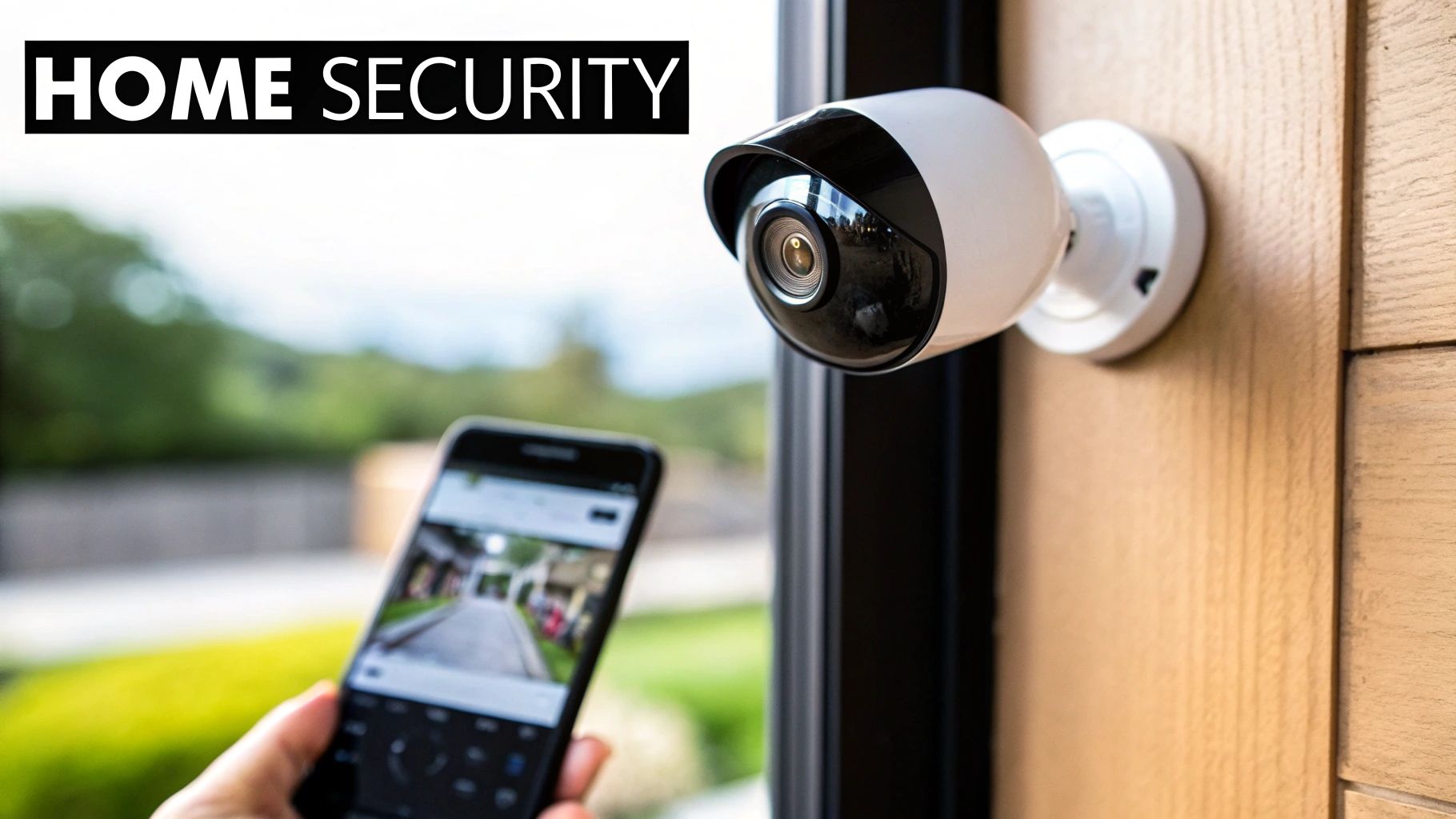
Smart security systems are a cornerstone feature of a smart house, offering real-time monitoring, video recording, and instant alerts directly to your smartphone. Modern systems have evolved beyond simple alarms, incorporating HD or 4K cameras with night vision, two-way audio, and intelligent motion detection that uses AI to distinguish between people, pets, and vehicles. This technology serves as a powerful deterrent while also providing crucial evidence if an incident occurs.
These integrated systems provide peace of mind by allowing you to check in on your property from anywhere in the world. Whether it's a Ring Video Doorbell alerting you to a delivery or an Arlo Pro 4 camera monitoring your backyard, you gain a constant, interactive connection to your home’s safety.
Why It's an Essential Feature
Smart security empowers homeowners with proactive control over their safety. Instead of passively relying on a traditional alarm, you can receive specific, actionable alerts, such as "a person was detected at your front door." You can then see and speak to visitors via two-way audio, activate a siren, or confirm a false alarm. Integrating cameras with smart locks further enhances control, letting you see who is at the door and grant them access remotely.
Key Insight: The true value of a smart security system lies in its ability to provide context-aware intelligence, not just raw data. AI-powered person and package detection turns a simple motion alert into a specific, meaningful event, reducing false alarms and keeping you informed of what truly matters.
Actionable Implementation Tips
- Prioritize Entry Points: Position cameras like the Nest Cam or Wyze Cam v3 to cover your front door, back door, and garage, as these are the most common points of entry.
- Ensure Strong WiFi: Before installing wire-free cameras, test the WiFi signal strength at each desired location to ensure a stable and reliable video stream.
- Secure Your System: Always use a strong, unique password for your security system's account and enable two-factor authentication (2FA) for an essential layer of protection.
- Combine and Conquer: Pair your cameras with smart locks and sensors for a comprehensive security ecosystem. For example, a door sensor can trigger your cameras to start recording. You can also explore options to prevent package theft with smart security.
4. Smart Door Locks and Entry Systems
Smart door locks are a cornerstone feature of a smart house, replacing traditional keys with more secure and flexible access methods like smartphone apps, keypad codes, or even biometric scans. These systems grant you complete control over who can enter your home and when, all while logging every entry and exit. You can grant temporary access to a guest, remotely unlock the door for a delivery, or check if you remembered to lock up after leaving home.
This technology enhances home security by eliminating the risks associated with lost or stolen physical keys. Modern smart locks from brands like August, Schlage, and Level are built with high-grade, tamper-resistant materials and encrypted communication protocols. They seamlessly integrate with broader smart home ecosystems, allowing them to trigger other actions, such as turning on entry lights or disarming the security system upon a successful unlock.
Why It's an Essential Feature
Smart locks provide an unparalleled combination of security and convenience that fundamentally changes how you interact with your home's primary point of entry. The ability to issue digital "keys" or temporary access codes for family, friends, or service professionals removes the need for physical key handoffs and lets you monitor access from anywhere. It also adds a layer of safety, automatically locking the door behind you so you never have to wonder if it's secured.
Key Insight: Smart locks transform your front door from a simple barrier into an intelligent, controllable access point, giving you granular control and a complete audit trail of who enters and leaves your home.
Actionable Implementation Tips
- Choose the Right Type: For renters, a retrofit lock like the August Smart Lock Pro attaches to your existing deadbolt, leaving no permanent changes. For homeowners, a full replacement like the Schlage Encode or Level Lock offers a more integrated look.
- Create Unique Access Codes: Assign specific, time-sensitive codes for each user (family, dog walker, cleaner) instead of sharing a single one. This allows you to track individual entry and easily revoke access when needed.
- Integrate with a Video Doorbell: Combine your smart lock with a video doorbell. This lets you visually confirm who is at your door before granting them remote access through your lock's app.
- Plan for Power Failure: Always keep the physical key in a secure, accessible location (like a car or with a trusted neighbor) as a backup in case the lock's batteries die or there's a system malfunction. Most models also provide low-battery warnings well in advance.
5. Smart Home Hubs and Voice Assistants
Smart home hubs are the central nervous system of a connected home, translating commands and enabling devices from different manufacturers to communicate with one another. When paired with voice assistants like Amazon Alexa, Google Assistant, or Apple's Siri, they create a seamless, hands-free control layer, allowing you to manage everything from lights to security with simple spoken commands. This combination is what transforms a collection of smart gadgets into a truly integrated and intelligent ecosystem.
These systems serve as the primary interface for your home, whether through a smart speaker like the Amazon Echo Dot or a visual display like the Google Nest Hub Max. By unifying disparate protocols like Wi-Fi, Zigbee, and Z-Wave under one roof, hubs like the Samsung SmartThings Hub eliminate the need to juggle multiple apps, making them one of the most essential features of a smart house.
Why It's an Essential Feature
A central hub and voice assistant are crucial for creating a cohesive and user-friendly smart home. Without them, you are left with a fragmented system that requires multiple apps and lacks interoperability. Voice control fundamentally changes how you interact with your home, making complex actions effortless. You can create powerful routines like "Good Morning," which simultaneously raises the blinds, starts the coffee maker, and reads your daily briefing.
Key Insight: The hub is the conductor of your smart home orchestra. It ensures all your devices work in harmony, while the voice assistant provides an intuitive and natural way to give commands, making sophisticated automation accessible to everyone.
Actionable Implementation Tips
- Choose Your Ecosystem: Select a hub that aligns with your primary devices (e.g., Google Nest for Android users, Apple HomePod mini for iPhone users). For a detailed comparison, explore this guide on Alexa vs. Siri vs. Google.
- Centralize Placement: Position your hub or primary smart speaker in a central location, like the living room or kitchen, for optimal voice recognition and wireless signal coverage throughout the house.
- Create Voice Routines: Use the Alexa or Google Home app to build routines for common multi-device actions. A "Movie Night" routine could dim the lights, turn on the TV, and adjust the thermostat with a single command.
- Prioritize Local Control: For critical functions like security, consider a hub like Hubitat Elevation that processes commands locally without relying on the cloud, ensuring they work even if your internet goes down.
6. Smart Water Management and Leak Detection
Smart water management is one of the most financially prudent features of a smart house, designed to prevent catastrophic damage and conserve a vital resource. These systems use sensors to monitor your entire plumbing network for unusual flow rates, pressure changes, or moisture. If a potential leak is detected, from a slow drip under a sink to a major pipe burst, the system sends an instant alert to your smartphone, allowing you to take immediate action.
More advanced whole-home systems, like the Flo by Moen Smart Water Shutoff, can even automatically shut off your main water supply to prevent flooding. This proactive protection operates 24/7, providing peace of mind whether you are at home or thousands of miles away. It transforms a reactive, often disastrous, home maintenance issue into a manageable, preventative task.
Why It's an Essential Feature
Water damage is one of the most common and costly homeowner insurance claims, often exceeding thousands of dollars in repairs. A smart leak detection system acts as your home's personal plumber, constantly monitoring for problems before they escalate. Beyond leak prevention, these devices provide detailed insights into your water consumption, helping you identify wasteful habits and significantly lower your utility bills.
Key Insight: Smart water management shifts your home's plumbing from a passive, unmonitored system to an active, intelligent network that protects your property, conserves water, and saves you money.
Actionable Implementation Tips
- Prioritize the Main Line: Start with a whole-home shutoff device like the Phyn Plus or Flo by Moen installed on your main water line for maximum, comprehensive protection.
- Target High-Risk Areas: Place individual leak sensors, such as those from Rachio or LeakSmart, in high-risk locations: under sinks, behind toilets, and next to washing machines and water heaters.
- Analyze Usage Reports: Regularly review the monthly water usage reports generated by the system's app to identify unusual spikes or wasteful patterns that could indicate a hidden leak or inefficient appliance.
- Set Custom Alerts: Configure the system's sensitivity settings based on your household's typical water usage to minimize false alarms while ensuring immediate notification of genuine threats.
- Test Your System: Manually trigger the shutoff valve via the app on a quarterly basis to ensure it is functioning correctly and will work when you need it most.
7. Smart Energy Management and Power Monitoring
Smart energy management systems offer a granular view into your home's electricity consumption, moving beyond the monthly utility bill to provide real-time data. These systems monitor your entire electrical panel, often using AI to identify the unique electrical signatures of individual appliances. This allows you to see exactly how much energy your HVAC, refrigerator, or entertainment system is using at any given moment.
By tracking these patterns over time, these monitors pinpoint energy hogs and highlight opportunities for significant savings. Integrating with solar panels and home battery systems like the Tesla Powerwall, they also help you optimize the use of self-generated power, deciding when to use solar, pull from the grid, or discharge your battery for maximum efficiency and cost reduction.
Why It's an Essential Feature
Understanding your energy usage is the first step to controlling it. These systems empower you to make data-driven decisions that lower your bills and reduce your carbon footprint. You can discover a faulty, energy-guzzling freezer in the garage or see the direct financial impact of switching to LED bulbs. For homeowners with solar, it transforms energy from an abstract utility into a manageable home resource. This level of insight is a crucial feature of a truly smart house.
Key Insight: Smart energy monitoring shifts you from being a passive energy consumer to an active manager of your home's power, enabling precise optimizations that were previously impossible and creating a direct path to lower utility costs.
Actionable Implementation Tips
- Establish a Baseline: Before making big changes like installing solar, use a monitor like the Sense Energy Monitor or Emporia Vue for a few months to understand your baseline consumption patterns.
- Set Realistic Goals: Use the data to set an initial energy reduction target, such as 10-15%. Track your progress weekly to stay motivated and see which behavioral changes have the biggest impact.
- Correlate Data with Behavior: Notice a spike at 4 PM every day? It could be the kids coming home and turning on gaming consoles. This data helps you create new house rules or automations to curb waste.
- Prioritize Upgrades: Use the monitor's findings to justify investments. If your data shows an old HVAC system is your biggest energy consumer, you have clear evidence that a high-efficiency replacement will deliver a strong ROI. For a deeper understanding of utility data, you can learn how to read your smart meter to compare it with your monitor’s findings.
8. Smart Kitchen Appliances
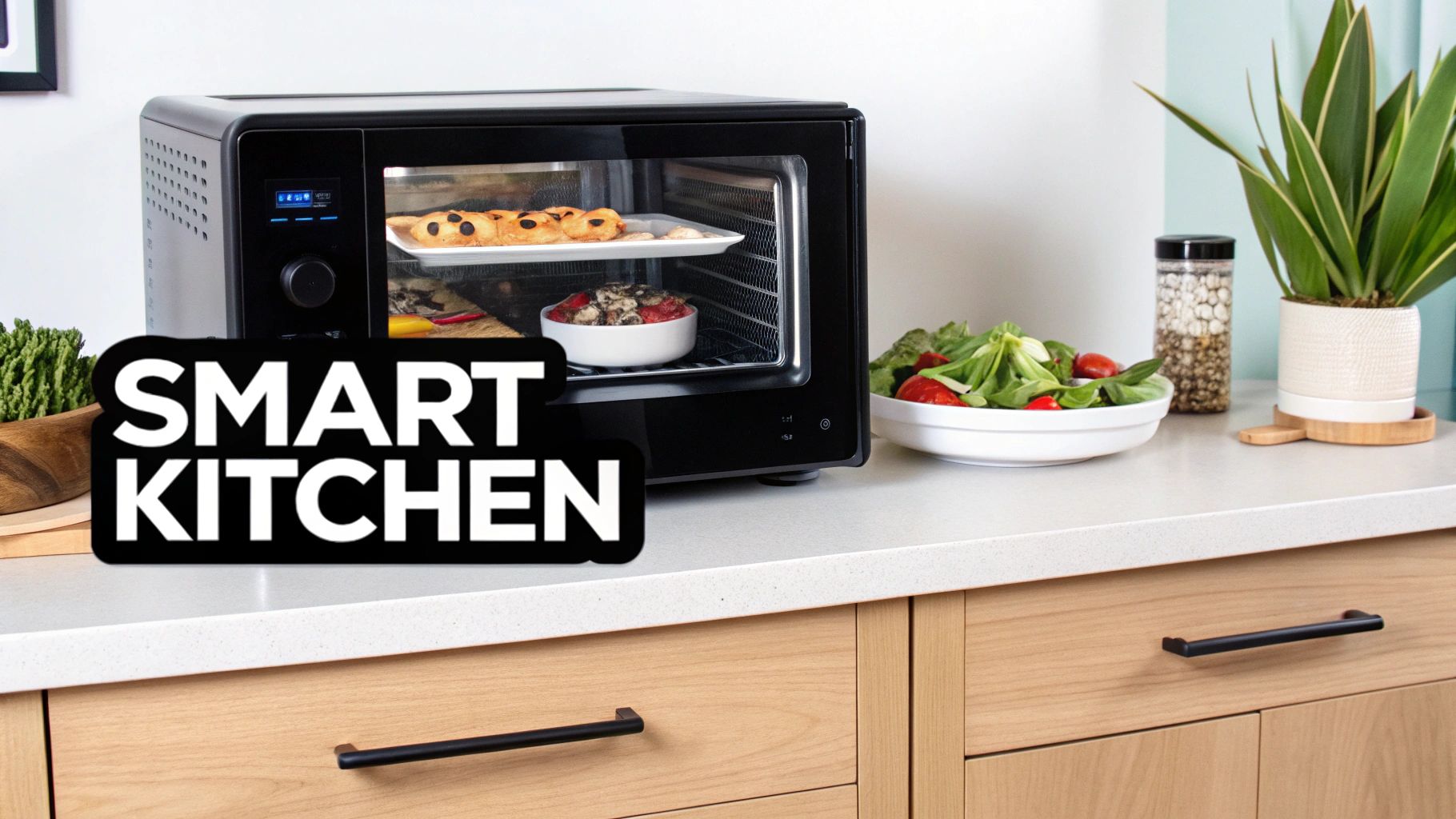
Smart kitchen appliances are transforming one of the most-used rooms in the home, bringing connectivity and automation to everything from refrigerators to ovens. These devices offer remote control via smartphone apps, allowing you to preheat your oven on the way home, check the contents of your fridge from the grocery store, or start the dishwasher from your couch. They integrate advanced features like inventory management, automated cooking cycles, and energy optimization to make daily tasks more efficient.
WiFi-enabled appliances, such as the Samsung Family Hub refrigerator or Café Smart Ranges, can send maintenance notifications, sync with recipe apps, and even order groceries for you. This level of integration streamlines meal planning and preparation, reduces food waste by tracking expiration dates, and enhances the overall cooking experience.
Why It's an Essential Feature
Smart kitchen appliances offer a powerful combination of convenience, efficiency, and precision. Imagine your oven automatically adjusting its temperature based on a recipe, or your refrigerator suggesting meals based on the ingredients you have on hand. These features save valuable time and mental energy, while also helping to reduce energy consumption and prevent food spoilage. For innovative cooking, consider integrating appliances like the Breville Mini Smart Toaster Oven, which brings intelligence to your kitchen.
Key Insight: The real value of smart kitchen appliances lies in their ability to create a connected ecosystem that simplifies the entire food management cycle, from grocery shopping and inventory to cooking and cleanup, making the kitchen more intuitive and less labor-intensive.
Actionable Implementation Tips
- Prioritize Function: Start with appliances that solve a specific problem for you, whether it’s a smart oven like the June Intelligent Oven for perfect cooking results or a Bosch Home Connect dishwasher for remote operation.
- Ensure Strong Connectivity: The kitchen is often full of signal-blocking materials. Before investing, ensure you have a strong and stable WiFi signal where the appliances will be located.
- Use Inventory Features Consistently: To get the most out of a smart refrigerator’s food tracking capabilities, make a habit of scanning items as you add or remove them.
- Sync with Smart Displays: Pair your smart appliances with a smart display like a Google Nest Hub or Amazon Echo Show to view recipes, watch cooking tutorials, and control your devices with voice commands for a hands-free experience.
9. Smart Home Automation and Routines
Smart home automation and routines are the "brains" behind a truly intelligent home, acting as customizable sequences that coordinate multiple devices to perform actions based on specific triggers. Instead of controlling each device individually, you can create powerful routines triggered by time, location (geofencing), a voice command, or a sensor input. This allows for seamless, contextual operation where your house anticipates and adapts to your needs.
For example, a "goodnight" routine could lock the doors, turn off all lights, arm the security system, and set the thermostat to an energy-saving temperature with a single command. A "good morning" routine might gently raise the smart blinds, start the coffee maker, and play a soft news briefing. These features of a smart house transform a collection of gadgets into a cohesive, responsive ecosystem.
Why It's an Essential Feature
Automation is what unlocks the ultimate convenience and efficiency of a smart home. It reduces the mental load of managing daily household tasks and ensures that your home’s security, climate, and lighting are always optimized without constant manual input. Routines create a truly hands-off experience where your environment works in harmony with your lifestyle, saving you time, energy, and effort every single day.
Key Insight: The most powerful features of a smart house emerge when devices work together. Automation is the essential ingredient that ties individual smart products into a system that proactively serves you, rather than just reacting to your commands.
Actionable Implementation Tips
- Start Simple: Begin with a 2-3 step routine, like an "I'm Leaving" sequence that turns off lights and adjusts the thermostat. Use platforms like Amazon Alexa Routines or Google Home Routines for an easy entry point.
- Leverage Geofencing: Create location-based automations. Have your garage door open, entryway lights turn on, and thermostat adjust to a comfortable temperature as you arrive home.
- Build Seasonal Routines: Program specific automations for different times of the year, such as adjusting smart blinds to block intense summer sun or turning on heated floors during cold winter mornings.
- Name Routines Clearly: Use descriptive and intuitive names for your routines (e.g., "Movie Time," "Morning Rush," "Secure the House") so they are easy to remember and trigger with voice commands.
10. Smart Blinds, Shades, and Window Treatments
Smart blinds and shades introduce a layer of sophisticated automation to your home's windows, allowing you to control natural light and privacy with precision. These motorized window treatments can be operated via smartphone apps, voice commands, or set to automated schedules that adapt to the time of day, season, or even the sun's position. This feature turns a manual daily chore into an intelligent, responsive system that enhances comfort and efficiency.
By integrating with your smart home ecosystem, these treatments can work in tandem with thermostats and lighting to regulate indoor temperature. They can automatically close during the hottest part of a summer day to block solar heat or open in the winter to let in warming sunlight, actively managing your home's climate and reducing reliance on your HVAC system.
Why It's an Essential Feature
Automated window treatments are a powerful tool for energy management, privacy, and home security. Setting schedules to close shades at dusk enhances privacy instantly, while a "vacation mode" can mimic daily activity, making your home appear occupied. Their ability to control solar gain directly impacts your energy bills, offering a tangible return on investment by passively heating and cooling your space.
Key Insight: Smart blinds transform windows from passive openings into active components of your home's climate and security systems, automating the balance between natural light, temperature, and privacy.
Actionable Implementation Tips
- Prioritize Sun-Facing Windows: Install smart shades on south- and west-facing windows first to achieve the greatest impact on temperature regulation and energy savings.
- Automate for Seasons: Create schedules that adjust to seasonal sun patterns. For example, open shades at 9 AM in winter to capture heat but keep them closed until the afternoon in summer to keep rooms cool. For those looking to implement automated window solutions, you can find DIY guides for motorized shades and smart windows.
- Consider Retrofit Solutions: Before replacing your existing blinds, explore retrofit kits like the SwitchBot Curtain Pro or Eve MotionBlinds, which can motorize your current window treatments at a lower cost.
- Integrate for Scene Control: Connect your blinds with your smart lighting system. Create a "Movie Night" scene that closes the shades and dims the lights simultaneously with a single command to your Amazon Alexa or Google Home assistant.
Top 10 Smart Home Features Comparison
| Item | 🔄 Implementation complexity | ⚡ Resource requirements | 📊 Expected outcomes | 💡 Ideal use cases | ⭐ Key advantages |
|---|---|---|---|---|---|
| Smart Lighting Systems and Occupancy Sensors | Low–Medium — many DIY options; some wired installs | Moderate — smart bulbs/sensors, Wi‑Fi/hub | 10–30% energy savings; improved convenience & security | Hallways, bathrooms, garages, retrofit upgrades | Energy savings, hands‑free control, ambiance |
| Smart Thermostats and Climate Control | Medium — may require wiring or pro installation | Moderate — HVAC compatibility, sensors, Wi‑Fi | 10–23% HVAC savings; better comfort and analytics | Whole‑home HVAC optimization, seasonal control | Learning schedules, energy reports, remote control |
| Smart Security Systems and Cameras | Medium–High — placement, networking, possible pro setup | High — bandwidth, storage/subscription, power | ~60% reduced break‑in risk; remote monitoring and evidence | Entry points, package protection, remote properties | Deterrence, real‑time alerts, forensic footage |
| Smart Door Locks and Entry Systems | Low–Medium — retrofit options; some models need pro fit | Moderate — batteries, connectivity (Wi‑Fi/Zigbee/Z‑Wave) | Fewer lockouts; logged and remote access | Rentals, guest access, integrated security systems | Keyless entry, access logs, temporary guest codes |
| Smart Home Hubs and Voice Assistants | Low–Medium — simple setup; integration complexity varies | Low–Moderate — hub/device and cloud connectivity | Unified control; enables complex automations and voice control | Multi‑brand ecosystems, voice‑first households | Centralized automation, accessibility, cross‑device routines |
| Smart Water Management and Leak Detection | Medium–High — main shutoff integration often requires pros | High — sensors, shutoff hardware, plumbing access | Prevents major damage; ~10–15% water savings; early leak alerts | Vacation homes, older plumbing, basements, water‑sensitive areas | Leak prevention, remote shutoff, insurance savings |
| Smart Energy Management and Power Monitoring | High — panel access and professional installation typical | High — panel sensors, hardware, possible subscription | 10–15% electricity reduction; appliance‑level insights; 3–5 yr ROI | Homes with solar/battery, energy‑efficiency projects | Circuit/appliance visibility, demand response, data‑driven savings |
| Smart Kitchen Appliances | Low–Medium — standard appliance install; connectivity setup needed | High — expensive appliances, reliable Wi‑Fi | Time savings, less food waste, optimized energy use | Busy families, frequent cooks, connected kitchens | Automation, inventory tracking, remote monitoring |
| Smart Home Automation and Routines | Medium — initial setup and logic testing required | Low–Moderate — hub/cloud plus devices | Fewer manual tasks; coordinated energy and security actions | Daily routines, multi‑user homes, accessibility needs | Personalized automation, energy coordination, convenience |
| Smart Blinds, Shades, and Window Treatments | Medium — varies by window; pro install often recommended | Moderate–High — motors, power/batteries, controllers | 10–25% HVAC impact; improved privacy and UV protection | South‑facing windows, living rooms, bedrooms, sun control | Passive temperature regulation, privacy, aesthetic upgrade |
Integrating Intelligence Into Your Home: Your Next Steps
We've journeyed through the dynamic landscape of smart home technology, exploring ten core features that can fundamentally reshape your living experience. From the intuitive glow of smart lighting systems that adapt to your daily rhythms to the peace of mind offered by advanced security cameras and smart locks, the modern home is no longer a passive structure. Instead, it has become an active participant in your life, capable of enhancing convenience, bolstering security, and optimizing energy consumption.
The true power of these systems lies not just in their individual functions but in their ability to work together. A smart thermostat doesn’t just adjust the temperature; it learns your schedule to reduce energy waste. A smart home hub does more than play music; it acts as the central nervous system, orchestrating complex automations that make your daily routines effortless. The key takeaway is that the most impactful features of a smart house are those that form a cohesive, interconnected ecosystem tailored to your unique lifestyle.
From Blueprint to Reality: Charting Your Smart Home Journey
Embarking on this journey can feel overwhelming, but the most successful smart homes are built incrementally, not overnight. The first step is to define your "why." Are you driven by a desire for ironclad security, a passion for energy efficiency, or the simple pursuit of unparalleled convenience? Your primary motivation will serve as your compass, guiding your initial investments and helping you prioritize what truly matters.
Here is a practical roadmap to get you started:
- Identify Your Core Need: Pinpoint your biggest pain point or desired outcome. For families, this might be security, making a video doorbell and smart locks a logical first step. For budget-conscious individuals, a smart thermostat and energy monitoring plugs offer a clear and measurable return on investment.
- Start with a Single Category: Resist the urge to buy everything at once. Focus on mastering one area, whether it's lighting, security, or climate control. This approach allows you to understand the technology, learn the app interface, and avoid the frustration of system incompatibility.
- Prioritize a Hub or Ecosystem: Before expanding, decide on your central control system. Will you build around Amazon Alexa, Google Assistant, or Apple HomeKit? Choosing an ecosystem early ensures that future device purchases will integrate smoothly, preventing you from ending up with a collection of disconnected gadgets.
- Create Simple Automations: Once you have a few devices, begin experimenting with routines. A "Good Morning" routine could gradually brighten the lights, raise the smart blinds, and adjust the thermostat. A "Leaving Home" scene could lock the doors, arm the security system, and turn off all non-essential lights and appliances. These small automations are where you begin to experience the true magic of an integrated smart home.
The Future is a Smarter Home
Ultimately, mastering the features of a smart house is about more than just technology; it's about reclaiming your time, securing your environment, and creating a space that is truly responsive to your needs. The initial learning curve is an investment in a future where your home anticipates your arrival, protects your family while you're away, and manages resources with intelligent precision.
By starting with a clear purpose and building your system thoughtfully, you can avoid common pitfalls and create a home that is not only "smart" in its technology but also wise in its application. Your home can become a sanctuary of comfort and an fortress of security, all orchestrated with the simple tap of a screen or the sound of your voice. The journey begins now, with one small, intentional step.
Ready to dive deeper and turn your smart home vision into a reality? At Automated Home Guide, we provide expert reviews, in-depth tutorials, and personalized recommendations to help you navigate the ever-evolving world of home automation. Visit Automated Home Guide to find the perfect devices and strategies to build the smart home you've always wanted.


Leave a Reply