
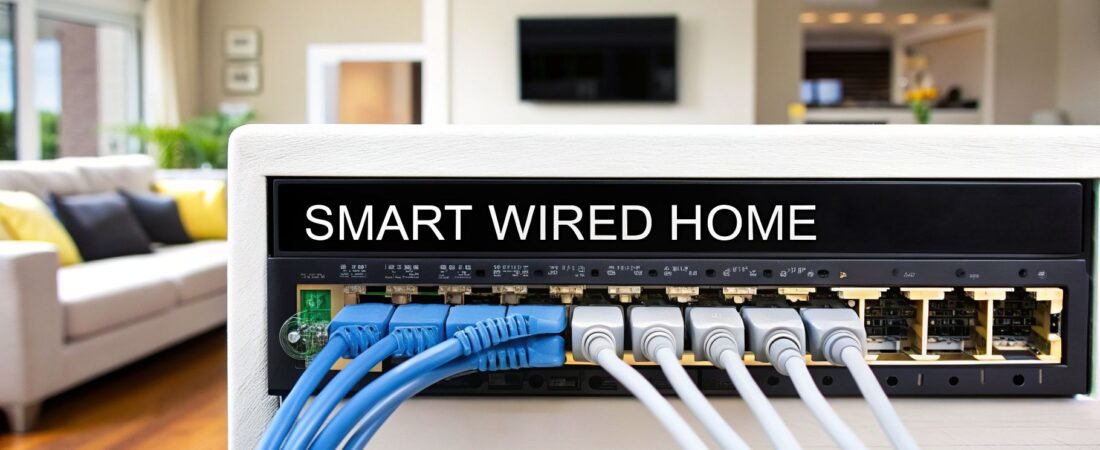
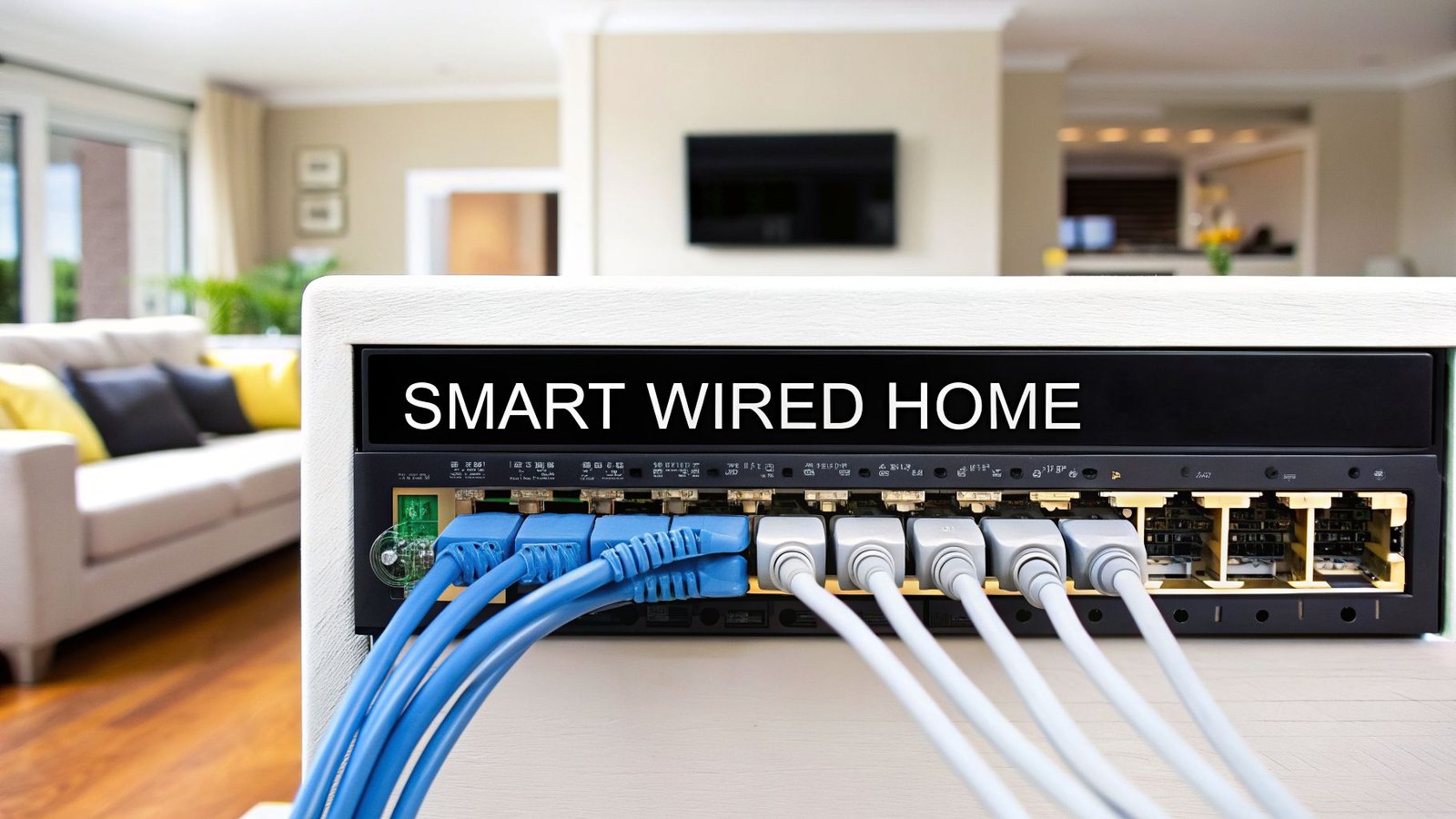
At its heart, a smart wired home is one that uses physical data cables—think of them as a dedicated, private highway system—to connect your most important devices directly to your home network. This hardwired approach creates a foundation that's far faster, more reliable, and more secure than relying on Wi-Fi for everything. It’s the professional’s secret to getting flawless performance from today's (and tomorrow's) high-demand technology.
Why a Wired Backbone Is Your Smart Home’s Superpower
Ever feel like your home network is stuck in rush-hour traffic? That's what a wireless-only smart home can feel like. Dozens of devices are all shouting over each other, competing for the same limited bandwidth on a single, congested road. The result? Buffering videos, laggy online games, and frustrating dropouts.
A smart wired home changes the game completely. Instead of one congested road, you build a private, multi-lane superhighway with dedicated express lanes straight to your most critical devices.

This dedicated infrastructure, often called a "wired backbone," is what truly unlocks a home's smart potential. While Wi-Fi is fantastic for mobile devices and convenience, nothing beats a hardwired connection for stationary, high-bandwidth electronics like your main TV or desktop computer.
The Unbeatable Trio: Speed, Reliability, and Security
When you run dedicated cables, you’re investing in a robust network that delivers in three crucial areas. The benefits are immediate and obvious.
- Blazing Speed: A wired Ethernet connection is simply faster than Wi-Fi. Period. It's a direct, physical link to your router, delivering the maximum speed your internet plan allows without being slowed down by other devices or physical barriers like concrete walls and floors.
- Rock-Solid Reliability: Wired connections don't suffer from the signal drops and interference that can plague even the best Wi-Fi systems. This means your 4K security cameras will always be recording smoothly, and your smart TV won’t freeze right at the climax of a movie.
- Enhanced Security: A physical connection is inherently more secure. It’s much, much harder for an unauthorized user to tap into a network they have to physically plug into, which adds a powerful and practical layer of protection for your personal data.
The key to implementing this powerful backbone is understanding what structured cabling is. It's a methodical, organized approach to wiring that ensures every cable is run efficiently, labeled correctly, and brought back to a central hub. This creates a clean, manageable, and high-performing system.
Wired vs. Wireless Smart Home at a Glance
So, when does wired make more sense than wireless? It really comes down to your priorities and the specific device. This table offers a quick snapshot of how a smart wired home compares to a wireless-first setup.
| Feature | Smart Wired Home | Wireless Smart Home |
|---|---|---|
| Speed | Consistently high speeds, unaffected by congestion | Slower speeds, prone to interference and slowdowns |
| Reliability | Extremely stable, no signal dropouts | Can be unreliable due to walls, distance, and congestion |
| Security | High; requires physical access to the network | Lower; vulnerable to wireless hacking attempts |
| Installation | More complex; best during new builds or renovations | Simple and easy; ideal for renters and existing homes |
| Best For | TVs, security cameras, gaming consoles, desktops | Phones, tablets, laptops, small smart speakers |
As you can see, a wired backbone isn't about getting rid of Wi-Fi. It’s about making your Wi-Fi better.
By moving all the heavy-lifting, data-hungry devices onto the wired network, you free up the wireless airwaves. This allows your mobile devices—the ones that actually need Wi-Fi—to perform at their absolute best.
This hybrid strategy is the hallmark of a truly modern and future-ready smart home. It delivers a frustration-free experience that not only makes daily life better but also significantly increases your home's long-term value by preparing it for whatever technology comes next.
What Are the Building Blocks of a Wired Network?
To pull off a high-performance wired smart home, you first have to get familiar with the core components. Think of your home’s wiring as its central nervous system. Specialized cables are the nerves, carrying critical signals between the brain (your network hub) and all your smart devices. If you get these building blocks right from the start, you're setting yourself up for a seamless, rock-solid smart home experience.
The heart of this system is something we call structured cabling. This isn't about just pulling a few wires through the walls haphazardly. It’s a clean, organized methodology where all the cables from outlets in every room run back to one central hub. This is usually tucked away in a utility closet or basement, where everything connects to your router and network switch. This design makes your entire network incredibly simple to manage, troubleshoot, or even upgrade down the road.
Choosing the Right Wires for a Future-Ready Home
The most important decision you'll make is picking the right type of Ethernet cable. This is the backbone of your entire network, and choosing wisely now means you won't have to rip open your walls a few years from now.
- Ethernet Cable (Category Cable): This is the undisputed workhorse for data. If you're wiring a home today, Cat6a is the standard to aim for. Sure, Cat6 can handle what most people need right now, but Cat6a is a significant step up. It supports blazing-fast speeds up to 10 Gigabits per second (Gbps) and has much better shielding to fight off electrical interference.
- Coaxial Cable: While its role in data is shrinking, RG6 coax is still the go-to for satellite and cable TV. It’s smart practice to run a coax line alongside your Ethernet to any spot where a TV might go, just to keep your options open.
- Speaker Wire: For a true home theater or a multi-room audio setup, you need to run dedicated speaker wire from your amplifier's location directly to each speaker. It's the only way to get pure, high-fidelity sound.
- Security and Low-Voltage Wiring: This covers a whole range of smaller but crucial wires for things like alarm sensors, video doorbells, and smart thermostats. For some of the more niche projects, like accent lighting, knowing how to wire low voltage lighting is a great example of the specific skills involved.
Think of installing Cat6a as a form of future-proofing. It gives you more than enough bandwidth to handle 8K video streaming, intense online gaming, and massive file transfers, ensuring your network won't be the weak link when the next wave of tech arrives in 2026 and beyond.
The Game-Changer: Power over Ethernet (PoE)
One of the most powerful and practical technologies for any wired smart home is Power over Ethernet (PoE). It’s a brilliant piece of tech that lets a single Ethernet cable transmit both data and electrical power, making installations infinitely simpler.
Instead of needing a separate power outlet for a device, PoE delivers a safe, low-voltage current directly through the network cable. This is a game-changer for devices installed in difficult-to-reach locations.
Imagine mounting a security camera on the highest corner of your house or placing a Wi-Fi access point perfectly in the center of a ceiling for the best coverage. With PoE, you only have to run a single, simple cable to that spot. It means less clutter, lower installation costs, and a much cleaner, more professional look.
Here are a few common devices that are perfect for PoE:
- Wi-Fi Access Points: Mount them on the ceiling for unbeatable whole-home coverage without having to worry about finding a power outlet nearby.
- IP Security Cameras: Install them anywhere you need them—inside or out—with just one cable for both the video feed and power.
- Video Doorbells: A PoE doorbell gives you an incredibly stable connection that battery-powered models simply can't compete with. As you map out these runs, our guide on wiring for a smart home can offer some helpful planning tips.
- Smart Home Hubs & Control Panels: You can power and connect a sleek, wall-mounted touchscreen with one clean, hidden cable.
How to Plan Your Smart Wiring Project Like a Pro
A truly smart home—one that's reliable, fast, and ready for the future—doesn't just happen. It's built on a foundation of thoughtful planning, especially if you have the opportunity during a new build or a major renovation. This is your one shot to lay the digital groundwork that will serve your family for decades.
The single most important rule? Future-proof everything. Technology evolves at a breakneck pace, and your needs will absolutely change. The best way to prepare for the unknown is to run more cable than you think you'll ever need. Pulling an extra Ethernet cable to a room during construction is a minor expense, but trying to add one later can cost thousands and involve cutting into finished walls.
Create Your Smart Home Blueprint
Get your hands on a floor plan of your home, either on paper or as a digital file. This is where your smart home vision starts to take shape. You're going to walk through each room, mentally placing every single connection point.
Think beyond just plugging in a computer. This is about designing a home that works for you, not the other way around.
- Data Outlets (Ethernet Ports): Pinpoint every spot you might need a rock-solid wired connection. Home offices, TV consoles, and gaming nooks are obvious. But what about the kitchen island where you might work? Or a workbench in the garage? Think about potential future uses.
- Wi-Fi Access Points: For flawless, whole-home Wi-Fi, you'll need to strategically place hardwired Access Points (APs). Look for central locations on each floor—the ceiling of a main hallway is often a perfect spot—to blanket your home in a strong, consistent signal.
- Security Cameras: Mark the ideal vantage points for your eyes and ears, both inside and out. Think corners of the house for wide-angle views, over entryways, and key outdoor areas like a patio or driveway. Remember, Power over Ethernet (PoE) is your best friend here; it sends both power and data through a single cable.
- Audio and Video: Decide where every TV, projector, and speaker will go. Run both Ethernet and coaxial cables to any wall where a TV might hang, now or in the future. For in-ceiling or in-wall speakers, map out the cable runs from each speaker location back to a central spot for your amplifier.
This simple diagram shows just how powerful and efficient PoE can be for devices like cameras and APs.

As you can see, a single cable handles both the data connection and the electricity, which means you don't have to worry about having a power outlet right next to every device.
Choose Your Home’s Nerve Center
All those wires have to go somewhere. Your structured cabling system needs a central hub—the "nerve center" of your home. This is often a media closet, a small network rack, or a dedicated cabinet where your modem, router, network switch, and other core components will live.
Pick a spot that's cool, dry, and has decent ventilation. Network gear generates more heat than you might think. A utility room, a closet in a basement, or even a dedicated space in an office are all great candidates. Just make sure you plan for plenty of power outlets in that one spot.
Investing in this kind of infrastructure is right in line with where the market is headed. The global smart home market is expected to surge from USD 95.83 billion in 2026 to USD 139.24 billion by 2032. In North America alone, the market is projected to hit USD 45.68 billion by 2030. You can get a deeper look into this growth by reading the full research about the smart homes and assisted living market.
Finally, don't forget the small details, like wall plate placement. For a wall-mounted TV, you'll want a recessed box that hides the power, data, and coax connections neatly behind the screen. In a home office, consider placing outlets just above the desk height to avoid crawling on the floor every time you need to plug something in. It's this level of detailed thinking that separates a standard setup from a truly professional one, ensuring your smart home is as convenient as it is capable.
Ensuring a Flawless Installation for Peak Performance
You can buy the best cable in the world, but it's only as good as the person installing it. Getting the installation right is the final, most critical piece of the puzzle for your smart wired home. This isn't necessarily about you doing the work yourself, but about knowing what a professional job looks like so you can ask the right questions and ensure it's done correctly.
A proper installation is what guarantees the long-term health and speed of your network. The small details an experienced installer sweats are precisely what separate a lightning-fast, reliable system from one that’s constantly dropping connections and causing endless frustration.
Core Installation Best Practices
Think of your data cables like delicate instruments; they need to be handled with care to perform as designed. Two of the most important rules are keeping them away from electrical wiring and never bending them too sharply.
- Separating Data and Electrical: You absolutely cannot run low-voltage data cables like Ethernet right next to high-voltage electrical wires. The “noise,” or electromagnetic interference (EMI), from power lines can corrupt your data signal and torpedo your network performance. A pro will always keep them several inches apart or, if they must cross, do so at a 90-degree angle to minimize interference.
- Respecting the Bend Radius: Every cable has a maximum "bend radius"—a limit on how tightly it can be bent before the tiny wires inside get damaged. Kinking a Cat6a cable or yanking it around a sharp corner can permanently ruin its ability to deliver top speeds. Installers use wide, gentle sweeps to protect the cable’s integrity.
Beyond just handling the cables correctly, organization is everything. A neatly installed system is easy to manage, troubleshoot, and upgrade for years down the road.
A simple, non-negotiable best practice is labeling every single cable at both ends. When you need to troubleshoot a spotty connection or add a new device five years from now, clear labels mean you'll know exactly which wire goes where without spending hours playing a guessing game.
The Finishing Touches That Matter Most
The final steps—termination and testing—are where the system’s reliability is truly sealed. A poorly terminated cable is a guaranteed point of failure.
Cable termination is the technical term for attaching a connector (like the plastic RJ45 head on an Ethernet cable) or punching the individual wires into a wall jack. Each of the eight tiny wires inside has to be in the exact right order and make a perfect connection. One sloppy connection can lead to a dead port or, worse, one that works intermittently and drives you crazy. Our guide on smart home electrical installation dives deeper into why this precision is so vital.
After everything is terminated, every single cable run must be certified with a professional network testing tool. This isn't just a simple continuity check; this device sends signals down the line to confirm it actually meets the performance standard it's rated for—for example, that your Cat6a cable is truly capable of 10 Gbps speeds. This is your ultimate quality control step.
The push for better home connectivity is only getting stronger. The United States smart home market was valued at USD 54.53 billion in 2026 and is projected to hit USD 81.61 billion by 2031, growing at an 8.4% compound annual growth rate. This incredible growth underscores why a professionally installed wired backbone is no longer a luxury, but a necessity for any modern home. Discover more insights about the U.S. smart homes market on mordorintelligence.com.
Marrying Wired and Wireless for a Perfect Hybrid Home
The whole "wired versus wireless" debate completely misses the point. The best-performing smart homes don't make you choose; they intelligently combine the strengths of both to create a seamless hybrid system. Think of your wired infrastructure as the strong, silent backbone that makes all the wireless convenience you love possible.

In this hybrid model, a solid Ethernet backbone isn't just for your gaming PC or 4K TV. It's the foundation for a truly superior Wi-Fi network. The goal is to get the best of both worlds: the unshakable reliability of a hardwired connection married to the go-anywhere freedom of wireless.
Creating Seamless Wi-Fi Coverage
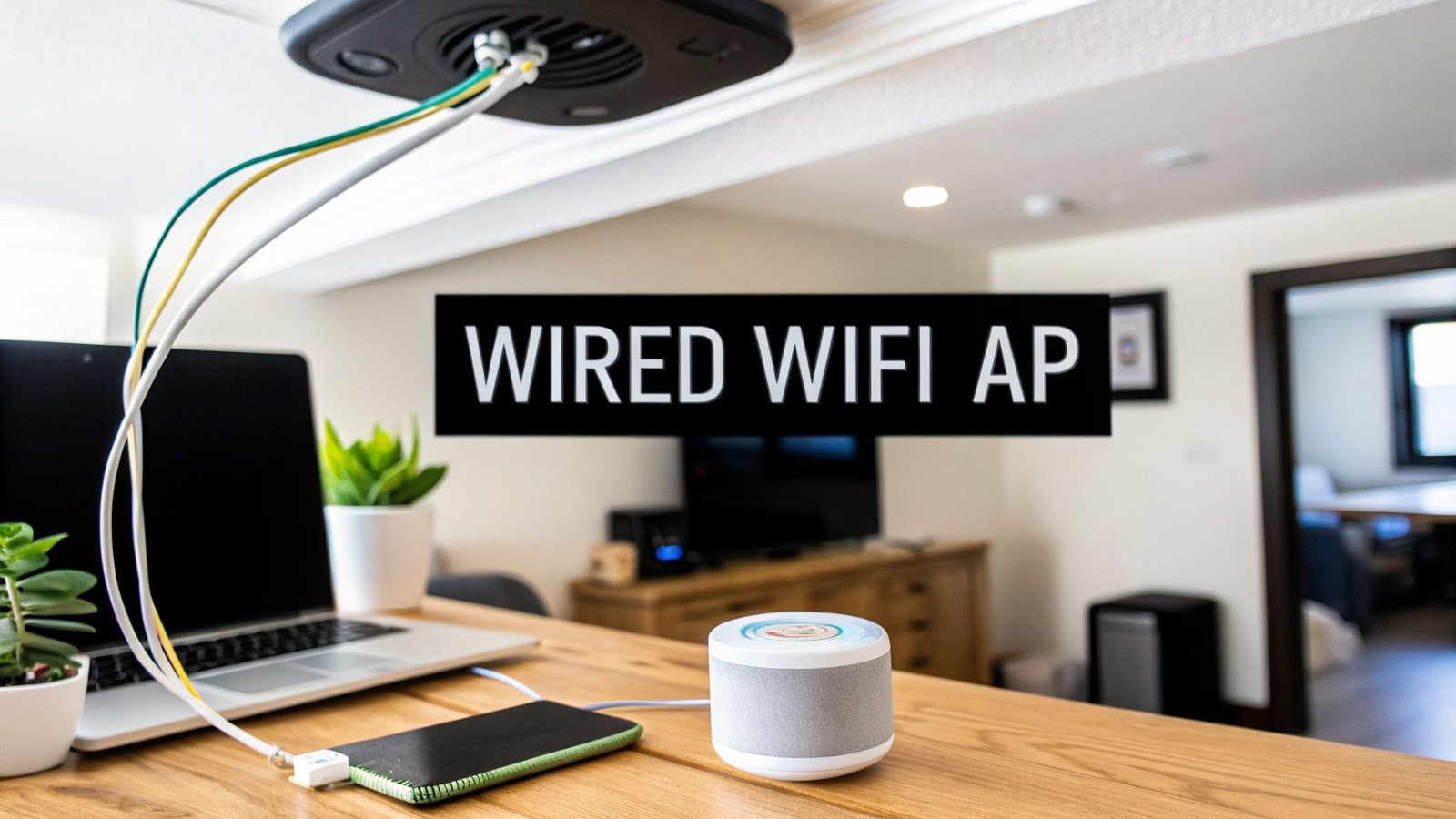
The real secret to killing Wi-Fi dead zones for good isn't buying a more powerful router. It’s about installing hardwired Wi-Fi Access Points (APs). These are essentially mini-routers that you place in key spots around your home, connecting each one back to your central network with a simple Ethernet cable.
Using your smart wired home’s backbone to feed these APs delivers full-strength internet speed directly to each location. This is a massive improvement over standard wireless mesh systems, which often rely on weaker radio signals to talk to each other, frequently cutting your speed in half with each "hop" away from the main router.
- Ethernet-Connected APs: Every access point gets a perfect, full-speed data signal through its wired connection—no compromises.
- Centralized Management: Multiple APs work together as a single, unified network. This lets your phone or laptop seamlessly roam from one AP to the next without ever dropping the connection.
- Strategic Placement: Since they can be powered by PoE (Power over Ethernet), you can mount APs on ceilings or high on walls for the best possible signal coverage, without worrying about finding a nearby power outlet.
This professional-grade setup ensures you have strong, fast Wi-Fi in every corner of your house, from the basement workshop to the backyard patio. You can explore this in more detail in our guide on using a wired Wi-Fi access point to supercharge your network.
Integrating Low-Power Wireless Protocols
Beyond just Wi-Fi, a hybrid system is the perfect way to integrate other low-power wireless technologies like Zigbee and Thread. These protocols are built specifically for small, often battery-operated devices that don’t need a high-speed internet connection.
Think of Zigbee and Thread as the local couriers for your smart home. They don't need a superhighway to do their job—just a reliable local road to carry small messages like "the door is locked" or "motion detected."
Here too, your smart wired home backbone plays a crucial role. A central, hardwired smart home hub acts as the bridge. It listens to all your tiny battery-powered sensors and then relays their status to your main network with its fast, stable Ethernet connection.
This creates a far more efficient and reliable system:
- Battery-powered sensors (like those on doors and windows) use low-power Thread or Zigbee to talk to the hub.
- The smart home hub is plugged directly into your wired network for rock-solid reliability.
- You control everything from your phone, which is connected to your powerful, hardwired Wi-Fi network.
The central hub is the command center that ties it all together, and its importance is reflected in its explosive market growth. Projections show the smart home hub market soaring from USD 226.39 billion in 2026 to USD 468.32 billion by 2030, highlighting just how essential this component has become. You can read the full research about the smart home hub market for a deeper dive into these trends.
Ultimately, wired infrastructure and wireless convenience are perfect partners, not competitors.
Got Questions About Smart Wired Homes? We've Got Answers.
It's completely normal to have questions when you're thinking about a big home project. Investing in a smart wired home is a major decision, so let's tackle some of the most common things homeowners ask. My goal is to give you clear, straightforward answers so you can feel confident about your next steps.
How Much More Does It Cost to Wire a Home?
The cost to professionally install structured cabling is a lot less than most people think, especially if you do it during a new build or a major renovation. When the walls are already open, adding a comprehensive wiring plan might only increase your total project budget by 1-3%. That price usually covers high-quality cables (like Cat6a) and the labor to run them everywhere you'll need them.
Now, retrofitting an existing home is a different story. It's more labor-intensive because installers have to carefully snake wires through finished walls, which takes more time and skill. But even with the higher upfront cost, the long-term value you add to your home's functionality and resale price often gives you a great return on that investment. Honestly, it's one of the best upgrades you can make to get your home ready for the future.
Can I Retrofit an Existing Home with Smart Wiring?
Absolutely. While it’s definitely easier to wire a new house, retrofitting an existing home with a solid wired network is a very common project for professional installers. It just requires a bit more creativity and expertise to run the cables without tearing up your walls.
Installers have a few tricks up their sleeve to get this done right:
- Using Unfinished Spaces: Attics, basements, and crawl spaces are the main arteries they'll use to run cables across the house.
- Finding Creative Paths: Pros are great at tucking wires behind baseboards, inside closets, or even alongside existing ductwork to get them where they need to go.
- Making Minimal Cuts: When a new wall plate is needed, a skilled installer can make small, precise cuts in the drywall that are simple to patch and paint. You'll never even know they were there.
You might not get the same wall-to-wall coverage as you would in a new build, but a pro can strategically wire the most important spots in your home—think home offices, entertainment centers, and key locations for Wi-Fi access points.
The real key is to be realistic. Focus on hardwiring the devices that need the most reliable connection first. Even just a few well-placed Ethernet runs can make a huge difference in your home network's overall performance.
Is It Worth Wiring for Devices I Don’t Have Yet?
One hundred percent, yes. We call this "future-proofing," and it's easily the smartest move you can make when planning your smart wired home. The technology you'll be using in five or ten years will be way more demanding than what you have today, and your needs are bound to change.
Think about it: running an extra, unused Ethernet cable to a kid's bedroom, a space that might become a home office, or a corner of the house where you might want a security camera later on costs very little during the initial installation. But deciding you need that same cable five years down the road? That could cost thousands and mean cutting into finished walls.
By running spare cables to strategic locations now, you're giving your future self options without the massive expense and headache of a full-blown retrofit. It’s a tiny investment that pays off big time.
Ready to create a home that’s as smart as it is comfortable? The experts at Automated Home Guide provide the in-depth knowledge and practical advice you need to plan and execute your project. Explore our comprehensive resources to make your smart home vision a reality at https://automatedhomeguide.com.

Leave a Reply