
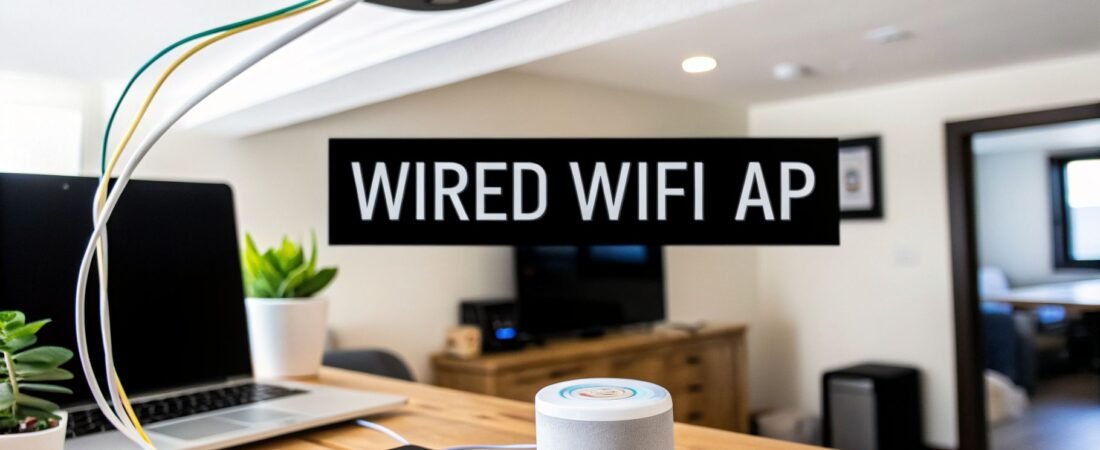
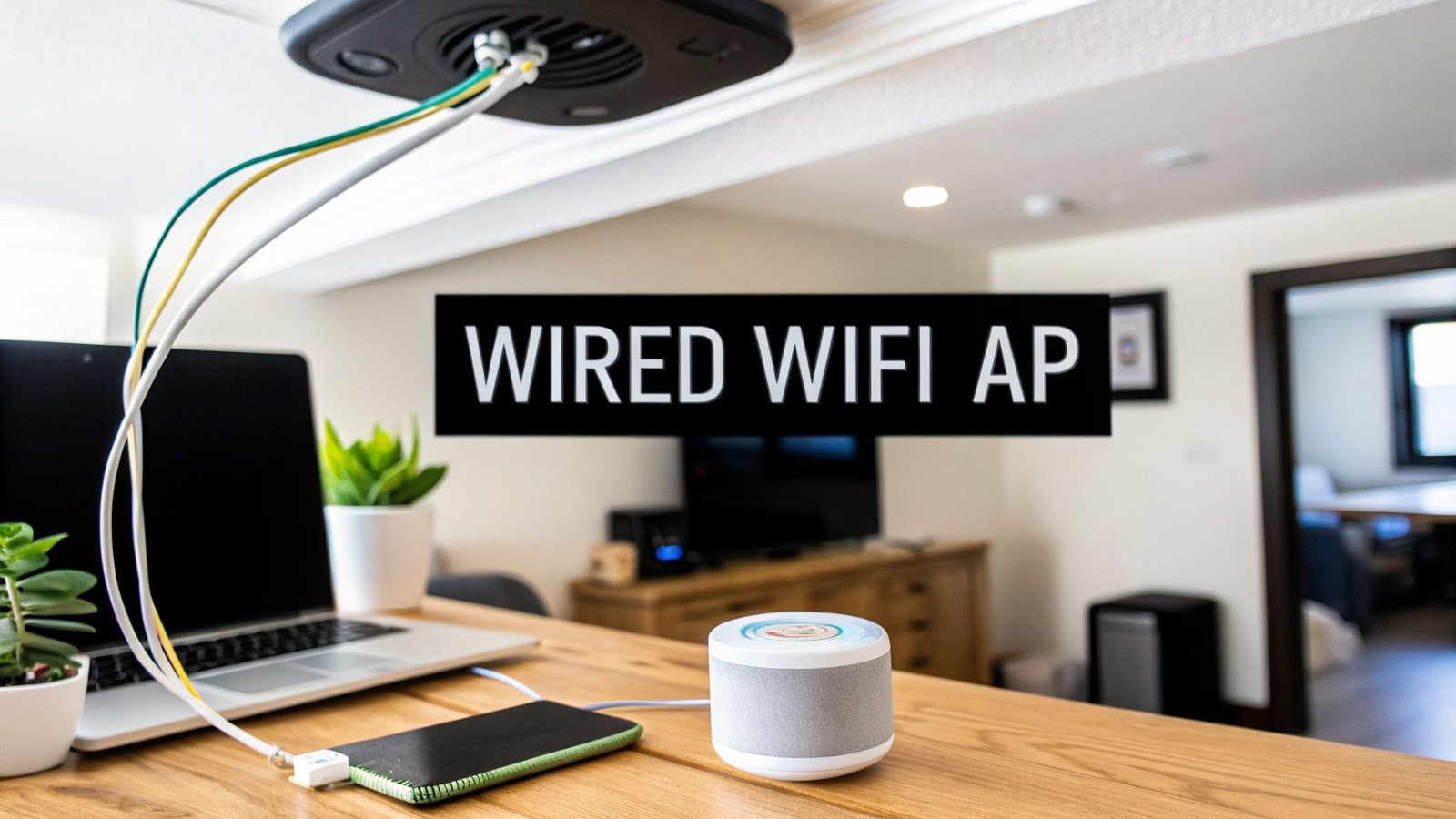
A wired WiFi access point is a purpose-built device that plugs directly into your router with an Ethernet cable. Its one job? To broadcast a powerful and stable wireless signal right where you need it. This is the pro-level solution for wiping out dead zones and handling dozens of devices without the dreaded buffering wheel.
The Secret to Flawless Home WiFi

Think of your home WiFi like a highway. Your router is the central hub where all the traffic merges, and as you add more and more devices—laptops, phones, smart TVs—that highway gets clogged. The result is a traffic jam we all know too well: stuttering video calls, smart speakers that don't respond, and dead spots where the internet just disappears.
Many people reach for a WiFi extender to fix this, but that's like adding a slow, single-lane service road. It might help a little, but it doesn't solve the core congestion problem. A wired WiFi access point, on the other hand, is like building a dedicated, multi-lane express route directly from the source to your problem areas.
From a Single Speaker to Whole-Home Audio
Let’s use a home audio analogy. You could try to fill your whole house with sound by cranking up a single Bluetooth speaker in the living room. It's a quick fix, but the sound will be faint and tinny in the kitchen or bedroom. The right way to do it is to install high-quality speakers in each room, all wired back to a central amplifier for perfect, consistent sound everywhere.
Wired access points apply that exact same logic to your internet. Instead of forcing a single router to do all the heavy lifting, you place dedicated access points in strategic locations. Because each one has a physical Ethernet cable running back to your network, it gets a flawless, full-speed signal to broadcast. No signal loss, no compromises.
This approach delivers some serious advantages:
- Maximum Performance: The wired connection—often called a "backhaul"—ensures the access point broadcasts WiFi at full speed. It's not re-broadcasting an already weak signal like an extender does.
- Superior Reliability: A physical cable isn't affected by the wireless interference that can trip up mesh systems or extenders. This gives you a rock-solid foundation for your WiFi.
- Strategic Coverage: You get to put WiFi exactly where you need it most. Stick one in the home office, another in the entertainment center, or even one out by the patio to cover your entire property with a strong, seamless signal.
A wired backhaul connection is the gold standard for home networking. It guarantees that your access point isn't just extending your WiFi range but is delivering the fastest and most stable connection possible at every point.
This kind of stability is no longer a luxury. With the explosion of smart home devices, the number of gadgets fighting for bandwidth is only going up. In fact, the global wireless access point market is projected to grow by $8.7 billion between 2025 and 2030, largely because the average household will soon have over 20 connected devices. A wired access point system is the only way to build a network that's ready for that future.
Choosing Your Network Upgrade Path
Navigating the world of home networking can feel like trying to order from a menu in a foreign language. You've got routers, extenders, mesh systems, and access points—it's easy to get lost in the jargon. Before you even think about buying new gear, it helps to have a good handle on some understanding networking principles. This foundation will help you make a smart decision for your own home.
Let's try a simple analogy to cut through the confusion. Think of your home network as a bustling restaurant. Every device—your phone, laptop, smart TV—is a customer trying to place an order. Your goal is to get their order to the kitchen (the internet) and back, fast and without mistakes.
Your Router Is the Maître d'
Every restaurant needs a maître d', and that's your router. It stands at the front door, greeting every device, managing the flow of traffic, and directing all the incoming and outgoing data. It's the brain of your whole operation, but it can only do so much on its own. In a big, crowded space, when too many customers are shouting their orders from across the room, the maître d' gets overwhelmed. Fast.
WiFi Extenders Are Shouting Servers
A WiFi extender is like hiring a single waiter to just shout orders across that noisy dining room. Sure, the message might eventually get to the kitchen, but it's often distorted, delayed, and much weaker by the time it arrives. The extender just repeats everything it hears—including all the background noise and interference. That's why extenders so often lead to frustratingly slow speeds and spotty connections.
Mesh Systems A Team of Relaying Servers
A mesh WiFi system is a big step up. Picture a team of well-coordinated servers who pass messages to one another until the order reliably reaches the kitchen. This works far better than a single shouting waiter and gives you much better coverage throughout the restaurant.
But there's a catch. Each time a message is relayed wirelessly from one server to another, a little bit of speed and efficiency is lost. This relay process, often called a wireless backhaul, can still create bottlenecks during busy times, especially for high-priority "orders" like 4K streaming or online gaming.
The Wired WiFi Access Point A Dedicated Chef's Station
This brings us to the wired WiFi access point. Forget waiters. Instead, imagine installing a dedicated, fully-equipped chef's station in each section of the restaurant. Each station is connected directly to the maître d' via a private, high-speed dumbwaiter—the Ethernet cable.
This direct, physical connection is the key. It guarantees that every order is delivered to the kitchen with maximum speed and perfect clarity, completely bypassing the noisy, crowded dining room floor. There's no signal degradation, no interference, and no relay delays.
This is exactly why the market for these devices has exploded, growing from $2.5 billion in 2019 to a projected $4.7 billion by 2026, fueled by the rise of smart homes packed with IoT devices. For anyone concerned about security, these dedicated points can cut down wireless interference by up to 40%, helping to shield the network from potential weak spots. You can find more market insights on FNFresearch.com.
The table below breaks down how these different devices stack up, making it clear why a wired solution is often the best choice for a modern, device-heavy home.
Comparing Home Networking Devices
| Device Type | Primary Role | Best For | Key Limitation |
|---|---|---|---|
| Router | Manages network traffic | Small, open-plan homes with few devices | Limited range and capacity; can be easily overwhelmed. |
| WiFi Extender | Repeats an existing signal | Covering a single, nearby dead spot with low-demand devices | Drastically reduces speed and increases latency. |
| Mesh System | Creates a wide coverage area | Large homes where running cables is not an option | Wireless backhaul can be slow and susceptible to interference. |
| Wired Access Point | Broadcasts a direct signal | High-performance homes with many devices or demanding tasks | Requires a physical Ethernet cable connection for each AP. |
Once you see these roles laid out, it becomes clear. For a home that demands serious speed, rock-solid reliability, and the capacity to handle dozens of smart devices simultaneously, the wired WiFi access point isn't just another option—it's the definitive upgrade.
Understanding Core Access Point Technologies
To really get why a wired Wi-Fi access point is such a game-changer for your network, we need to pop the hood and look at the technologies that make them tick. These aren't just bullet points on a spec sheet; they’re the secret sauce for delivering the speed, flexibility, and security you’ve been missing.
But first, before we dive into the nitty-gritty, it helps to have a solid handle on what a wireless access point (WAP) is and the basic job it does. Once you get that, the brilliance of these core features really starts to click.
The Magic of Power over Ethernet
One of the most practical innovations you'll find is Power over Ethernet (PoE). The best way to think about it is like a USB-C cable, but for your network. Just one Ethernet cable carries both the high-speed data connection and the electrical power to the access point.
This completely changes the installation game. Without PoE, you're stuck placing your access point near a power outlet, which severely limits your options. With PoE, your only limitation is where you can run an Ethernet cable. Suddenly, you can mount the AP in the perfect spot for coverage—like the middle of a ceiling—without calling an electrician to run new power lines.
PoE technology transforms access point installation from a logistical headache into a simple, flexible project. It lets you put your Wi-Fi exactly where it works best, not just where a plug happens to be.
Standalone vs. Controller-Based Systems
Access points don't all get managed the same way. There are two main flavors, and choosing the right one really just depends on the size and complexity of your setup.
Standalone Access Points: Think of these as independent operators. You log into each one individually through a web browser to change settings, just like a typical router. This approach is perfect for homes that only need one or two APs because it’s so direct and simple.
Controller-Based Access Points: Here, a central "controller" (either a physical device or a piece of software) acts as the command center for all your access points. From one dashboard, you can push updates, manage security, and see what’s happening across the entire network. This is the way to go for larger homes with several APs, as it makes management a breeze.
For most home setups, a standalone AP or a system with a simplified, built-in software controller is the sweet spot, offering plenty of power without unnecessary complexity.
Future-Proofing with Wi-Fi 6 and WPA3
Beyond the basics, two modern standards are absolutely critical for building a network that will last: Wi-Fi 6 (802.11ax) and WPA3.
Wi-Fi 6 is the latest generation, and it was built from the ground up for our device-packed homes. It's not just about raw speed; its real talent is handling dozens of connections at once without getting bogged down. In a modern smart home, this is huge—deploying Wi-Fi 6 APs can deliver 30% throughput gains and dramatically lower latency. That kind of stability is essential, especially as the number of connected devices is expected to hit 75 billion globally by 2026. You can dig into more data on this trend in a market analysis from The Business Research Company.
Just as crucial is WPA3, the latest security protocol. It offers far more robust protection against hackers trying to guess your password, keeping your family’s data and smart home gadgets safe from prying eyes. When you're shopping for an access point, making sure it supports both Wi-Fi 6 and WPA3 is the smartest move you can make for a fast, secure network that's ready for the future.
How to Plan Your Home Network Layout
Getting a wired Wi-Fi access point system right isn't about having a degree in network engineering—it's all about smart planning. Honestly, a well-thought-out layout is the bedrock of a great network. If you rush this part, you might end up with something that works, but it’ll never be as fast or reliable as it could be.
The first thing you need to do is map out your home. You don't need fancy architectural software for this; a simple sketch of your floor plan on a piece of paper will do just fine. On your map, pinpoint the most important areas: the home office where you take video calls, the living room for 4K streaming, and especially those frustrating dead zones where your Wi-Fi currently gives up. This little map will be your blueprint for success.
Mapping Your Coverage Needs
With your floor plan sketched out, it's time to figure out where to place your access points. The goal here is to create overlapping zones of strong signal, so you can walk from one end of the house to the other without your connection ever dropping. Think of it like setting up sprinklers in your yard—you want even coverage everywhere, with no dry patches.
A good rule of thumb is to plan for one access point for every 1,500 square feet, particularly in homes with standard drywall construction. But treat that as a starting point, not a hard-and-fast rule. The materials your home is made of can dramatically change how Wi-Fi signals travel.
- Drywall and Wood: Wi-Fi signals pass through these materials pretty easily. The 1,500 sq. ft. guideline usually holds up well.
- Brick, Concrete, or Plaster: These dense materials are like kryptonite for Wi-Fi. If your home has thick plaster walls (especially with old-school wire lath) or brick partitions, you’ll need to adjust your plan. Count on needing one AP for every 1,000 sq. ft., or maybe even less.
This simple diagram shows how a wired access point takes a single Ethernet connection and turns it into a powerful Wi-Fi signal, all while getting its power from the same cable.

It’s an incredibly efficient system: one cable delivers both the rock-solid data connection and the power, and the AP handles the rest.
Planning the Wiring Path
The "wired" part of a wired access point is what makes it so powerful, so figuring out your cable runs is absolutely critical. That physical Ethernet cable is the superhighway that feeds your AP a perfect, full-speed internet connection from your router. This is your chance to truly future-proof your network.
Your choice of Ethernet cable is an investment. A cheaper, older cable might work today, but pulling a better one now will save you a world of hurt later when you'd otherwise have to rip open walls to upgrade.
For any new installation, Cat6 is the absolute minimum I would recommend. It can handle speeds up to 10 Gbps over typical home distances, giving you more than enough bandwidth for today’s needs and tomorrow’s. While Cat5e can technically handle 1 Gbps, the cost savings are so minimal that choosing it over Cat6 is a poor trade-off. For a deeper look into this, our guide on smart home wiring strategies covers it all.
Once you know what cable to use, you have two main options for running it:
- Through Walls and Ceilings: This gives you that clean, professional look with no visible wires. If you have an accessible attic, basement, or crawlspace, it can be a very doable weekend project.
- Using Wire Channels: For a much less invasive approach, look into paintable wire channels (sometimes called raceways). These are plastic conduits that stick right onto your baseboards or walls. Once you paint them to match, they blend in surprisingly well.
By taking the time to map your layout, account for your home's construction, and plan a clean wiring route, you're setting yourself up for a flawless installation. This prep work is what ensures your new Wi-Fi system delivers the rock-solid performance you’re paying for.
Installing and Configuring Your Access Point
Alright, you’ve done the planning. Now comes the satisfying part—getting your new wired Wi-Fi access point up and running. A little care during installation and configuration is what takes a network from "good enough" to genuinely great, making sure you squeeze every bit of performance out of your investment.
The physical placement of your access point is, without a doubt, the single biggest factor for getting incredible coverage. It’s tempting to tuck it away on a bookshelf, but that’s almost never the best spot. For the most even, widespread signal, the gold standard is mounting your AP high on a wall or, even better, right in the center of the ceiling.
Think of an access point like a sprinkler for your Wi-Fi signal. If you put a sprinkler in the corner of your yard, you'll inevitably have dry patches. But place it in the middle, and it covers everything evenly. A ceiling-mounted AP works the same way, broadcasting its signal down and out in a cone shape, blanketing the entire area with a strong, consistent connection.
Fine-Tuning Your Wi-Fi Signal
Once your access point is mounted, it’s time to jump into the settings. Don't worry, this isn't nearly as scary as it sounds. Most modern APs have a friendly web interface that makes the whole process pretty straightforward. The goal here is simple: optimize your wireless channels and lock down your network security.
Here are the three most important settings to get right:
- Channel Selection: Your Wi-Fi network operates on specific channels, kind of like lanes on a highway. If your AP and all your neighbors' routers are trying to use the same crowded lane, it causes a traffic jam of interference that slows everyone down. Use a Wi-Fi analyzer app on your phone to find the least congested channels—the empty lanes—and manually set your AP to use them.
- SSID Configuration: The SSID is just the technical term for your Wi-Fi network's name. For a truly seamless experience, you'll want to set your new access point to use the exact same SSID and password as your main router. This is the magic that allows your phone, laptop, and other devices to automatically "roam" between the router and the AP, always connecting to the strongest signal without you ever noticing a hiccup.
- Guest Network: Do yourself a favor and set up a guest network. It’s a simple feature that creates a completely separate, isolated network for visitors. They get internet access, but they’re walled off from seeing or accessing any of your personal devices, like your computer or network storage. It’s an easy win for security.
Configuring your AP with the same SSID as your router isn't just for convenience—it's the key to creating a single, unified wireless network. This "roaming" capability ensures your devices intelligently switch to the strongest signal source as you move through your home, eliminating manual network switching and connection drops.
Smart Security and Power Management
Beyond the basics, a few quick security tweaks are essential. Always use WPA3 encryption if your devices support it; it’s the strongest protection available today. Just as important, make sure you change the default administrator password for the access point itself. Leaving it as "admin" is like leaving your front door wide open.
Finally, don't forget the advantage of Power over Ethernet (PoE). It’s a game-changer for installation, delivering both power and data over a single Ethernet cable. If you're curious about what else you can do with this tech, our guide on PoE security camera systems is a great place to see how it can simplify other parts of your smart home. Getting these few settings right will transform your AP from just another box into the powerful heart of a fast, reliable home network.
Selecting the Right Wired Access Point

When it comes to picking the right wired Wi-Fi access point, it’s not about finding the "best" one on the market. It’s about finding the right one for you. Think of it like buying a car: a two-seater sports car is fantastic for a solo driver but a disaster for a family of five. Your goal is to find the perfect fit for your digital life, not just the fastest machine on the shelf.
This means you need to look past the flashy marketing and focus on the technical specs that actually matter. A smart home enthusiast juggling over 50 connected devices has completely different needs than someone in a sprawling multi-story house battling dead zones. The trick is to find that sweet spot—a device that fits your home, your gadgets, and your budget without paying for features you'll never touch.
Your Essential Feature Checklist
To cut through the noise, let's focus on a handful of key features. This checklist will help you compare models and understand what you're really getting.
Wi-Fi Standard (Wi-Fi 6 or 6E): Honestly, this is a must-have for any new setup. Wi-Fi 6 (also known as 802.11ax) is a game-changer for handling lots of devices at once without slowing down. If you have newer gadgets, Wi-Fi 6E is even better, giving you access to the wide-open 6 GHz band for top-tier performance.
Power over Ethernet (PoE) Support: PoE is a huge quality-of-life feature. It lets you power the access point through the same Ethernet cable that provides its data connection, so you don't need to install it near a power outlet. Just make sure the AP supports a common standard like 802.3af or 802.3at.
Security Protocols (WPA3): Network security isn't something to compromise on. WPA3 is the current security standard, offering much stronger protection against modern threats than older protocols. Any access point that doesn't support WPA3 is already behind the curve and not worth your investment.
Management Interface: How do you actually set it up and manage it? For a single access point, a standalone model with a simple web browser interface is all you need. If you're planning to install two or more, look for a system with a central controller to make managing them all a breeze.
Choosing the right wired access point is a balancing act. Your goal is to find the intersection of modern standards (like Wi-Fi 6E and WPA3), practical features (like PoE), and the specific demands of your home's layout and device count.
Matching Hardware to Your Home
Let's put this into practice. Say your main goal is to get a bulletproof connection in your detached home office or workshop. A single, solid Wi-Fi 6 access point with PoE support is probably all you need. You can skip the complexity and cost of a multi-AP system.
On the other hand, if you live in a large, three-story home with thick plaster walls that kill Wi-Fi signals, your strategy changes. You’ll want a system of multiple access points designed to work together, offering great range and seamless roaming so your connection doesn't drop as you move around. For the smart home power user with dozens of gadgets, raw performance is everything, making a high-end Wi-Fi 6E access point the obvious choice.
Commonly Asked Questions
Even the best-laid plans can leave you with a few lingering questions. When it comes to adding a wired access point to your home network, a few things pop up time and time again. Let's walk through them so you can move forward with confidence.
Can I Use an Access Point With My Current Router?
Absolutely. In fact, that's exactly how they're designed to work. An access point doesn't replace your router—it extends its wireless capabilities.
Think of your router as the brain of your network, handling the internet connection and directing traffic. The access point acts like a powerful, dedicated antenna. You just plug it into one of your router's free LAN ports with an Ethernet cable, and it gets to work broadcasting a strong, stable Wi-Fi signal.
Is Running Ethernet Cables Difficult?
This one really comes down to your house and your comfort level with a bit of DIY. For many homes, it’s easier than you might think.
If you have an accessible attic or basement, you can often run cables without much trouble. But if your home has tricky walls or you're aiming for that perfectly clean, hidden-wire look, calling in a low-voltage electrician is a fantastic investment. They’ll get it done right, giving you a rock-solid foundation for your network.
A wired connection is the most reliable way to feed a signal to your access point. While mesh systems offer wireless convenience, nothing beats the raw speed and stability of a physical Ethernet cable for demanding tasks.
How Many Access Points Do I Need?
A good starting point is one centrally located access point for every 1,500 to 2,000 square feet. For a multi-story house, plan on one per floor. But remember, this is just a general guideline.
The materials your home is made of play a huge role. Wi-Fi signals have a much harder time passing through brick, concrete, and plaster than they do through standard drywall. The best strategy? Install one AP, then grab your phone and walk around testing the signal. If you find dead zones, then it’s time to consider adding a second one.
Is a Wired Access Point Better Than a Mesh System?
If you're after pure, uncompromised speed and reliability, then yes, a wired access point is king. The reason is simple: it uses a physical Ethernet cable for its connection back to the router (often called a "wired backhaul"). This direct line isn't affected by the wireless interference that can bog down a mesh system.
Mesh networks are a great, convenient solution, but their nodes have to talk to each other wirelessly. Every "hop" the signal makes can add a tiny bit of delay and reduce your overall speed. For things like 4K streaming or competitive gaming where every millisecond counts, a wired access point will always deliver the best performance.
Ready to build a smarter, more connected home? Visit Automated Home Guide for expert tips and in-depth guides on all your home automation needs at https://automatedhomeguide.com.

Leave a Reply