
The promise of a smart home is one of effortless convenience, but the reality can often be a chaotic mix of different apps for different devices. A great smart home app acts as the central nervous system for your entire ecosystem, translating your commands into seamless actions. It’s the difference between fumbling with three separate apps to set a 'movie night' scene and simply tapping one button or using a single voice command. This guide moves beyond marketing hype to provide an in-depth analysis of the 12 best smart home apps available today.
We’ll dissect their real-world performance, unique features, and hidden limitations to help you choose the right digital command center for your connected life. Our goal is to cut through the confusion of managing multiple devices from various brands. Instead of just listing features, we explore practical use cases, compatibility challenges, and the specific user each app is best suited for, whether you're a beginner or a seasoned home automation enthusiast.
This comprehensive resource will help you find the perfect platform to unify your lights, locks, cameras, and more. Each profile includes a detailed breakdown of pros and cons, pricing information, and direct links to get started. Forget juggling a dozen applications; let's find the single, powerful interface that will truly streamline your smart home experience and put you in complete control.
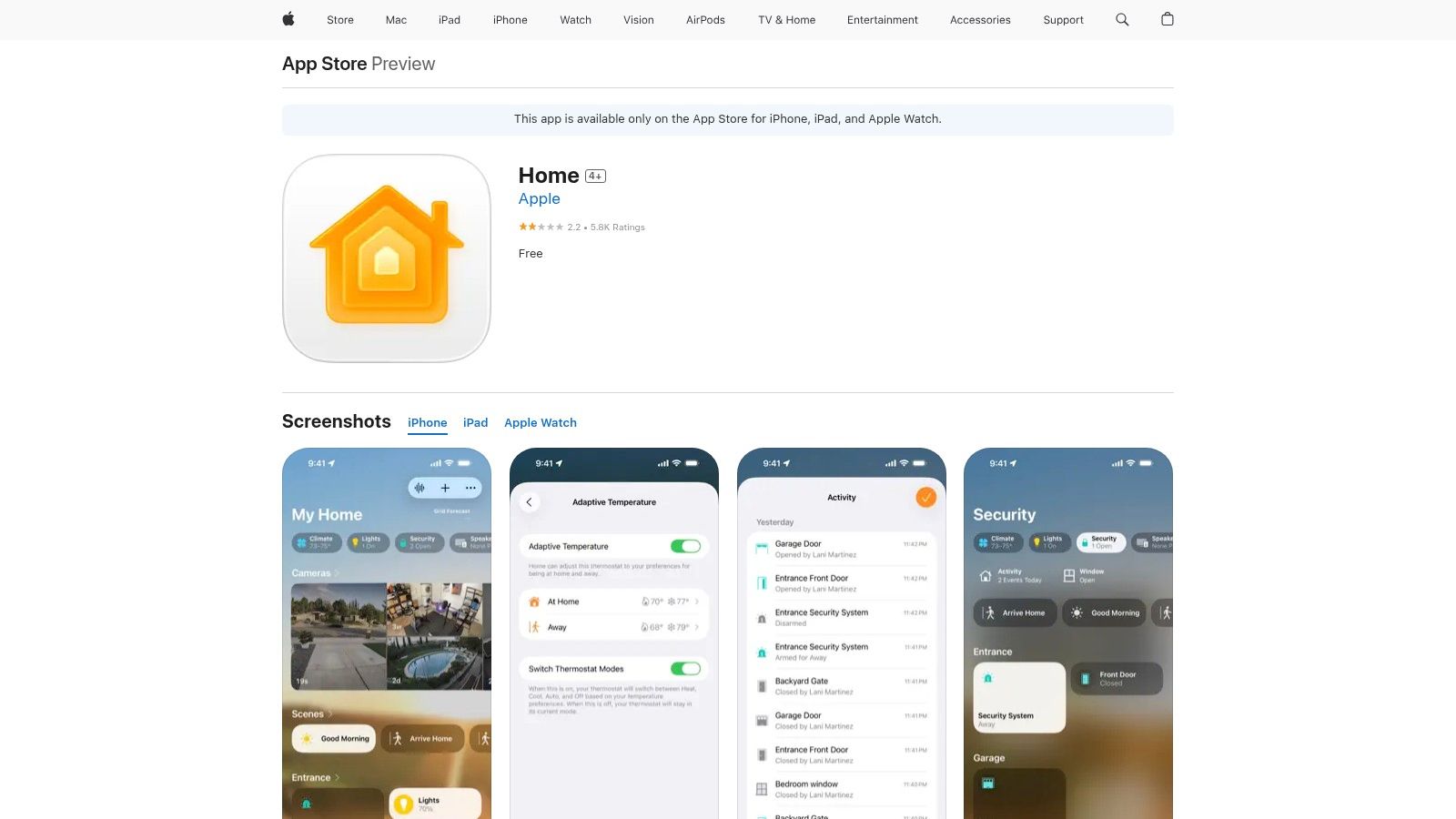
1. Apple Home
For users deeply invested in the Apple ecosystem, Apple Home stands as one of the best smart home apps available, offering unparalleled integration and a strong emphasis on user privacy. Built directly into iOS, iPadOS, macOS, and watchOS, it provides a unified and intuitive interface for controlling all your HomeKit and Matter-compatible accessories. Its core strength lies in its security model, which processes automations and commands locally whenever possible, minimizing reliance on the cloud.
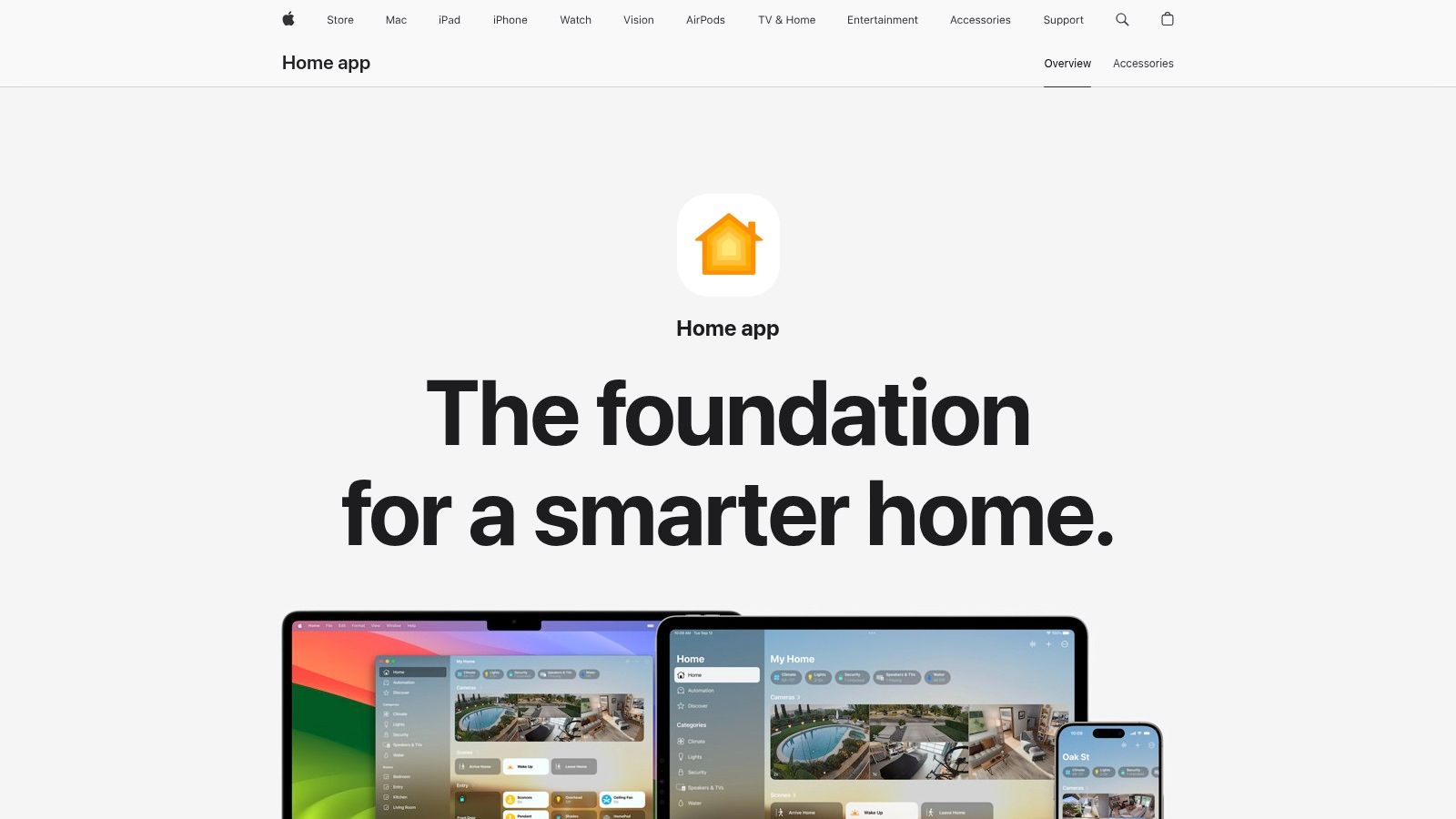
The platform is free to use, but unlocking its full potential requires specific Apple hardware. A HomePod, HomePod mini, or Apple TV is needed to act as a "Home Hub," which enables remote access to your devices and the ability to create powerful automations that run even when you're away. Advanced features like HomeKit Secure Video, which provides end-to-end encrypted cloud storage for security camera footage, require a paid iCloud+ subscription. This deep integration is both a major benefit for Apple users and its primary limitation for those on other platforms.
Key Features and User Experience
The user interface is clean and visually driven, with a redesigned architecture that improves performance and reliability. You can easily organize accessories by room, create custom scenes like "Good Morning" to adjust lights and thermostats simultaneously, and view live camera feeds. The app also includes useful features like Activity History to see recent events (e.g., when a door was unlocked) and Grid Forecast in the U.S. to help schedule energy-intensive automations for when cleaner energy is available. Getting started is straightforward, and for those new to the ecosystem, you can learn how to set up your Apple Home.
- Pros:
- Exceptional Privacy: Strong focus on local processing and end-to-end encryption.
- Deep OS Integration: Seamless control via Control Center, Siri, and Apple Watch.
- Growing Compatibility: Support for the Matter standard expands device options significantly.
- Cons:
- Hardware Dependent: A Home Hub (HomePod/Apple TV) is essential for full functionality.
- Limited Customization: Some advanced device-specific settings still require the manufacturer's app.
Learn More: https://www.apple.com/home-app/
2. Google Home
As the central nervous system for Google’s smart home ambitions, Google Home is one of the best smart home apps for users who value broad compatibility and powerful, AI-driven automation. It serves as the unified command center for Google Nest devices and thousands of third-party products, offering a streamlined dashboard for everything from smart lights to security cameras. Its strength lies in its intuitive setup and the robust power of Google Assistant for voice control and complex routines.
The app is completely free to use, and unlike some competitors, it does not require dedicated hub hardware for remote access and basic automations. However, advanced features like extended event video history for Nest cameras require a paid Nest Aware subscription. Google is also aggressively expanding its capabilities through its Public Preview program, allowing users to access new features early, including the gradual rollout of Gemini for more conversational and proactive home control. This rapid innovation cycle makes it a dynamic and evolving platform.
Key Features and User Experience
The user experience is centered around a customizable "Favorites" tab for quick access to your most-used devices and actions. The app excels at managing camera feeds, offering a clean live view and an easily scrollable history for Nest devices. Creating routines is straightforward, allowing you to trigger multiple actions with a single command or schedule. While the interface is generally user-friendly, the ongoing migration of features from the older Nest app means some advanced settings for legacy devices can still be hard to find.
- Pros:
- Wide Device Compatibility: Works with a vast ecosystem of third-party smart home brands.
- Strong Camera UI: Excellent interface for viewing live feeds and managing multi-device history.
- Simple Onboarding: Device setup is typically fast and user-friendly.
- Cons:
- Staggered Feature Rollouts: New updates and features can be released inconsistently across platforms and regions.
- Ongoing App Migration: Some legacy Nest device settings are still being moved into the Google Home app.
Learn More: https://home.google.com/get-app/
3. Amazon Alexa
As the central nervous system for one of the world's most extensive smart home ecosystems, the Amazon Alexa app is an essential tool for millions. It goes far beyond simply setting up Echo devices, serving as a comprehensive dashboard for managing routines, linking third-party skills, and controlling a vast array of "Works with Alexa" products. Its primary strength is its voice-first approach to automation, making complex actions accessible through simple spoken commands.
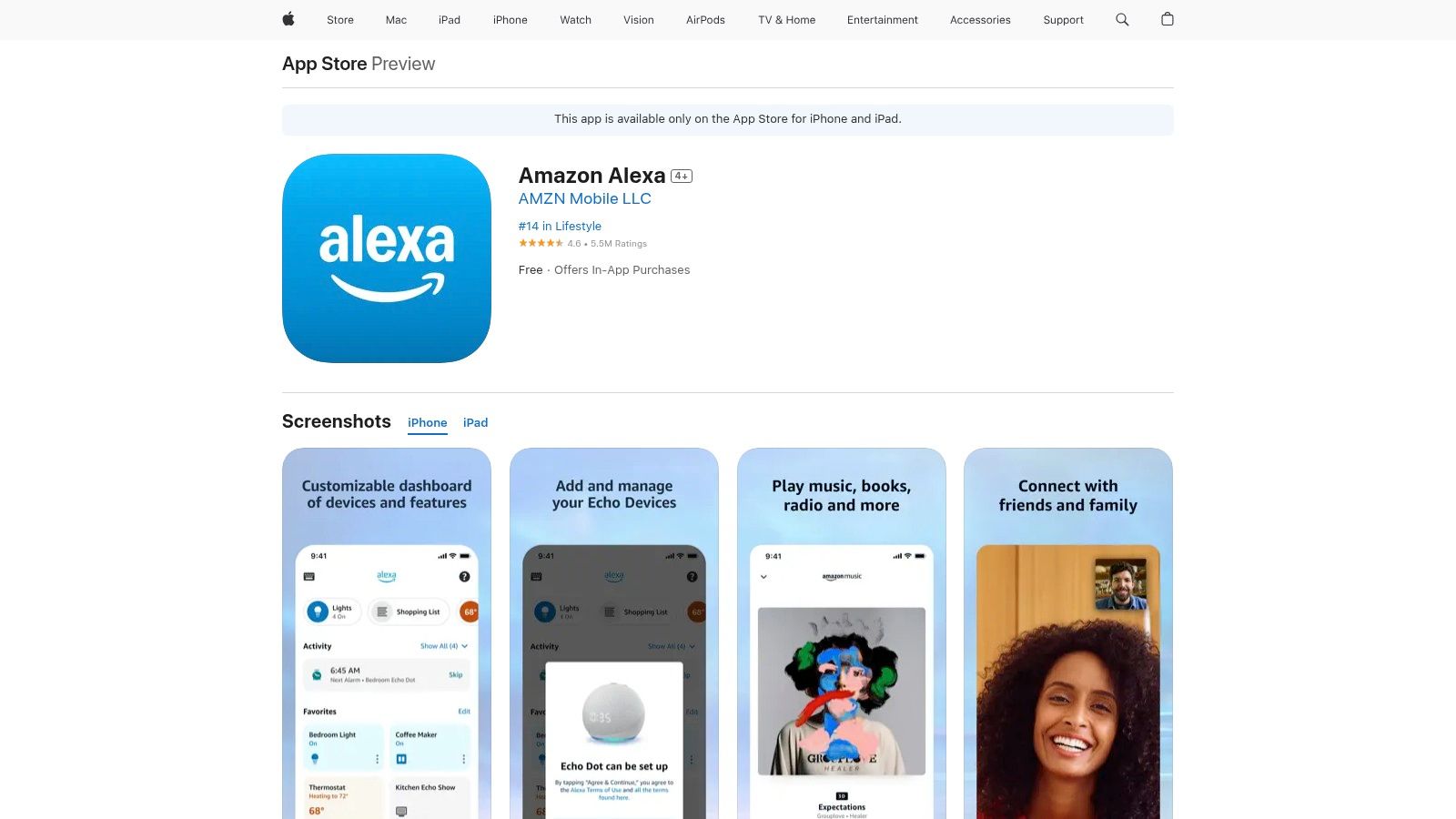
The app is free, but Amazon is evolving its service with a new AI-enhanced paid tier, Alexa+, designed to handle more natural and complex multi-step commands. The core experience remains robust, allowing users to create powerful routines, manage multi-room audio, and integrate thousands of services. For those deeply invested in the Amazon ecosystem, integrating devices such as those covered in a Ring Security Camera review can significantly enhance your smart home security setup, all managed within this single app.
Key Features and User Experience
The user experience is centered around routines and a consolidated smart home dashboard, giving you a quick overview of all connected devices. Setting up automations, like dimming the lights and playing music when you say "Alexa, movie time," is incredibly intuitive. The app is also the gateway to the massive library of Alexa Skills, which function like apps for your smart speaker, extending its capabilities to everything from ordering pizza to playing interactive games. For a deeper dive into how it stacks up against other platforms, our smart home hub comparison offers more detail.
- Pros:
- Huge Ecosystem: Unmatched compatibility with a massive range of third-party devices.
- Easy Voice Automations: Creating and triggering routines with voice commands is simple and effective.
- Extensive Skill Library: Thousands of skills expand functionality well beyond basic commands.
- Cons:
- Inconsistent Skills: The quality and reliability of third-party skills can vary significantly.
- Privacy Concerns: Its cloud-based processing model may be a drawback for privacy-focused users.
Learn More: https://apps.apple.com/us/app/amazon-alexa/id944011620
4. Samsung SmartThings
Samsung SmartThings is one of the most versatile and best smart home apps available, offering robust cross-brand compatibility that extends far beyond Samsung's own product lineup. Its strength lies in its ability to unify a vast ecosystem of devices, supporting thousands of third-party products alongside the Matter standard. This open approach makes it an excellent choice for users who want to mix and match brands without being locked into a single ecosystem, providing centralized control over everything from lights to appliances.
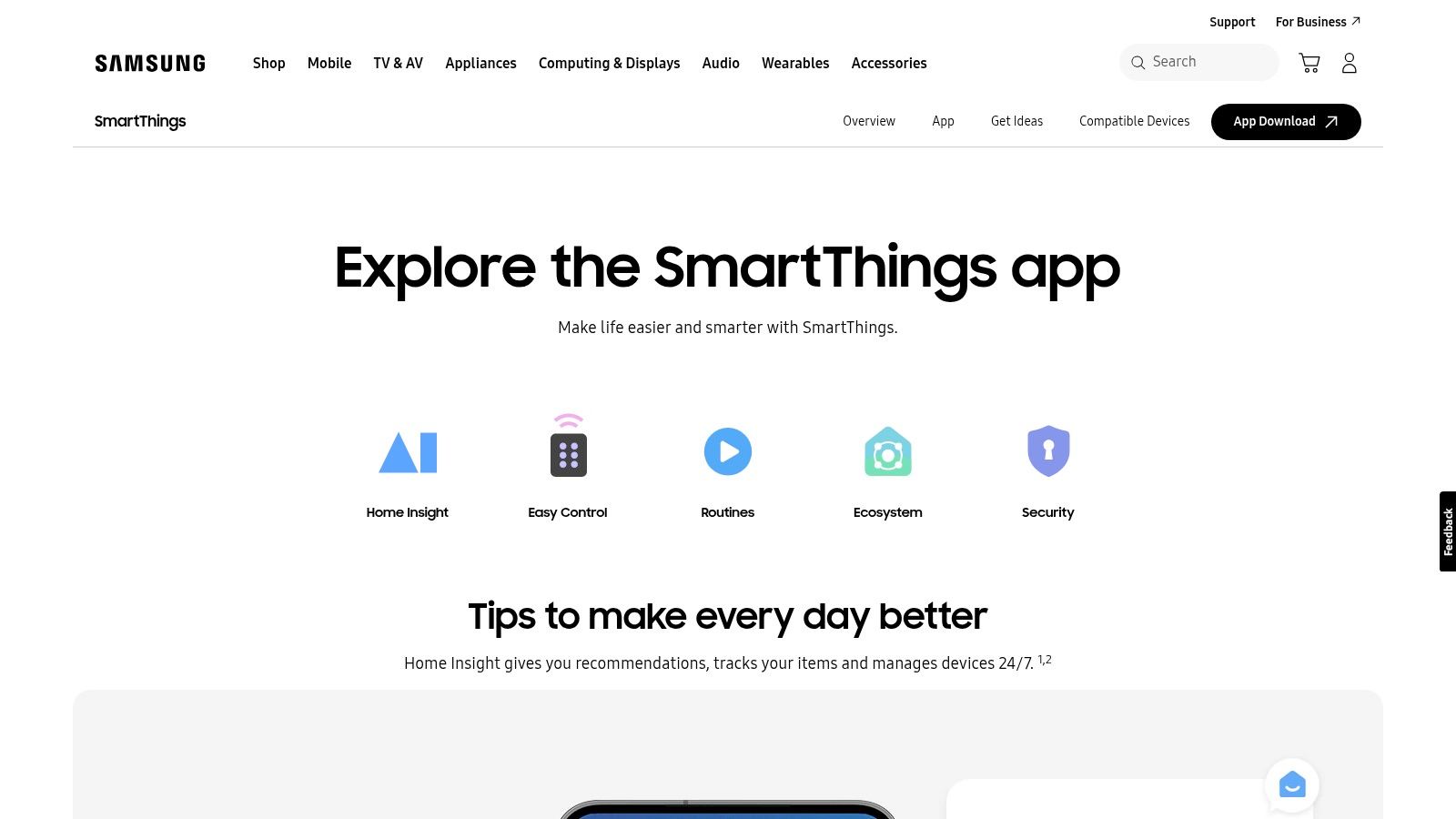
The platform is free to use and doesn't require a dedicated hub for basic cloud-based control. However, for faster, local automation and integration with Zigbee and Z-Wave devices, users can add a SmartThings Hub or the newer SmartThings Station. These hardware additions unlock more advanced capabilities and enhance the reliability of your smart home. While the app is available on both Android and iOS, the experience is often more seamless and feature-rich on Samsung Galaxy devices, which come with the app pre-installed and offer deeper integrations.
Key Features and User Experience
The SmartThings app features a polished and intuitive interface that makes managing devices, rooms, and automations straightforward. You can create complex "Routines" that trigger multiple actions based on specific conditions like time of day, device status, or your location. Unique features include a 3D Map View on newer Samsung phones for a visual representation of your home and the ability to share routines with other users. The app also has a dedicated Windows client, offering convenient control from a desktop computer.
- Pros:
- Strong Cross-Brand Compatibility: Excellent support for third-party devices and the Matter standard.
- Polished App: Helpful onboarding, a clean interface, and useful routine-sharing features.
- Flexible Setup: Works with or without a dedicated hub, allowing for scalability.
- Cons:
- Best Experience on Samsung Hardware: Some features and integrations are optimized for or exclusive to Samsung devices.
- Feature Availability Varies: Certain services and features may differ depending on your country.
Learn More: https://www.samsung.com/us/apps/smartthings/
5. Home Assistant
For tech enthusiasts and tinkerers who demand complete control, Home Assistant is arguably one of the best smart home apps available. This open-source platform prioritizes local processing and user privacy, putting you in the driver's seat of your home automation. Its companion apps for iOS and Android serve as a powerful mobile interface for a system that can integrate with thousands of devices across protocols like Zigbee, Z-Wave, and Matter, free from vendor lock-in.
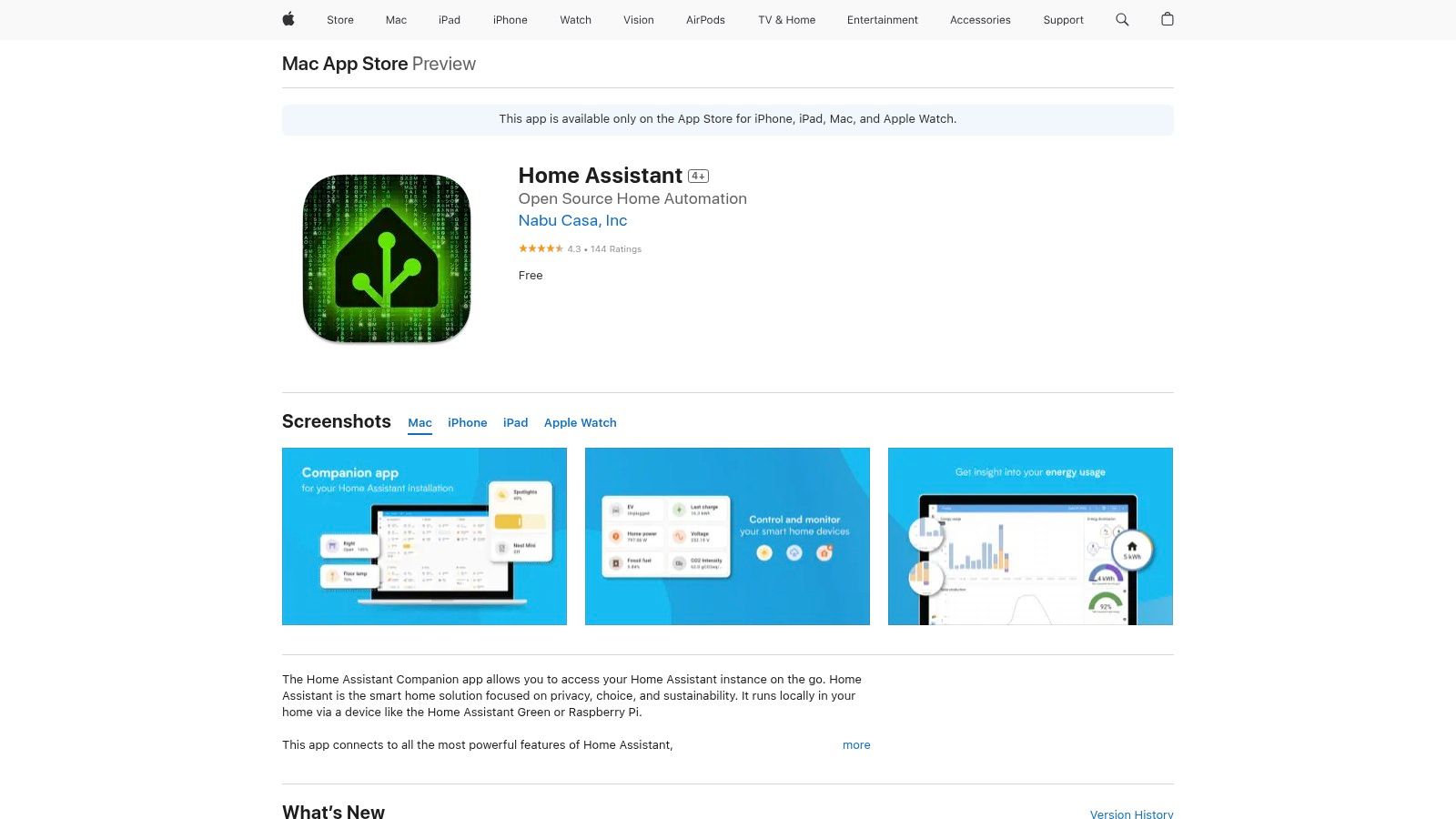
The platform itself is free, but it requires a dedicated device on your local network to run it, like a Raspberry Pi or an old computer. While local control is always free, simplified remote access and voice assistant integrations are made easy through an optional, paid Nabu Casa cloud subscription. This model offers the best of both worlds: robust local control with the convenience of secure cloud access when needed, without sacrificing privacy. This approach sets it apart from cloud-dependent ecosystems.
Key Features and User Experience
The mobile app provides a window into your infinitely customizable dashboards, allowing you to create unique interfaces tailored precisely to your needs. You can build powerful local automations, use the "Assist" voice control, and manage a vast array of devices from different brands in one place. While the initial setup has a steeper learning curve than plug-and-play alternatives, the payoff is unparalleled flexibility. Understanding the different ways devices communicate can be helpful, and you can learn more about smart home protocols.
- Pros:
- Local Control and Privacy: Keeps your data on your network, not in the cloud.
- Extreme Customization: Unmatched ability to tailor dashboards and automations.
- Massive Integration Library: A huge community supports an ever-growing list of devices.
- Cons:
- Steeper Learning Curve: Requires more technical knowledge to set up and maintain.
- Companion App Hiccups: Occasional performance issues can arise with certain OS updates.
Learn More: https://apps.apple.com/us/app/home-assistant/id1099568401
6. IFTTT
IFTTT (If This Then That) isn't a traditional smart home app but rather a powerful no-code automation platform that acts as the digital glue connecting disparate services. It excels at creating cross-platform automations that are otherwise impossible, making it one of the best smart home apps for users with a diverse mix of devices from different brands. Its strength lies in its ability to link your smart home actions to a vast ecosystem of non-smart-home services, like social media, weather apps, and productivity tools.
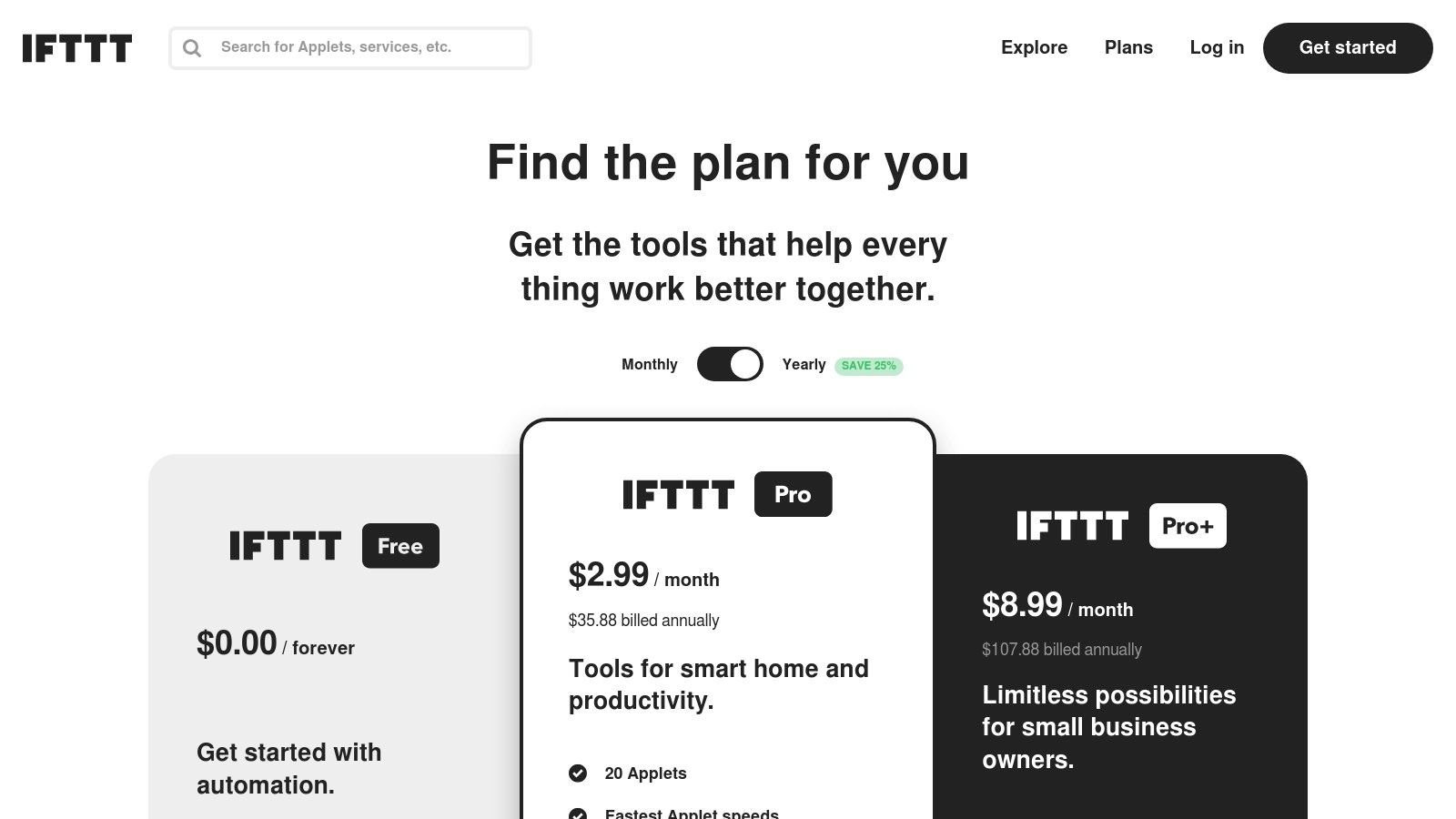
The platform operates on a freemium model. The free tier is quite limited, allowing users to create only two custom "Applets" (automations). To unlock its true potential, a subscription to the Pro or Pro+ plan is necessary. These paid tiers remove Applet limits, enable multi-action Applets, introduce conditional logic and filters for more complex routines, and provide faster, more reliable execution. This structure makes IFTTT an essential tool for advanced users looking to break free from the walled gardens of individual manufacturers.
Key Features and User Experience
The user experience is built around creating or discovering "Applets," which are simple conditional statements: "If This happens, Then do That." For example, "If my Ring doorbell detects motion, then flash my Philips Hue lights." The platform supports over 900 services, and its large community has generated a massive library of pre-built Applets for users to enable with a single click. The mobile apps for iOS and Android are straightforward, allowing you to manage your automations and discover new ones on the go.
- Pros:
- Unmatched Connectivity: The easiest way to create automations between different smart home ecosystems.
- Vast Service Library: Connects smart devices to hundreds of web services and apps.
- Large Community: A huge collection of pre-built Applets makes it easy to get started.
- Cons:
- Limited Free Tier: Only two custom Applets can be created without a paid subscription.
- Cloud-Dependent: All automations run through IFTTT's servers, which can introduce latency.
Learn More: https://ifttt.com/plans
7. Philips Hue
While primarily a smart lighting platform, the Philips Hue app is so polished and feature-rich that it earns its place among the best smart home apps for anyone serious about ambient lighting. It serves as the central command for one of the most reliable and mature lighting ecosystems available. The app excels at creating dynamic and immersive atmospheres, moving far beyond simple on/off commands to offer a deeply customizable lighting experience.
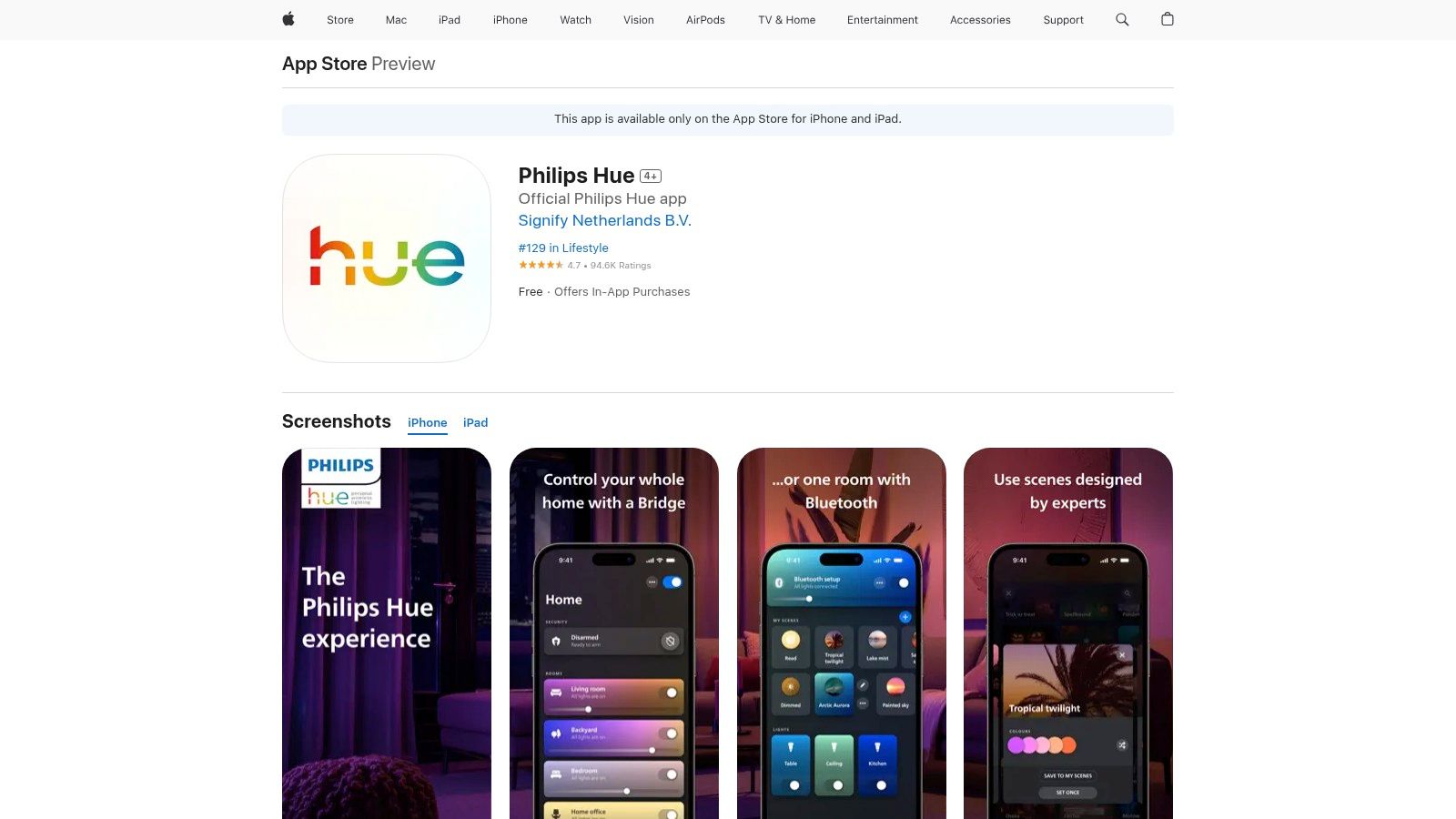
The app itself is free, but it controls premium-priced Philips Hue hardware. While some newer bulbs work via Bluetooth, the full suite of features, including remote access, Matter support, and advanced automations, requires the Hue Bridge hub. This hardware unlocks the system's full potential, ensuring rock-solid Zigbee-based communication that doesn’t rely on your home's Wi-Fi network for core operations, enhancing speed and reliability.
Key Features and User Experience
The user interface is intuitive, allowing you to easily organize lights into rooms and zones. Its standout features include a vast library of pre-made scenes like "Tropical Twilight" and "Soho," along with the ability to create your own from a photo. The app offers dynamic effects like Candle and Fireplace, and its Entertainment Sync feature can mirror the colors from your TV or PC for an immersive viewing or gaming session. Recent updates have also added security-focused automations, such as mimicking presence when you're away.
- Pros:
- Top-tier Reliability: Excellent app experience and a robust ecosystem with a wide range of accessories.
- Advanced Lighting Effects: Unmatched scene creation, dynamic effects, and entertainment synchronization.
- Strong Integrations: Works seamlessly with Apple Home, Alexa, Google Home, and SmartThings.
- Cons:
- Higher Hardware Cost: The lights and accessories come at a premium compared to entry-level brands.
- Bridge Required for Full Functionality: Key features and best performance are dependent on the Hue Bridge.
Learn More: https://apps.apple.com/us/app/philips-hue/id1055281310
8. TP-Link Kasa
For those prioritizing affordability and simplicity, TP-Link Kasa stands out as one of the best smart home apps for everyday automation. It serves as the control hub for TP-Link's extensive and budget-friendly lineup of smart plugs, light switches, bulbs, and security cameras. The app is designed for straightforward control, making it easy to turn devices on or off, set schedules, and group them into scenes without a steep learning curve or the need for a central hub.
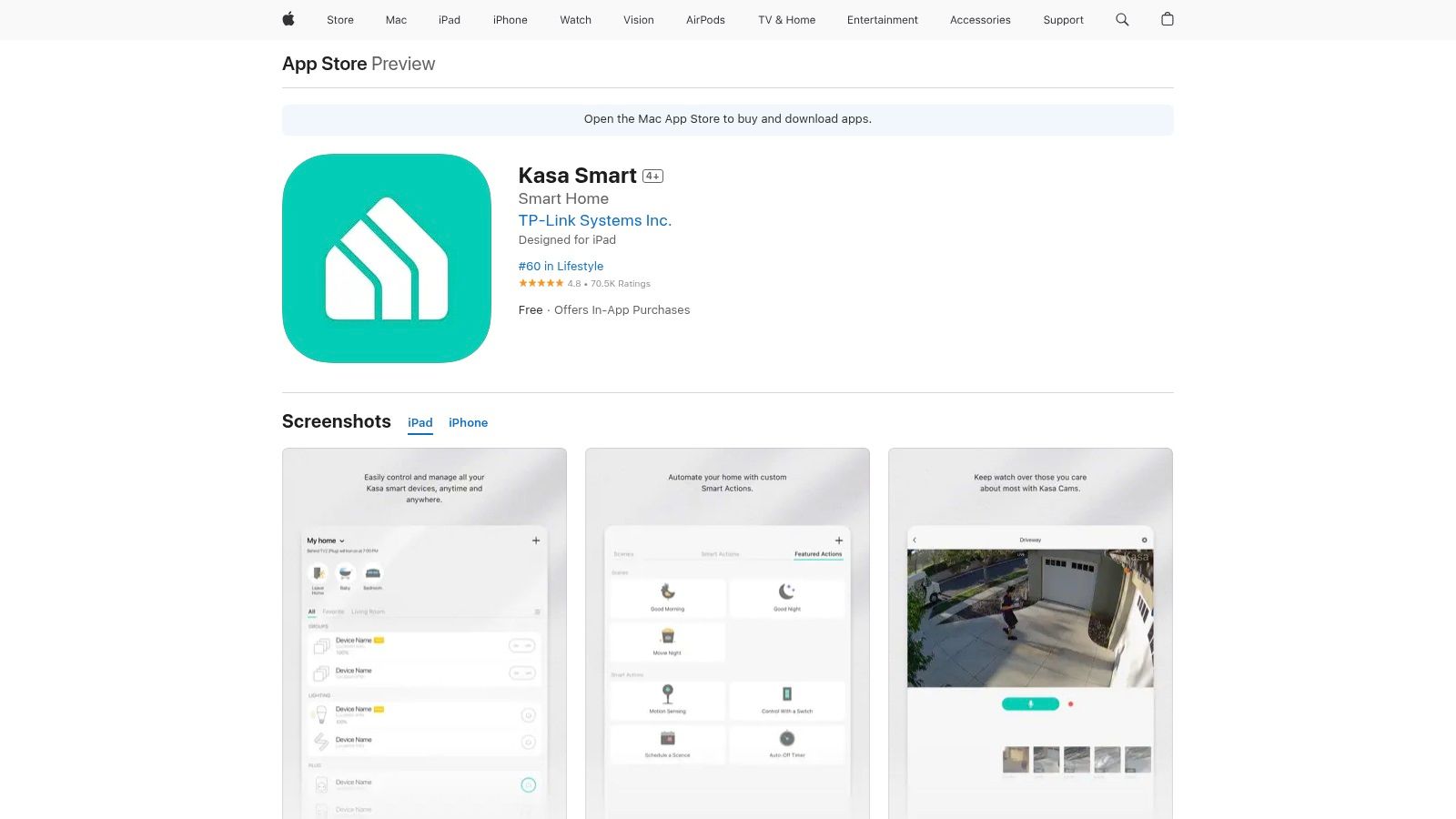
The Kasa app and its basic features are completely free to use, with no subscription required for standard device control and scheduling. However, for users with Kasa cameras, accessing more advanced features like cloud video storage and AI-powered activity notifications requires a paid Kasa Care subscription plan. This model allows users to invest only in the features they need, keeping the entry point for smart home control exceptionally low. Its strength lies in providing essential smart home functionality reliably and inexpensively.
Key Features and User Experience
The Kasa app interface is functional and utilitarian, focusing on ease of use over aesthetic flair. You can quickly add new devices, organize them by groups like "Living Room Lights," and create simple automations such as "Away Mode" to randomly toggle lights for added security. The app also supports voice control through seamless integration with Amazon Alexa and Google Assistant, while newer devices are adding Matter support for broader compatibility. Setting up a new device is typically a quick process, often taking just a few minutes through the app's guided instructions.
- Pros:
- Low-Cost Entry: Extremely affordable devices make it easy to start a smart home.
- Simple and Reliable: The app is straightforward, stable, and easy for beginners to navigate.
- No Hub Required: Most Kasa devices connect directly to your Wi-Fi network.
- Cons:
- Subscription for Camera Features: Advanced video storage and detection are locked behind a paywall.
- Basic UI: Lacks the polished feel and deep customization of premium smart home ecosystems.
Learn More: https://apps.apple.com/us/app/kasa-smart/id1034035493
9. Wyze
For budget-conscious consumers building a camera-centric smart home, Wyze offers a compelling ecosystem that stands out as one of the best smart home apps for its sheer value. The platform is built around an extensive lineup of remarkably affordable cameras and smart devices, all managed through a single, straightforward mobile app. Its primary strength lies in making features like smart AI detection and cloud video storage accessible without a significant financial investment, challenging the high costs often associated with home security.
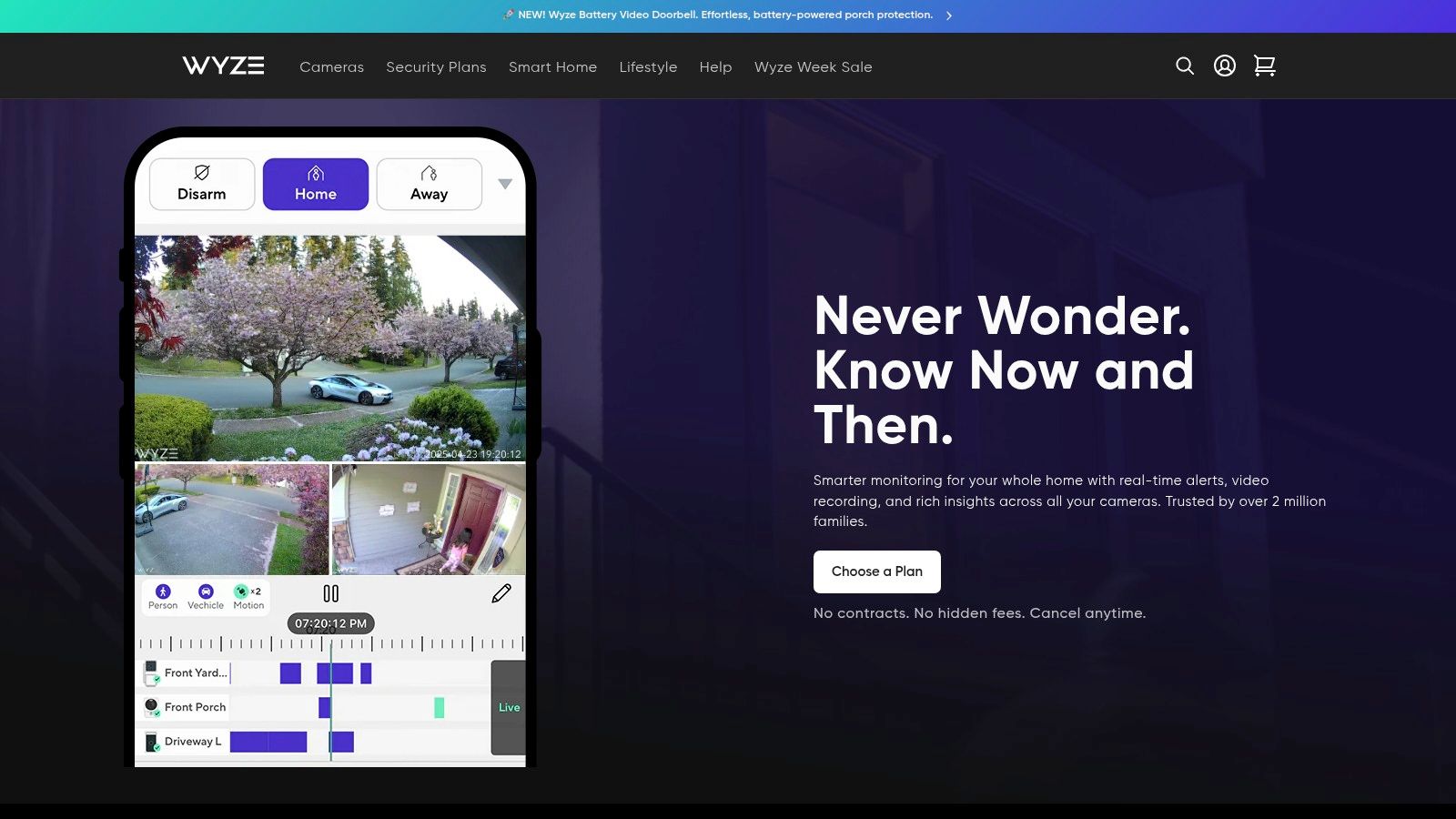
While the hardware is exceptionally low-cost, the full power of the Wyze app is unlocked through its paid subscription plans like Cam Plus. These affordable plans add crucial features such as person, package, and vehicle detection, eliminating nuisance alerts from motion events. Subscriptions also remove the recording time limitations on cloud-stored videos, providing more comprehensive security coverage. This model allows users to start with a minimal upfront cost and scale up their system's capabilities as needed.
Key Features and User Experience
The Wyze app provides a clean and simple interface, allowing users to view live camera feeds, review event timelines, and control devices like plugs and bulbs with ease. Getting started is typically a quick process, and the app receives frequent updates that often introduce new features. For multi-camera users, a paid plan enables a consolidated event timeline and Web View access for monitoring feeds from a desktop browser. However, some advanced features and plan management tasks are still relegated to the web portal rather than being fully integrated into the app.
- Pros:
- Very Competitive Pricing: Extremely affordable hardware and low-cost subscription plans.
- Quick to Set Up: The user-friendly app makes device installation and management simple.
- Frequent Feature Updates: The platform is consistently evolving with new capabilities.
- Cons:
- Heavier Reliance on Cloud: Advanced AI features and full-length video storage require a subscription.
- Split Management: Some settings and account management must be handled via the web portal.
Learn More: https://www.wyze.com/pages/service-plans
10. Best Buy – Smart Home
While not a standalone app, the Best Buy Smart Home platform is an essential resource for building out your ecosystem. As a major U.S. retailer, it serves as a one-stop shop for discovering, comparing, and purchasing devices compatible with platforms like Google Home, Alexa, and Apple Home. Its primary value lies in its extensive filtering tools and vast repository of customer reviews, which help you vet devices before committing to them. This makes it one of the best smart home app-adjacent resources for making informed hardware decisions.
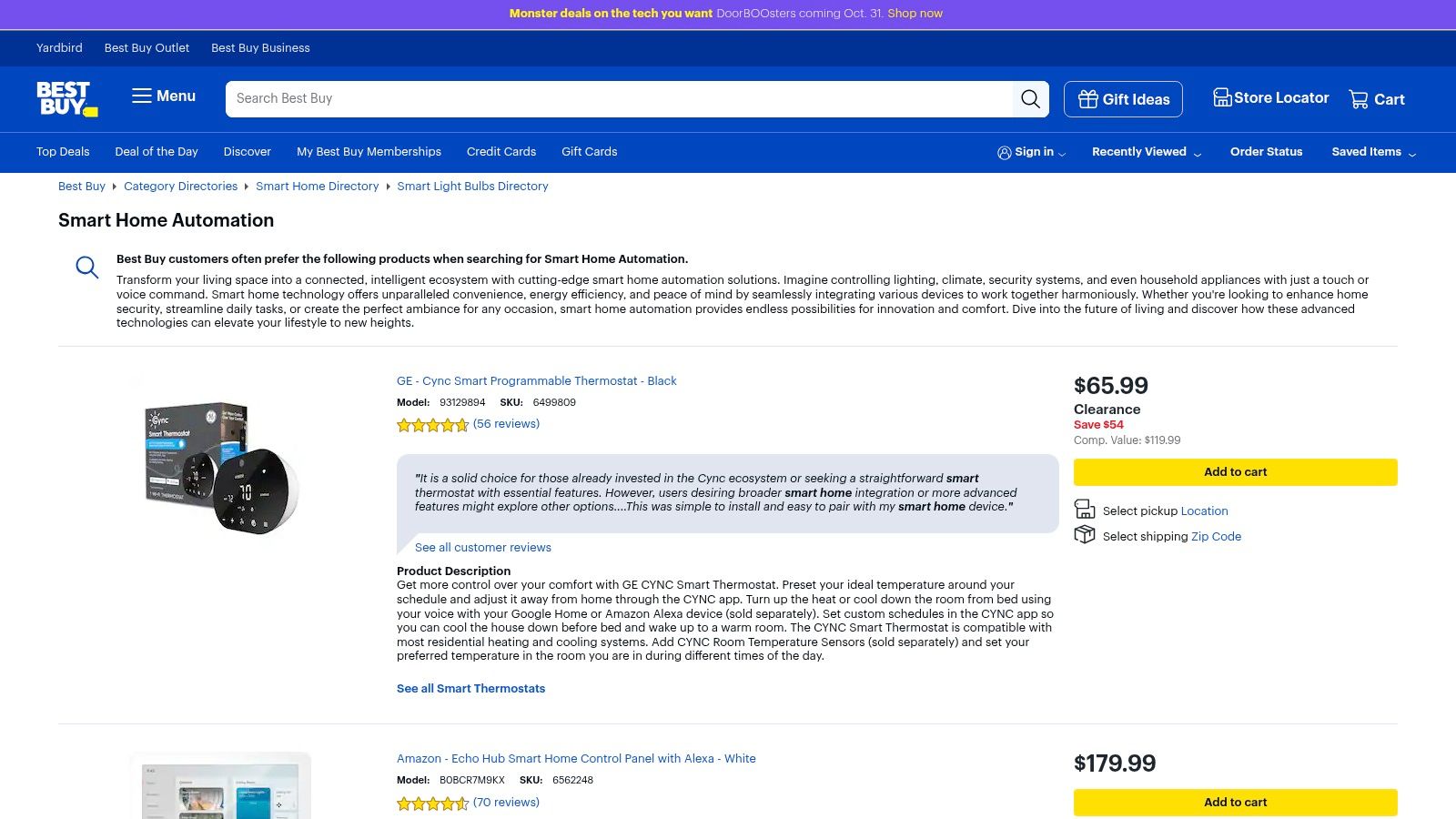
The platform is a free-to-browse retail site. It distinguishes itself with convenient services like in-store pickup, hassle-free returns, and dedicated warranty support through its Geek Squad service. This physical presence provides a layer of customer service that online-only marketplaces often lack. For anyone building or expanding a smart home, using Best Buy to research and purchase components simplifies the process and offers valuable post-purchase support.
Key Features and User Experience
Navigating the Best Buy website is straightforward, with dedicated categories for every smart home product imaginable, from hubs and lighting to security cameras and locks. The platform shines with its powerful search filters, allowing you to narrow down products by brand, compatibility with specific voice assistants, and other key features. User reviews are particularly helpful for gauging real-world performance and app integration quality, often highlighting compatibility issues that are not mentioned in official marketing copy.
- Pros:
- Convenient Service: Offers in-store pickup, easy returns, and warranty support.
- Helpful Research Tools: Robust filtering and user reviews aid in device selection.
- Wide Selection: Extensive inventory covering all major smart home ecosystems.
- Cons:
- Compatibility Checks Required: Listings can mix ecosystems, so buyers must verify platform compatibility.
- Variable Pricing: Prices may be higher than on brand sites or other online marketplaces.
Learn More: https://www.bestbuy.com/site/shop/smart-home-automation
11. Aqara Home
For those seeking to build a sensor-rich smart home without breaking the bank, the Aqara Home app is a standout choice. It serves as the command center for Aqara's extensive and affordable ecosystem of sensors, switches, locks, and controllers. The platform's strength lies in its excellent price-to-capability ratio and its strong commitment to interoperability, featuring robust support for Matter and seamless integration with major platforms like Apple Home, Alexa, and Google Home.
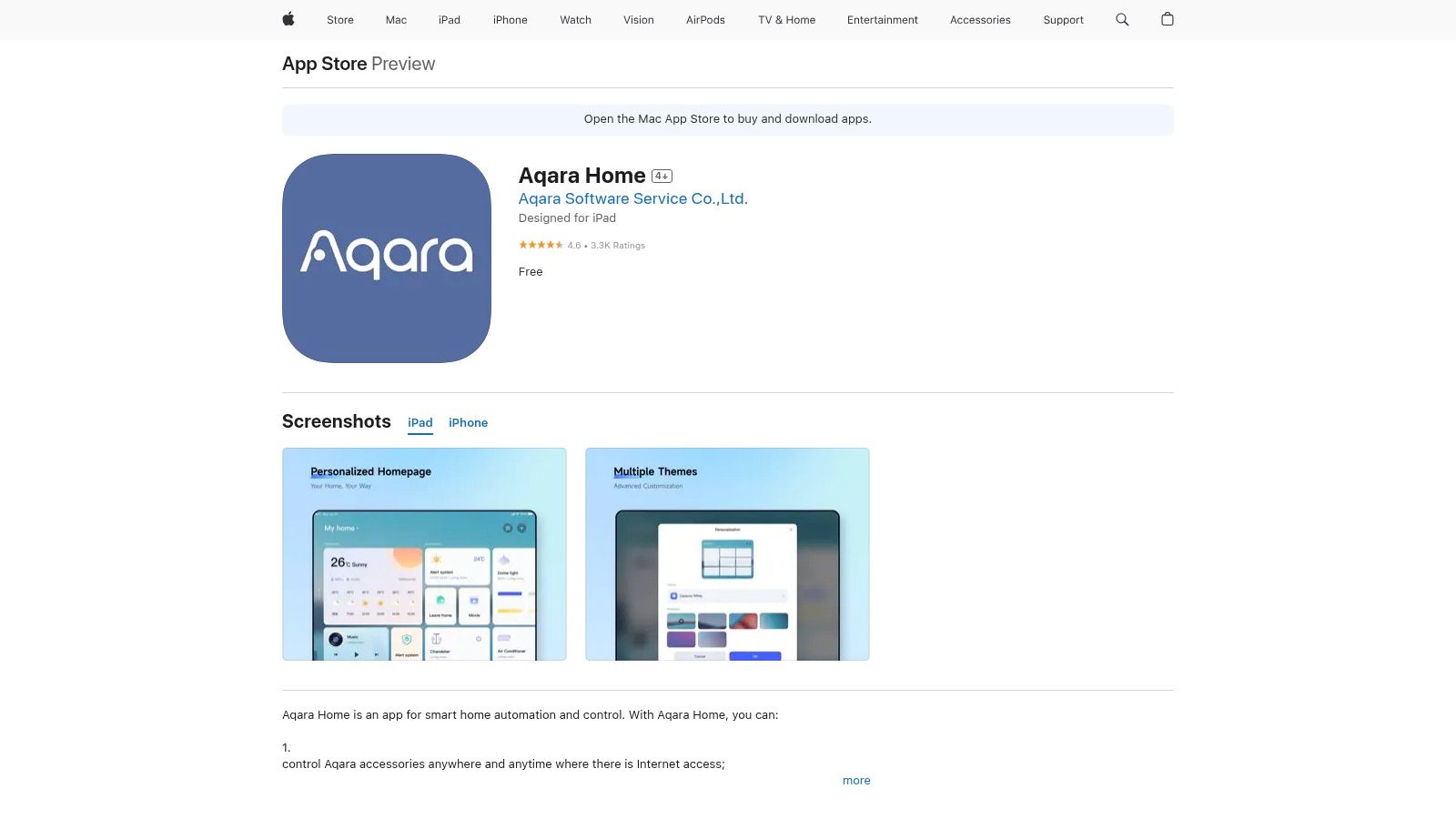
The app itself is free to use, but its functionality is tied to Aqara's hardware, particularly its smart hubs which bridge its Zigbee devices to your Wi-Fi network and other ecosystems. These hubs are crucial for creating automations and enabling features like local control, ensuring your system remains responsive even if your internet connection goes down. The app’s focus on Matter-over-Thread products future-proofs your setup, making it one of the best smart home apps for building a flexible, cross-platform system.
Key Features and User Experience
The Aqara Home app offers a clean interface for full accessory control, allowing users to create detailed automations and scenes. For example, you can link a door and window sensor to a smart plug, turning on a light automatically when a door opens after sunset. The user experience is straightforward, guiding you through device pairing and automation rules. The app also manages firmware updates, which are essential for unlocking new features and Matter compatibility for existing devices.
- Pros:
- Strong Price-to-Capability Ratio: Affordable sensors and devices enable complex automations.
- Good Interoperability: Works well as a bridge to major smart home platforms like Apple Home and Google Home.
- Matter Support: Forward-looking compatibility with the new smart home standard.
- Cons:
- Hub Dependent: Most features and device integrations rely on an Aqara hub.
- Network Considerations: Users with strict network policies should check data routing preferences in the app settings.
Learn More: https://apps.apple.com/us/app/aqara-home/id1248669703
12. Apple App Store (smart home apps)
For anyone using an iPhone or iPad, the Apple App Store is the essential starting point and central repository for nearly all of the best smart home apps. It serves as the official, secure gateway for downloading the manufacturer-specific applications needed to set up and manage devices from brands like Google, Amazon, Philips Hue, and Wyze. Its primary value is providing a single, trusted ecosystem for app distribution, where each app is vetted against Apple's strict security and privacy guidelines.
The platform is free to access, with individual app pricing determined by the developer, though most core smart home apps are free. It simplifies management by centralizing updates, subscriptions, and family sharing. For developers and users alike, understanding the nuances of how apps gain visibility in this competitive marketplace is key; a detailed iOS App Store Optimization guide can offer valuable insights. This centralization ensures a consistent and secure user experience, from discovery to long-term maintenance.
Key Features and User Experience
Navigating the App Store is straightforward, with powerful search functionality, curated collections, and user-generated ratings and reviews that help identify high-quality applications. The platform mandates clear privacy "nutrition labels," giving you an at-a-glance summary of the data an app collects before you download it. Automatic updates keep your apps patched with the latest features and security fixes, while version history and change logs provide transparency.
- Pros:
- Single Trusted Source: Securely download and update all official iOS smart home apps.
- Verified and Vetted: All apps undergo a review process for security and quality.
- US-Localized Information: Provides relevant ratings, reviews, and support details.
- Cons:
- iOS-Only: Android users must use the Google Play Store for their applications.
- Dependent on Manufacturer: Advanced firmware updates may still require visiting a vendor's website.
Learn More: https://apps.apple.com/us/app/home/id1110145103
Top 12 Smart Home Apps — Feature Comparison
| Platform | Core features / characteristics | UX / Quality ★ | Value / Price 💰 | Target audience 👥 | Unique selling point ✨/🏆 |
|---|---|---|---|---|---|
| Apple Home | HomeKit & Matter control, Home Hubs, Secure Video | 4.5★ — polished, privacy‑focused | Free app; best with Apple hardware (HomePod/Apple TV) 💰 | Apple users & privacy‑minded homeowners | 🏆 Local privacy, deep OS integration, HomeKit Secure Video ✨ |
| Google Home | Device dashboards, Routines, camera live view, Gemini rollout | 4★ — broad compatibility, excellent camera UI | Free; region/feature variability 💰 | Android/Nest users & multi‑brand owners | ✨ Gemini conversational control, fast feature previews |
| Amazon Alexa | Device setup, Routines, Skills, multi‑room audio | 4★ — voice‑first, huge ecosystem | Free; Echo devices sold separately 💰 | Voice automation fans & ecosystem builders | 🏆 Massive skill library; evolving AI tier (Alexa+) ✨ |
| Samsung SmartThings | Cross‑brand automations, Matter, hub/station options | 4★ — polished app, multi‑home support | Free app; optional Station/hub hardware 💰 | Samsung users & advanced multi‑brand setups | ✨ Shareable routines, 3D home views, strong compatibility |
| Home Assistant | Open‑source local automations, Zigbee/Z‑Wave/Matter | 4.5★ — extremely customizable; steeper learning | Free; optional Nabu Casa for remote access 💰 | Power users, privacy‑first tinkerers | 🏆 Local control & massive integration library ✨ |
| IFTTT | No‑code Applets, webhooks, multi‑action automations | 3.5★ — easiest cross‑platform glue; cloud‑dependent | Limited free tier; paid plans for more Applets 💰 | Non‑technical users needing cross‑brand triggers | ✨ 900+ services & large Applet library |
| Philips Hue | Scene library, AR previews, Entertainment Sync, Bridge | 4.5★ — top reliability & app experience | Mid–high hardware cost; app free 💰 | Lighting enthusiasts & media/ambience users | 🏆 Best lighting effects & ecosystem integrations ✨ |
| TP‑Link Kasa | Plugs, switches, bulbs, schedules, Kasa Care plans | 3.5★ — utilitarian UI; simple setup | Budget devices; paid cloud plans for cameras 💰 | Price‑conscious buyers wanting basics | ✨ Affordable lineup with straightforward onboarding |
| Wyze | Cameras & smart devices, Cam plans for AI/cloud features | 4★ — great value; cloud‑reliant features | Very low device prices; subscription options 💰 | Budget camera‑centric homeowners | 💰 Best value cameras & frequent updates ✨ |
| Best Buy – Smart Home | Retail selection, curated lists, pickup/returns, reviews | 3.5★ — convenient shopping & local support | Prices vary; frequent deals & bundles 💰 | Shoppers needing hands‑on service & returns | ✨ One‑stop shop + in‑store warranty/support |
| Aqara Home | Sensors, switches, Matter‑over‑Thread, hub bridging | 4★ — strong sensor capabilities | Competitive device pricing; hub may be required 💰 | Sensor‑rich automation builders | ✨ High sensor density at attractive price |
| Apple App Store (smart home apps) | Verified iOS smart home apps, ratings, changelogs | 4★ — trusted distribution & secure updates | Free to browse; app prices vary 💰 | iPhone/iPad users seeking vetted apps | 🏆 Curated, secure source for iOS smart home apps ✨ |
Choosing Your Command Center: A Final Checklist
Navigating the landscape of smart home ecosystems can feel like assembling a complex puzzle. We've explored a dozen of the best smart home apps, from the comprehensive control centers of Apple Home, Google Home, and Amazon Alexa to the powerful, open-source customizability of Home Assistant. We've also delved into brand-specific powerhouses like Philips Hue and TP-Link Kasa, which offer deep, reliable control over their respective product lines. The key takeaway is that the "best" app is not a universal title; it is a personal designation based on your unique home, hardware, and habits.
Your journey began with an interest in automation, but the destination is a home that is more intuitive, secure, and efficient. The right app is the central nervous system for this transformation. It bridges the gap between individual devices, like a smart plug or a thermostat, and creates a cohesive, responsive environment. Your choice dictates not just how you control your lights today, but the entire trajectory of your smart home evolution for years to come.
Recapping the Core Ecosystems
Let's distill our findings into core strengths. If you're embedded in the Apple ecosystem and prioritize a seamless, secure, and aesthetically clean user experience, Apple Home is the undeniable front-runner. For those who live by Google services and prefer a visually intuitive, AI-driven interface with powerful voice commands, Google Home offers an exceptionally well-integrated platform.
Conversely, if your primary goal is maximum device compatibility and leveraging the world's most popular voice assistant, Amazon Alexa remains the undisputed champion. Its massive library of "Skills" makes it a versatile hub for nearly any smart gadget you can find. These three giants represent the most common entry points into home automation, each offering a polished, user-friendly path.
For the Tinkerers and Specialists
Beyond the big three, we found that true power lies in customization. For the tech-savvy homeowner who refuses to be constrained by a single ecosystem, Home Assistant is the ultimate command center. It demands a learning curve but rewards you with unparalleled control, privacy, and the ability to unite seemingly incompatible devices under one roof.
For simpler, trigger-based automation, IFTTT remains a brilliant connector, weaving your smart home into the fabric of your digital life with "if this, then that" logic. Meanwhile, apps like Wyze and Aqara Home prove that building a robust system for security or sensor-based automation doesn't have to break the bank, offering incredible value and focused functionality.
Your Actionable Selection Checklist
Making the final decision requires a moment of self-assessment. Before you commit to an ecosystem and begin investing in compatible hardware, run through this final checklist. Be honest about your priorities, technical comfort, and long-term vision for your home.
- Assess Your Current Tech: What devices do you already own? An iPhone, Android phone, or a collection of Echo speakers will strongly point you toward a compatible primary app. Starting with what you know minimizes friction.
- Define Your Primary Goal: Is your main objective convenience (voice control), security (cameras and sensors), energy efficiency (smart thermostats and plugs), or customization (complex automations)? Your goal will highlight which app's strengths align with your needs.
- Evaluate Your "Tinker Tolerance": Do you want a system that works perfectly out of the box with minimal setup? Or do you enjoy the process of experimenting, coding, and fine-tuning your automations? Your answer here is the clearest dividing line between platforms like Google Home and Home Assistant.
- Consider Your Household: Will others in your family be using the system? An app with a simple, intuitive interface and reliable voice commands, like Alexa, is often better for shared family use than a more complex, personalized setup.
- Look to the Future: Think about how you might want to expand your system in two or five years. Choosing a platform with broad support for standards like Matter will ensure your future device purchases aren't limited by your initial app choice.
By thoughtfully considering these points, you transform the overwhelming list of the best smart home apps into a shortlist of two or three ideal candidates. From there, the path forward becomes clear. You are now equipped not just with information, but with a strategy to build a smart home that is truly, and uniquely, yours.
Ready to move from planning to implementation? The journey to a fully automated home is filled with exciting possibilities and a few technical hurdles. For detailed setup guides, device compatibility charts, and advanced automation tutorials, the Automated Home Guide is your essential resource. Visit us at Automated Home Guide to find the expert advice you need to bring your vision to life.












Leave a Reply to GregoryNax Cancel reply