
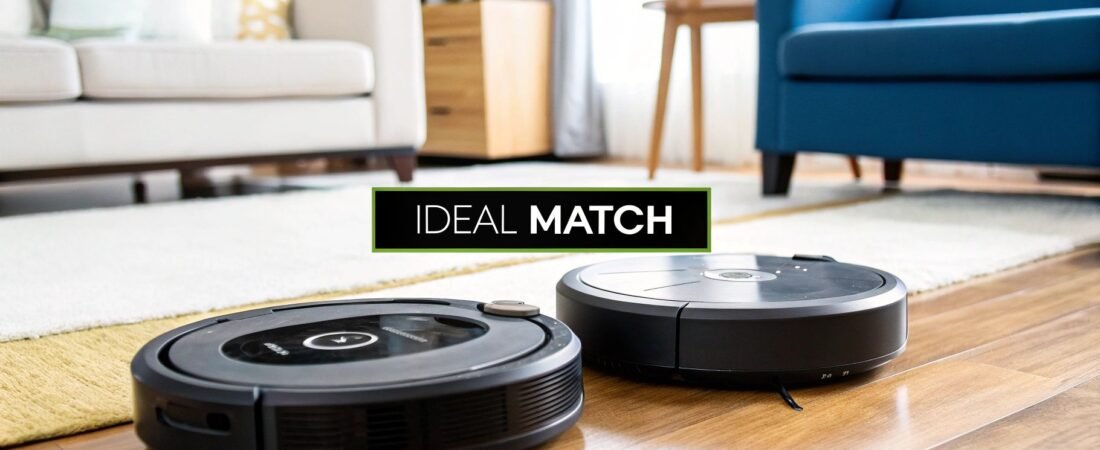
When you’re trying to pick a robotic vacuum, it really boils down to one thing: finding the right balance between smart navigation and raw cleaning power for your home. It’s a trade-off. For a complicated, multi-story house full of furniture, kids' toys, and pets, a high-end model with LiDAR and AI object recognition is a game-changer. But for a smaller apartment or a simple, open-plan layout, a more basic gyroscopic vacuum can do a fantastic job for a fraction of the price.
Getting that core trade-off right is the key to finding a robot that actually makes your life easier.
How We're Comparing These Vacuums
Robotic vacuums aren’t just novel gadgets anymore; for many of us, they've become indispensable tools that handle a daily chore we'd rather forget. This guide is designed to cut through the marketing hype and give you a straightforward, real-world robotic vacuum cleaner comparison. We’re going to look past the spec sheets and focus on how these technologies actually perform when they’re bumping around your furniture day in and day out.
The market has exploded in recent years, which is both a good and a bad thing. Back in 2015, the global robotic vacuum market was worth about $0.81 billion. Fast forward to 2024, and it's skyrocketed to $4.46 billion. This incredible growth, which you can read more about on Market.us, means we have amazing new features and more choices than ever, but it also makes picking the right one feel overwhelming.
The Tech That Really Matters
To make a smart choice, you have to know what you're looking for. A few foundational technologies are what really separate a "dumb" bot from a truly helpful cleaning partner. These are the features that directly affect how well it cleans, how accurately it maps your home, and how frustrated you get using it.
- Navigation Systems: This is the robot's brain. The technology can be as simple as basic bump-and-run sensors or as sophisticated as LiDAR (Light Detection and Ranging), which uses lasers to create incredibly precise maps of your home.
- AI Object Recognition: The newest, smartest robots use cameras and AI to actually see and identify obstacles. This is what keeps them from eating your phone charger or, even worse, smearing pet waste across the floor.
- Smart Home Connectivity: Pretty much all robots connect to an app now, but the experience can be worlds apart. Good integration with voice assistants and a reliable app are a must. Keep in mind, a solid connection depends on your home network; if you think yours might be a weak link, our guide on how to choose a WiFi router can help.
Core Differences At a Glance
Here’s a quick breakdown of what you typically get when you compare a budget-friendly model to a premium one. This will give us a starting point for the more detailed analysis to come.
| Feature Category | Entry-Level Models | Premium Models |
|---|---|---|
| Navigation | Gyroscopic or Random Bump | LiDAR, vSLAM, AI Recognition |
| Mapping | Basic, often no saved maps | Multi-floor, interactive maps |
| Suction Power | 1500-2500 Pa | 4000-7000+ Pa |
| Smart Features | Basic App Scheduling | Advanced Voice Control, No-Go Zones |
| Maintenance | Manual Bin Emptying | Self-Emptying & Self-Washing Stations |
Comparing Core Cleaning Performance
Smart navigation is great, but let's be honest—the whole point of a vacuum is to actually clean. When you're comparing robotic vacuums, you have to cut through the marketing fluff and look at the specs that really matter. These are the numbers that tell you how well a robot will actually pick up dirt, dust, and pet hair from your floors.
The market for these little helpers has absolutely exploded, growing from just $0.81 billion in 2015 to an estimated $4.46 billion in 2024. That's a huge leap.

This incredible growth means we have more powerful and efficient options than ever before. Understanding the differences in performance is the key to getting the best bang for your buck.
H3: Suction Power: The Pascal (Pa) Rating
Suction power, measured in Pascals (Pa), is the raw lifting force of the vacuum. A bigger number usually means better cleaning, but it's not quite that simple. The right amount of power really depends on your floors.
- 1,500-2,500 Pa: This is plenty for daily maintenance on hard floors like hardwood, tile, or laminate. It’ll have no problem with dust, crumbs, and other light debris.
- 2,500-4,000 Pa: If you have low-pile carpets and rugs, you'll want to be in this range. You need that extra oomph to pull dirt out from within the fibers.
- 4,000+ Pa: This is non-negotiable for homes with medium-to-high pile carpets or pets. This kind of power is what it takes to dig out embedded pet hair and dander.
A clever feature on many newer bots is an automatic carpet boost. It senses when it rolls onto a carpet and cranks up the suction on its own, then powers back down on hard floors to save battery. It's important to remember that these robots are champions of daily upkeep, and it's helpful to understand the difference between deep cleaning versus regular cleaning to set the right expectations.
H3: Battery Life and Home Size
A robot's battery life, measured in minutes, dictates how much ground it can cover on one charge. This spec is all about the size of your home.
For a smaller apartment or a house under 1,200 square feet, a runtime of 90-120 minutes will usually get the whole job done in one go. But in a larger home, that battery becomes a lot more important.
This is where the "recharge-and-resume" feature is a real game-changer. If the bot runs low on juice mid-clean, it will head back to its dock, top off its battery just enough to finish, and then pick up right where it left off. This makes sure even massive floor plans get cleaned completely, without you lifting a finger.
Keep in mind there's a constant tug-of-war between suction power and battery life. Running a vacuum at its max Pa rating drains the battery much, much faster. The best models balance this with large batteries and smart power management.
H3: Bin Capacity and Noise Levels
The size of the dustbin, measured in liters (L), determines how often you have to get involved. A small 0.3L bin might need emptying after every cleaning run, especially if you have pets. A larger 0.5L bin, on the other hand, can often go a few cycles before it's full.
Of course, the ultimate hands-off experience comes from self-emptying docks, now a common feature on mid-range and high-end models. These stations automatically suck the contents of the robot's bin into a large, sealed bag, which you might only have to toss every 30-60 days.
Finally, let's talk about noise, measured in decibels (dB). This is a huge quality-of-life factor.
- Quiet (50-60 dB): This is about as loud as a quiet conversation or a refrigerator's hum. You can easily watch TV or work from home with it running in the background.
- Standard (60-70 dB): Think of a normal conversation. It's noticeable, but not usually disruptive.
- Loud (70+ dB): This is getting into traditional upright vacuum territory. It can be pretty intrusive, especially on max suction settings.
Most people just schedule their robot to run when they're out, making noise a moot point. But if you're often home when it's cleaning, look for a model that stays under 65 dB on its standard setting. That way, your automated helper doesn't drive you crazy.
To give you a clearer picture, here’s how some of the top models stack up against each other on these core metrics.
Robotic Vacuum Performance Metrics At a Glance
| Model | Suction Power (Pa) | Battery Life (min) | Bin Capacity (L) | Noise Level (dB) | Ideal For |
|---|---|---|---|---|---|
| RoboVac G30 | 2000 | 100 | 0.6 | 56 | Small apartments with hard floors |
| Roomba j7+ | 2200 | 120 | 0.4 | 62 | Homes with pets and mixed flooring |
| Roborock S8 Pro Ultra | 6000 | 180 | 0.35 | 67 | Large homes needing deep cleaning |
| Shark AI Ultra | 4500 | 150 | 0.45 | 65 | Busy households with high traffic |
| Deebot X2 Omni | 8000 | 260 | 0.4 | 65 | Tech-savvy users with large, complex homes |
This table shows the trade-offs at a glance. A model like the Deebot X2 Omni offers incredible power and runtime but comes with a higher noise level and price tag. In contrast, the RoboVac G30 is quieter and perfect for simpler tasks, highlighting how important it is to match the specs to your actual needs.
How Navigation and Mapping Tech Differ
A robot vacuum’s cleaning power is only half the story. Its real intelligence—the thing that separates a helpful gadget from a frustrating one—comes from how it sees and navigates your home. This technology dictates everything from its cleaning pattern to whether it gets hopelessly stuck under the couch.
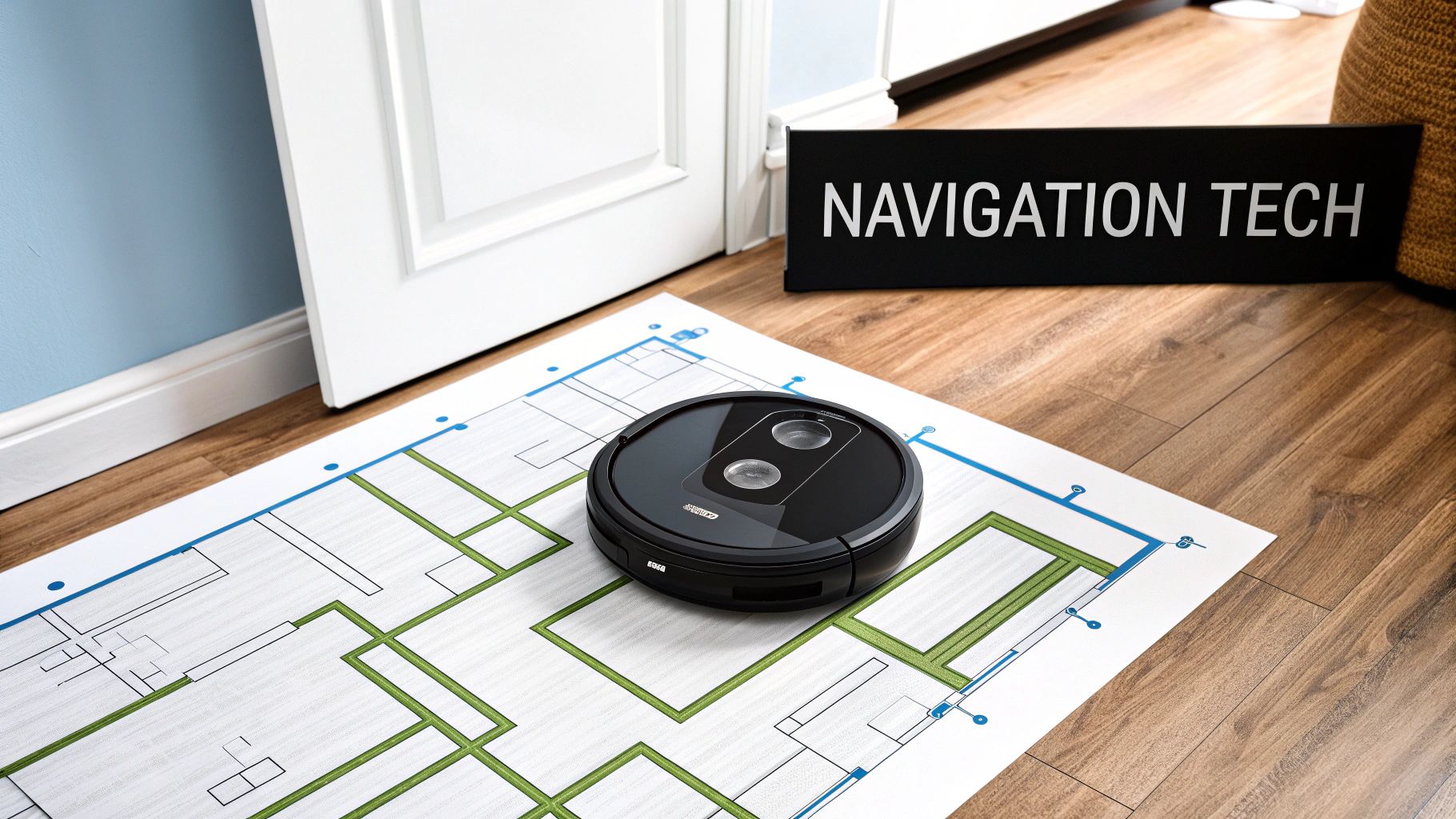
This isn’t just a spec on a box; it directly impacts how convenient the vacuum is day-to-day. The wrong choice leads to missed spots, constant rescue missions, and the nagging feeling that your "smart" device isn't very bright. Let's break down the three main technologies to see how they actually stack up in the real world.
LiDAR: The Precision Planner
LiDAR (Light Detection and Ranging) is the gold standard, and for good reason. You can spot these models by the spinning turret on top. That turret shoots out harmless laser beams, measuring distances to objects and creating a ridiculously accurate, 360-degree map of your home.
This constant mapping lets the robot clean in neat, methodical lines, so it covers every inch without wasting time going over the same spot twice. And since LiDAR doesn't need light to see, it works flawlessly in complete darkness—perfect if you like to run it overnight. The maps it generates in the app are also interactive, letting you draw no-go zones and virtual walls with a simple swipe of your finger.
- Best For: Larger, complex homes with lots of furniture and multiple rooms.
- Key Advantage: Unmatched mapping accuracy and totally reliable performance in any lighting.
- Real-World Example: In a two-story house, a LiDAR bot can save a map for each floor. It knows the moment it's upstairs and automatically uses the correct map and its specific no-go zones.
vSLAM: The Visual Observer
Instead of lasers, vSLAM (Visual Simultaneous Localization and Mapping) uses a camera to "see" its surroundings. It identifies unique features—the leg of a chair, a doorway, a piece of wall art—to build a map as it goes, almost like creating a mental blueprint by recognizing landmarks. This tech allows for a lower-profile design without that raised LiDAR turret, helping the vacuum sneak under low-clearance furniture where dust bunnies hide.
The catch? Its reliance on a camera means performance can get spotty in dim or dark rooms. While modern vSLAM has gotten much better, it can still get disoriented if the lighting changes dramatically mid-clean or if you move furniture around.
The real game-changer with vSLAM is AI-powered object recognition. Premium models use their cameras to identify and steer clear of specific obstacles like shoes, charging cables, and—most importantly—pet waste. This feature is a lifesaver for pet owners.
This intelligent avoidance is a massive differentiator. The ability to tell a sock from a clump of dust prevents the robot from smearing a mess everywhere, which is a common nightmare with less advanced systems. This makes high-end vSLAM models a powerful contender against LiDAR, especially if your floors are often cluttered.
Gyroscopic: The Methodical Navigator
Gyroscopic navigation is a huge leap from the old "bump-and-run" robots that just bounced around randomly. These vacuums use an internal gyroscope to track their turns and movement, allowing them to clean in more organized, back-and-forth patterns.
They don't create a permanent, interactive map of your home that you can edit. But they do have a sense of where they’ve been during a single cleaning run, which drastically reduces missed spots and redundant passes.
This technology hits a sweet spot between affordability and performance. You get methodical, efficient cleaning without the higher price tag of advanced laser or camera systems.
- Best For: Smaller apartments or homes with simple, open layouts.
- Key Advantage: Far more efficient cleaning than random-bounce models, but at a budget-friendly price.
- Limitation: It can't save maps or support features like no-go zones. If it gets stuck and you move it, it might lose its bearings and start its pattern all over again.
Ultimately, picking the right navigation comes down to your living space. For a large, busy home where precision mapping is king, LiDAR is the clear winner. For pet owners who value smart obstacle avoidance over perfect dark-room navigation, an AI-powered vSLAM model is an excellent choice. And for those in smaller, simpler homes who just want efficient, set-and-forget cleaning, a gyroscopic robot offers fantastic value for the money.
How Smart Are These Robots, Really? A Look at App Control and Features
Beyond raw power and navigation smarts, the app and its features are what separate a good robot vacuum from a great one. This is where you get the real day-to-day convenience—managing schedules, tweaking performance, and telling your robot exactly what to do from your phone. The difference between a clunky app and a polished one can make or break the entire experience.
This demand for convenience is fueling some serious growth. The United States robotic vacuum market, for example, was valued at around USD 1.63 billion in 2024. Experts predict it will soar to USD 4.29 billion by 2033, mostly because we all want our homes to be smarter and more automated. You can read the full research on this market growth to see just how big this trend is.
Think of the app as the command center for your robot. It’s your window into all the advanced features, making it a critical part of the puzzle when you're comparing models.
What to Expect From the App
The best companion apps are clean, quick, and don't make you hunt for settings. At a bare minimum, any app should let you start, stop, and send the vacuum home, plus set up a basic cleaning schedule. But the real magic happens in the premium models, where the app unlocks a ton of useful controls.
Here are the functions that truly matter:
- Interactive Mapping: This is the big one. The app should show you a detailed map of your floor plan, letting you label each room. It's the foundation for almost every other smart feature.
- No-Go Zones & Virtual Walls: An absolute must-have. You need the ability to draw a line or a box on the map to block off areas you don't want the robot to touch, like the dog's water bowl or a floor full of LEGOs.
- Room-Specific Cleaning: Instead of being forced to clean the whole house, this lets you just tap "Kitchen" on the map and send the robot to tackle that one area. It's perfect for quick, targeted cleanups.
- Cleaning History: A good app keeps a log of every cleaning job, showing you a map of exactly where the robot went and for how long. It's great for checking if it missed a spot.
These features are what turn a robot from a blunt instrument into a precision cleaning tool that understands the layout of your home.
The true test of a great app isn't just its features—it's reliability. There's nothing more infuriating than an app that constantly disconnects, forgets your map edits, or crashes when you’re trying to set a schedule. I always recommend reading user reviews specifically about the app's stability; it’s just as important as the hardware specs.
Smart Home and Voice Control
For anyone building a connected home, how the robot plays with others is key. Integration with Amazon Alexa and Google Assistant is pretty standard now, but the quality of that integration varies wildly.
Most robots can handle basic commands like, "Alexa, tell RoboVac to start cleaning." That’s table stakes.
The more advanced models let you get much more specific. Being able to say, "Hey Google, tell Roborock to clean the kitchen and the living room," or "Alexa, tell Roomba to vacuum around the dining table" is a game-changer for handling messes on the fly. This kind of deep integration is a core part of a modern smart home. If you're building out your ecosystem, our smart home hub comparison can help you figure out how all the pieces fit together.
Next-Level Convenience Features
Beyond the app, some hardware features are popping up that push the "smart" experience even further. Self-emptying docks have quickly become a fan favorite. They automatically suck the debris out of the robot's tiny bin and store it in a much larger bag in the dock. This takes you from emptying the bin every day to maybe once a month.
The latest and greatest innovation is the all-in-one station with self-washing and self-drying mops. These advanced docks not only empty the dustbin but also wash the dirty mopping pads with clean water, then dry them with hot air to stop them from getting smelly. They're expensive, sure, but they offer the closest thing we have to a completely hands-off floor cleaning system.
Maintenance and Long-Term Value: What's the Real Cost?
The sticker price on a robotic vacuum is just the beginning of the story. If you want to make a smart investment, you have to think about the total cost of ownership. This goes beyond the initial purchase and includes routine maintenance, how much you'll spend on replacement parts, and frankly, how long the machine will last.
After all, the hands-off convenience you're buying disappears fast if you're constantly having to fiddle with it or shell out for expensive parts. You'd be surprised how much simple design choices can impact your daily life with one of these little robots.
A Look at Day-to-Day Upkeep
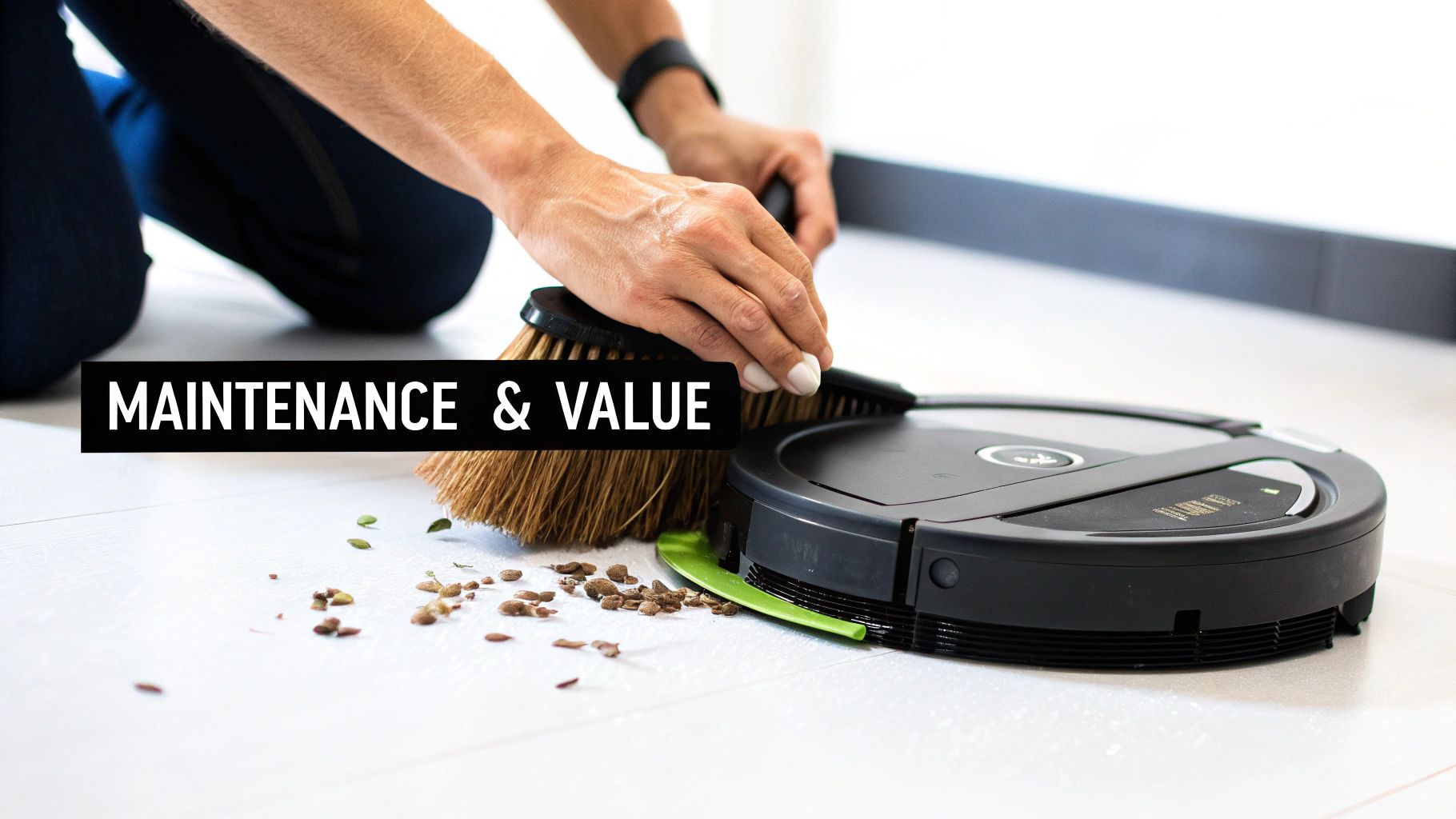
Every robot vacuum needs some basic care to keep it running at its best. The real difference between models is how much of a headache that care becomes. For example, if you have pets, models with tangle-free rubber brushes are an absolute game-changer. They drastically cut down the time you'd otherwise spend with a pair of scissors, freeing hair from a traditional bristle brush.
Here are the common chores you’ll be doing, so pay attention to how easy each model makes them:
- Replacing Filters: Most robots use HEPA or similar filters that you’ll need to swap out every 1-3 months. Before you commit, do a quick search on the cost and availability of these filters. Some brands can be surprisingly pricey.
- Cleaning Brushes: Even the best "tangle-free" designs will eventually collect some gunk. The main roller and side brushes need to be cleaned periodically. Look for models where these parts pop out easily, without you needing to grab a screwdriver.
- Wiping Down Sensors: Cliff sensors and navigation cameras are the robot's eyes. If they get dusty, the robot can get clumsy. A quick wipe-down is all it takes to prevent it from taking a tumble down the stairs or getting lost.
The Hidden Cost of Self-Emptying Docks
A self-emptying station is an amazing feature, but it comes with a recurring expense. The vast majority of these docks use disposable bags that can hold about 30-60 days' worth of debris. That means you'll be buying new bags a few times a year, which can add $20 to $60 to your annual running costs.
A few newer models have bagless self-emptying systems. These can save you money in the long run but often require you to clean the station's internal filter yourself. It’s a classic trade-off: ongoing cost versus a bit more hands-on maintenance.
A small but important factor people often forget is the electricity needed to keep the dock powered on 24/7. It's not a lot, but it does add to the overall cost of ownership. If you're curious about how various devices contribute to your bill, you can learn more about home appliances and their electricity consumption.
Brand Reputation and How Long It'll Last
A vacuum that keeps working for five years is a much better deal than one that dies after two, even if it costs more upfront. This is where brand reputation really matters. Established brands tend to offer better warranties and, crucially, make it easier to find replacement parts like batteries or wheels years later.
As the market for these devices continues to grow—driven by better smart home features and smarter AI navigation—choosing a brand with a proven track record is more important than ever. You want a company that will still be around to support your device in a few years. You can read more about this market trend at Research Nester.
When you're comparing your options, look past the shiny features and check the warranty. Most offer one year, but some premium brands will give you two. I highly recommend reading user reviews that talk specifically about longevity or their experiences with customer service. That’s where you’ll get the real scoop on what to expect down the line. A well-built machine from a company that stands behind its product is your best bet for a good long-term investment.
A Few Final Questions You Might Have
Even after comparing all the specs and features, a few lingering questions often pop up right before you decide. It's perfectly normal. Getting these last-minute uncertainties cleared up is the final step to choosing a robot vacuum you'll actually love using.
Let's tackle some of the most common questions I hear, from how these things handle the ultimate test—thick carpet and pet hair—to whether those 2-in-1 mopping features are actually worth the extra money. We'll even get into the important topic of privacy with camera-equipped models.
How Well Do They Really Handle Thick Carpet and Pet Hair?
This is the big one for a lot of people, especially pet owners. The honest answer? It really comes down to the specific model's power and design. If you have plush carpets and a furry friend, suction power is non-negotiable. You'll want a machine that boasts at least 4,000 Pa to have enough oomph to pull stubborn hair and dirt from deep within the carpet fibers.
But suction is only half the battle. You absolutely need to look at the brush design. Models that use silicone or bristle-free rollers are a game-changer. They resist getting tangled with long hair, which saves you the headache of constantly having to flip the robot over and perform surgery with a pair of scissors. Traditional bristle brushes just can't compete here.
Many of the better vacuums also have a "carpet boost" feature, which is exactly what it sounds like. The bot automatically cranks up the suction the moment it senses it's on a carpet, giving it a deep clean where it's needed most and saving battery on your hard floors. It's a smart feature that makes a real difference.
If you're a pet owner, you know the nightmare scenario: the robot meets an accident and… well, you know. To avoid this, look for models with top-tier AI object recognition, like the iRobot Roomba j7+ or Roborock S7 MaxV. They are specifically trained to see and steer clear of pet waste.
Are The Hybrid Vacuum and Mop Models Worth It?
This is a classic "it depends" situation. These 2-in-1 hybrids are fantastic for maintaining a certain level of clean, especially if your home has a lot of hard floors. They do a great job of wiping up daily dust, footprints, and light spills, keeping your floors looking consistently fresh.
That said, you need to have realistic expectations. A robot mop is not going to replace a good old-fashioned deep scrub. They're maintenance tools, not deep cleaners. Think of them as daily polishers, not grime busters for tackling sticky, dried-on messes. Their little water tanks and pads just aren't built for that kind of heavy lifting.
- Who are they great for? People with mostly hard floors who want to automate the daily wipe-down.
- Who should think twice? Anyone needing to regularly scrub away serious grime or caked-on kitchen spills.
So, if your main goal is to keep things tidy day-to-day and push your manual mopping sessions further apart, a hybrid model is an absolutely brilliant investment.
What About Privacy and Vacuums With Cameras?
This is a totally valid concern. When a robot uses a camera for navigation (vSLAM) or AI-powered obstacle avoidance, you're essentially letting a rolling camera map the inside of your home. It's smart to ask where that data goes.
The good news is that reputable brands have put a lot of thought into this. Most high-quality vacuums process the visual data locally, right on the device itself. This means the images it uses to see and map your rooms never get uploaded to the cloud or stored anywhere long-term.
Before you buy, it’s always a good idea to check out the manufacturer's privacy policy. Here’s what you want to see:
- A clear statement about on-device processing.
- Commitment to data encryption for any info that does need to be sent (like for app functionality).
- A straightforward explanation of what data is collected and why.
Not too long ago, a security researcher found that some brands could get remote access to their devices, which really highlights why choosing a transparent company is so important. Sticking with a brand that has a solid reputation for security gives you peace of mind, so you can enjoy a clean home without worrying about your privacy.
At Automated Home Guide, our goal is to help you confidently navigate the world of smart home tech. For more in-depth reviews and expert guides to help you build a smarter and more efficient home, please visit us at https://automatedhomeguide.com.










Leave a Reply